





Business Solutions
Flic Buttons via Cellular
- NB-IoT, 4G CAT.1, CAT.M and GSM
- Zero Setup
- Unlimited Buttons

Connectivity Everywhere
Connect Flic Buttons via LTE-M or NB-IoT — no WiFi, no Ethernet, no IT approvals needed. Deploy anywhere with cellular coverage.

Rugged & Waterproof
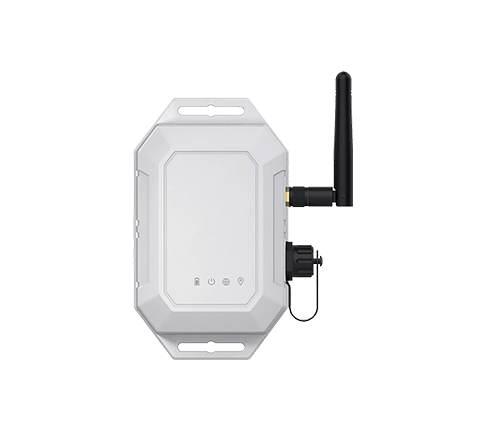
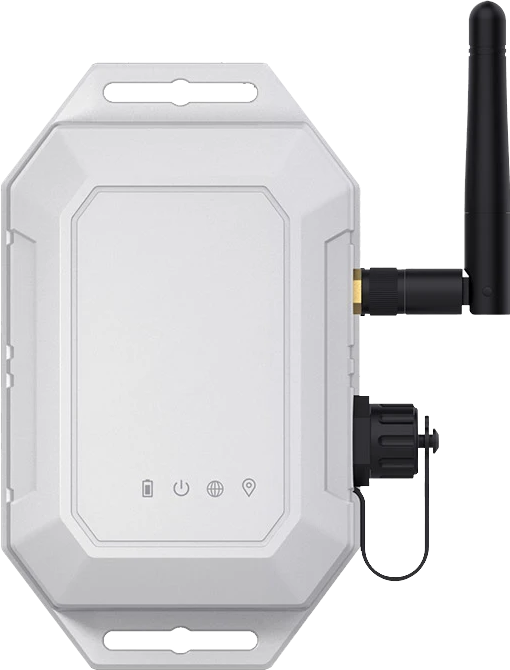
IP67-rated and built for harsh conditions, the Flic IoT Gateway is approved for outdoor use. Dust-tight, waterproof, and engineered to keep running through rain, heat, and cold.
Battery Backup
A built-in backup battery keeps the gateway running for up to 3 days without external power, so it survives power outages and stays online when it matters.

Secure & Resilient
Every button event is signed on hardware and verifiable all the way to the webhook. Every event is stored at button and gateway level, so no button event is ever lost.

NB-IoT, 4G CAT.1, CAT.M and GSM
Up to 100 meter (328 ft.) button range
Bluetooth Low Energy Long Range
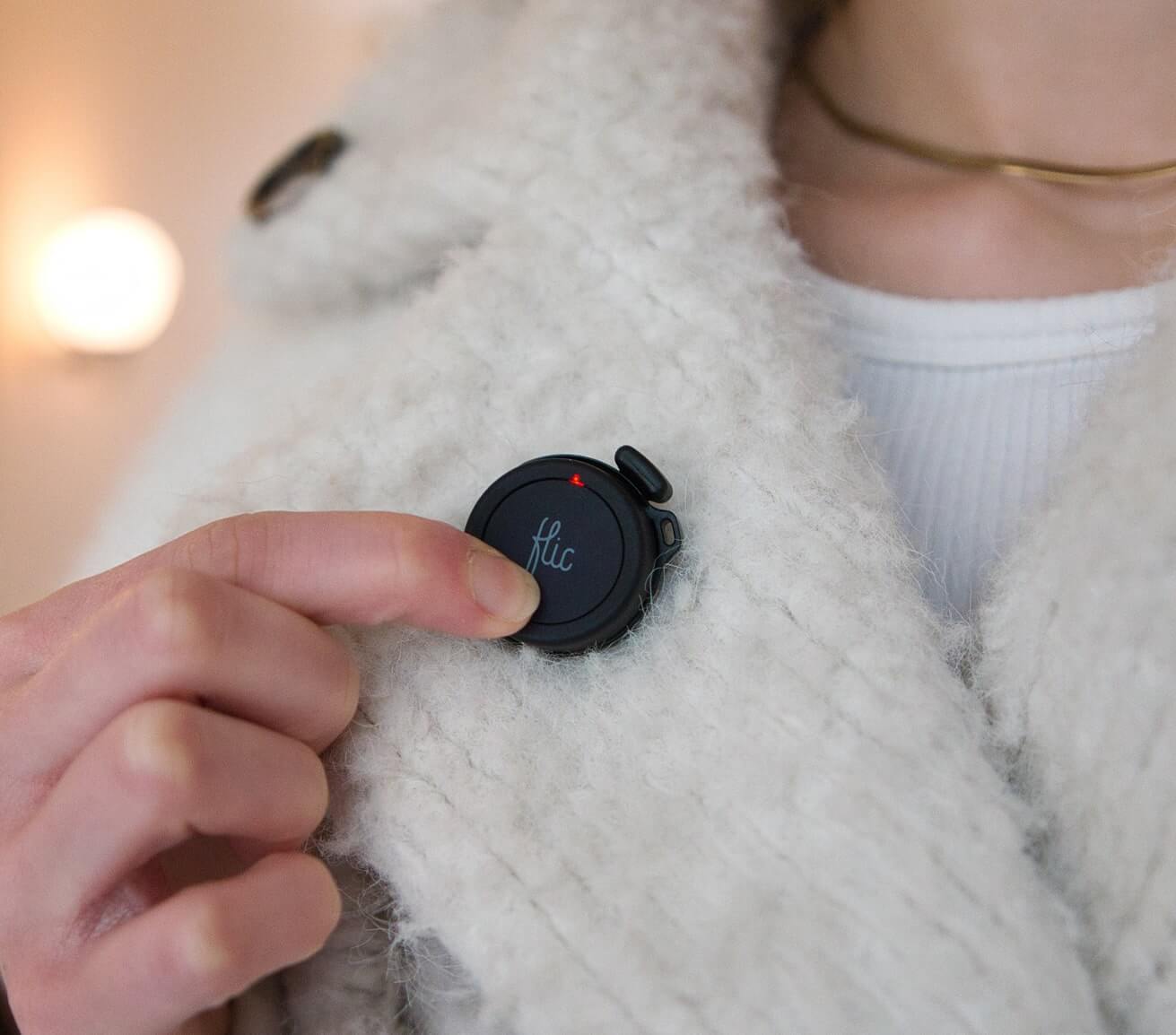
Unlimited Flic Buttons
Works globally
Monitor and configure in Flic Device Manager
Gateway solutions for every environment
Remote Deployments

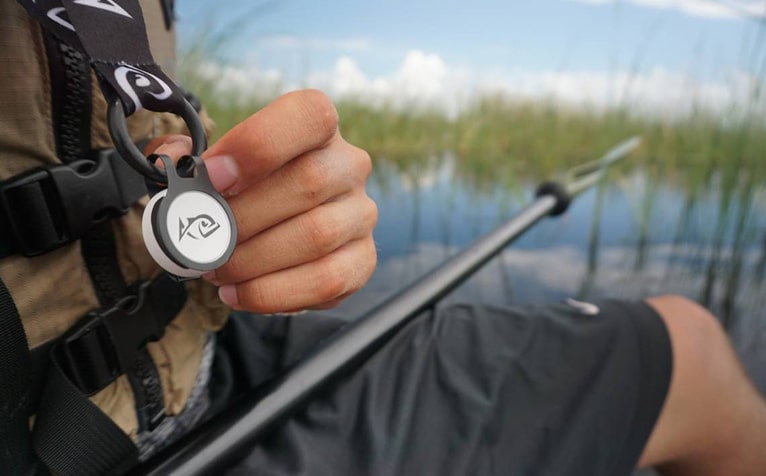
Outdoor & Field Operations

Enterprise Network Environments

Large-Scale Button Fleets

Zero Setup





Flic IoT Gateway works across every industry

Healthcare
Easily check in with caregivers or send alerts and requests, streamlining communication and promoting efficiency in healthcare settings.
Learn More

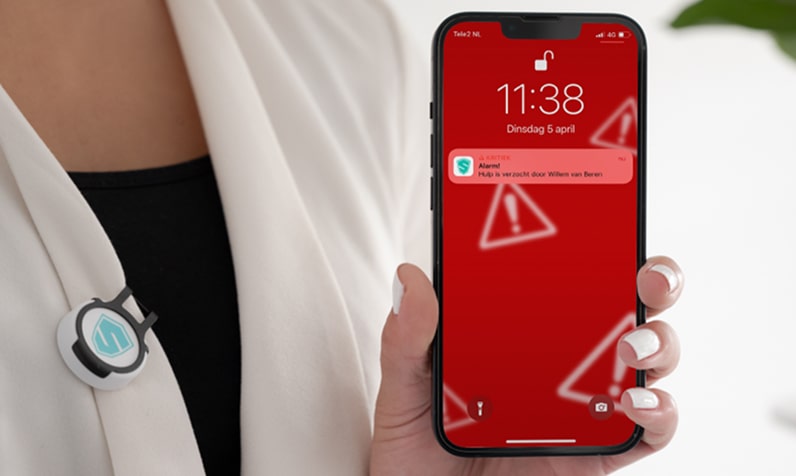
Personal Safety
Alarm buttons to share location and send updates without a need to touch the phone, enhancing personal safety by providing quick and discreet communication in urgent situations.
Learn More

Sports
Count score, track repts, trigger timer, with built in buttons or remote app triggers, making it easy to monitor progress of your fitness routines.
Learn More

Logistics
Communicate easily with your workers and machines, whether coordinating tasks, signaling for assistance, or managing operations.
Learn More

Facility Management
Whether it's streamlining communication, triggering specific actions, or automating routine processes, Flic buttons provide a quick and efficient solution to boost overall workplace productivity.
Learn More

Retail
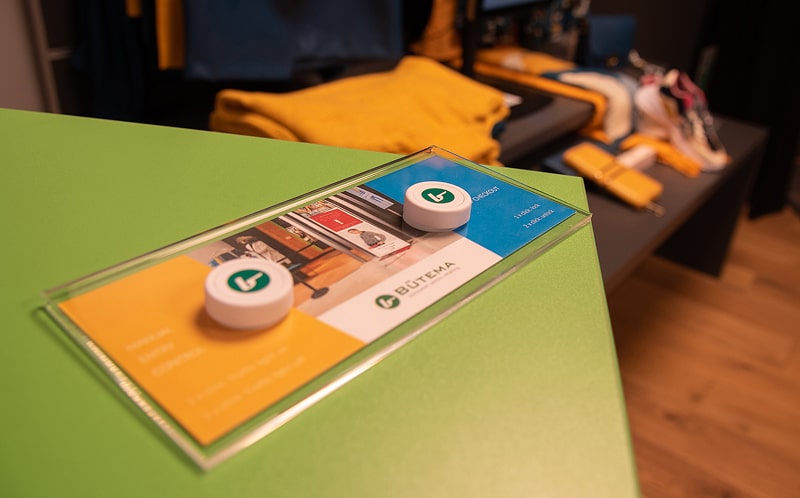
Provide support precisely when and where their staff and customers need it, by offering a quick and accessible means of communication.
Learn More

Lone Worker
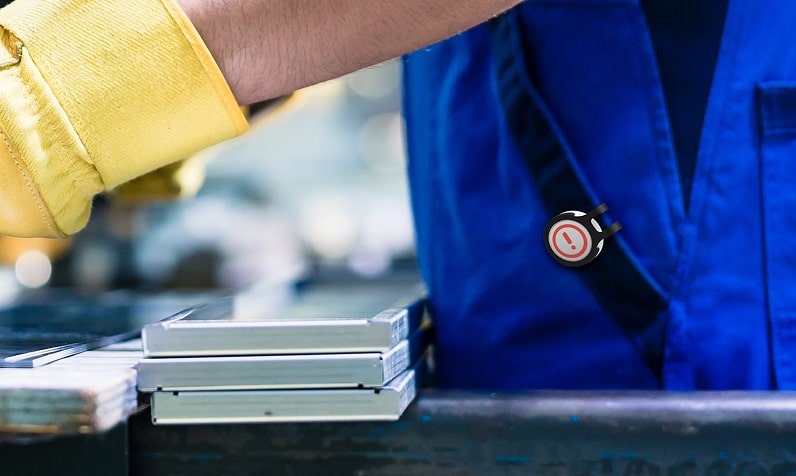
Simplify and streamline your workers' tasks with intuitive physical buttons for key functions.
Learn More

Automotive
Ensure onboard connectivity for drivers is simple and secure. Empower users with physical buttons for key functions.
Learn More

Schools & Child Care
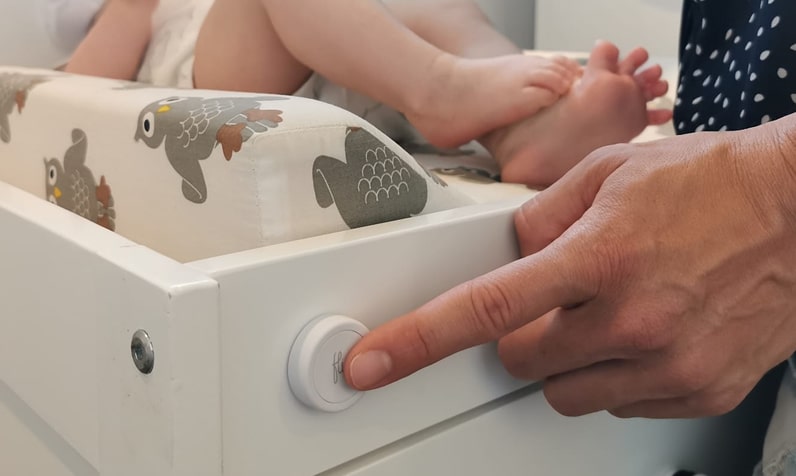
Track activities, boost efficiency, and simplify operations in schools, daycares, and child-centric businesses with Flic buttons.
Learn More
Remote & Rural Areas
The IoT Gateway connects over LTE-M or NB-IoT, making it the ideal solution for sites far from any fixed network – from countryside facilities to isolated worksites.
Enterprise Environments
Skip lengthy IT security reviews entirely. The gateway operates on its own cellular connection, independent from any corporate network, so deployment takes minutes instead of months.

Outdoor & Field Operations
From construction sites to outdoor event venues, the Flic IoT Gateway delivers cellular connectivity where running cable or installing access points simply isn't an option.


Flic for Business Use
Connect Buttons Anywhere
The Flic IoT Gateway removes the last barrier to smart button deployments – network dependency. Whether you need buttons in a remote warehouse, an outdoor field operation, or a corporate site where IT approval is too complex, the gateway gives you cellular connectivity out of the box. Pair it with Flic Device Manager and you have a complete, centrally managed solution. Customize your Flic Buttons with your own logo or branding to make every deployment uniquely yours.
Tech Specs
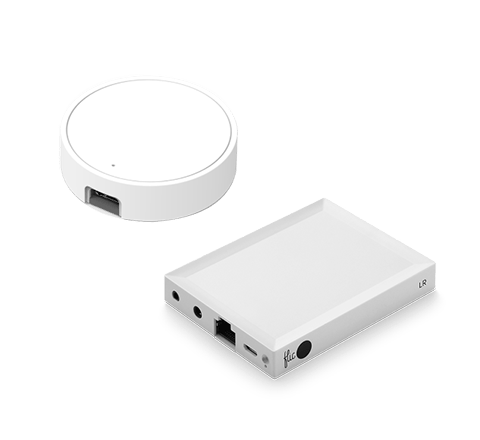
Flic IoT Gateway
| Mechanics | |
|---|---|
| Material | ABS+PC |
| Color | Grey |
| Dimension (L × W × H) | 122.4 × 72.9 × 33.8 mm (external wires not included) |
| IP Rating | IP67 |
| Bluetooth | |
| Chip | nRF52840 |
| Bluetooth Protocol | BLE 5.0 (supports 1M / 2M / Coded LE PHY) |
| Bluetooth Mode | Scanning and advertising |
| Antenna | External / internal antenna is optional |
| Range | Up to 100 meters (328 ft.) |
| Environment | |
| Operating Temperature | -20 ºC ~ 60 ºC |
| Storage Temperature | -30 ºC ~ 70 ºC |
| Humidity | Maximum 95% non-condensing RH |
| Cellular | |
| Type | Optional Connectivity Versions: CAT.1 / NB-IoT / CAT.M / GSM |
| Band | Global bands |
| Hardware | |
| Power Supply | Main: 4.8V–60V DC power supply Backup: 3200 mAh Li-ion rechargeable battery, lasting up to 4 days |
| LED | 4 × RGB LED (to indicate Power, Switch, Cellular and GPS status) |
| GNSS | |
| Galaxy | GPS, Beidou |
| Accuracy | 2.5 m – 10 m (GPS fixed) |
| TTFF | Cold start: ≤ 32 s; Warm start: ≤ 10 s; Hot start: ≤ 1 s |
| Antenna | Internal |
| Backup | Cell tower location (LBS) fallback for positioning when GNSS can’t get a fix |
Questions and answers
1. What is the Flic IoT Gateway?
The Flic IoT Gateway is a cellular-connected hub that links Flic Buttons to the cloud via LTE-M or NB-IoT. It enables smart button deployments without any reliance on WiFi or Ethernet, making it ideal for remote, outdoor, or enterprise environments.
2. What cellular standards does the gateway support?
The Flic IoT Gateway supports LTE-M (LTE-MTC/Cat-M1) and NB-IoT (Narrowband IoT) — both are low-power wide-area network (LPWAN) standards optimized for IoT devices, offering broad coverage and long battery life on connected sensors.
3. When would I use the IoT Gateway instead of a WiFi hub?
The IoT Gateway is the right choice when WiFi or Ethernet is unavailable, impractical, or restricted. Common scenarios include outdoor or remote locations, temporary deployments, and enterprise environments where IT security assessments make connecting new devices to the corporate network complex or time-consuming.
4. Can the gateway be used outdoors or in remote areas?
Yes. Because the Flic IoT Gateway uses cellular connectivity, it works anywhere with LTE-M or NB-IoT coverage — including outdoor sites, rural areas, and locations far from any fixed network infrastructure.
5. How does the gateway connect to Flic Device Manager?
Once powered on and connected to the cellular network, the gateway automatically registers with Flic Device Manager. All button events are delivered to the cloud platform in real time, with no manual configuration needed.
6. How many Flic Buttons can the gateway support?
The Flic IoT Gateway can handle an unlimited number of Flic Buttons. There is no pairing cap, making it fully scalable for large deployments across a single site or multiple locations.
7. How are buttons paired with the gateway?
Button pairings are provisioned automatically and seamlessly through Flic Device Manager. There is no manual pairing process — just press a button within range of the gateway and it is registered and ready to use.
8. What does "zero setup" mean for the Flic IoT Gateway?
Zero setup means you can plug in the gateway, press a Flic Button, and immediately have events delivered to Flic Device Manager. No network configuration, no IT involvement, and no pairing wizard required.
9. How do I get started with the Flic IoT Gateway?
Simply plug the gateway into a power source. It connects to the cellular network automatically. Press any Flic Button within range and the event appears in your Flic Device Manager dashboard, ready to be routed to your service.
10. What is Flic Device Manager?
Flic Device Manager is a subscription-based cloud console that lets administrators remotely deploy, configure, monitor, and manage all gateways and buttons from a central dashboard. It provides event logs, battery and connectivity status for enterprise-scale deployments.
11. How do I integrate gateway button events into my own service?
Flic Device Manager supports webhooks, allowing button events to be sent instantly to any external service or API. You can also use built-in integrations to trigger email or SMS notifications without writing any code.
12. What built-in notification options are available?
Out of the box, Flic Device Manager supports email and SMS (text message) notifications triggered directly by button presses. For custom workflows, webhooks allow you to connect button events to virtually any external platform or service.
13. What is the button range of the Flic IoT Gateway?
Flic Buttons communicate with the gateway using Bluetooth Low Energy Long Range, with a range of up to 50 meters. This allows buttons to be spread across a large area while all connecting to a single gateway.
14. What type of Flic Buttons work with the gateway?
The Flic IoT Gateway is compatible with Flic 2 Buttons, which use Bluetooth Low Energy Long Range technology. The same buttons work across all Flic hubs and gateways, so existing button fleets can be migrated to cellular connectivity without replacing hardware. Flic buttons need to be registered as Cloud Buttons in Flic Device Manager to connect to a Flic Gateway.
15. Does the gateway require a SIM card?
The gateway comes with built-in cellular connectivity. Contact us for details on data plan options for your region and deployment scale.
16. How do I manage a large fleet of gateways and buttons?
For enterprise use, Flic Device Manager provides a centralized dashboard to oversee all gateways and buttons. The premium tier includes:
-
Audit Logs & Monitoring
An immutable record of button events for compliance and reporting purposes. -
Battery and Connectivity Status
Proactive monitoring of connection status of gateways and button battery levels ensures no button goes offline unexpectedly, keeping your deployment fully operational. -
Remote Configuration
Replace buttons by simply tagging the button with meta data to map to functions within your system remotely from the dashboard, without any on-site visits. -
Usage Reports & Analytics
Track button press activity across all sites to identify usage patterns and optimize your deployment.
For more information, contact sales.
17. Can we customize the buttons with our branding?
Yes, subject to a minimum order quantity, Flic allows businesses to customize buttons with printed logos. Contact sales for more information.
18. What colors are available for bulk button orders?
For business solutions, standard bulk buttons are typically available in white and black.
19. How are products shipped for large business orders?
Shipped securely via International Couriers with tracking numbers.
20. Is the cellular data connection secure?
Yes. All data transmitted between the gateway and Flic Device Manager is encrypted. All button events are signed on button, transmitted over secure pairing to gateway and validated to ensure authenticity. The cellular connection provides a private, dedicated data channel entirely separate from any local network infrastructure.

Deploy Flic Buttons Anywhere with Cellular Connectivity
Ready to run Flic Buttons without WiFi or Ethernet? The Flic IoT Gateway makes it possible – in remote areas, outdoors, or in enterprise environments where IT security makes network access complex. Contact us to find the right setup for your deployment.
- NB-IoT, 4G CAT.1, CAT.M and GSM
- Zero Setup
- Unlimited Buttons
