











Highlights
Keynote
Start and control presentations seamlessly by clicking your Flic buttons to advance to the next or previous slide.
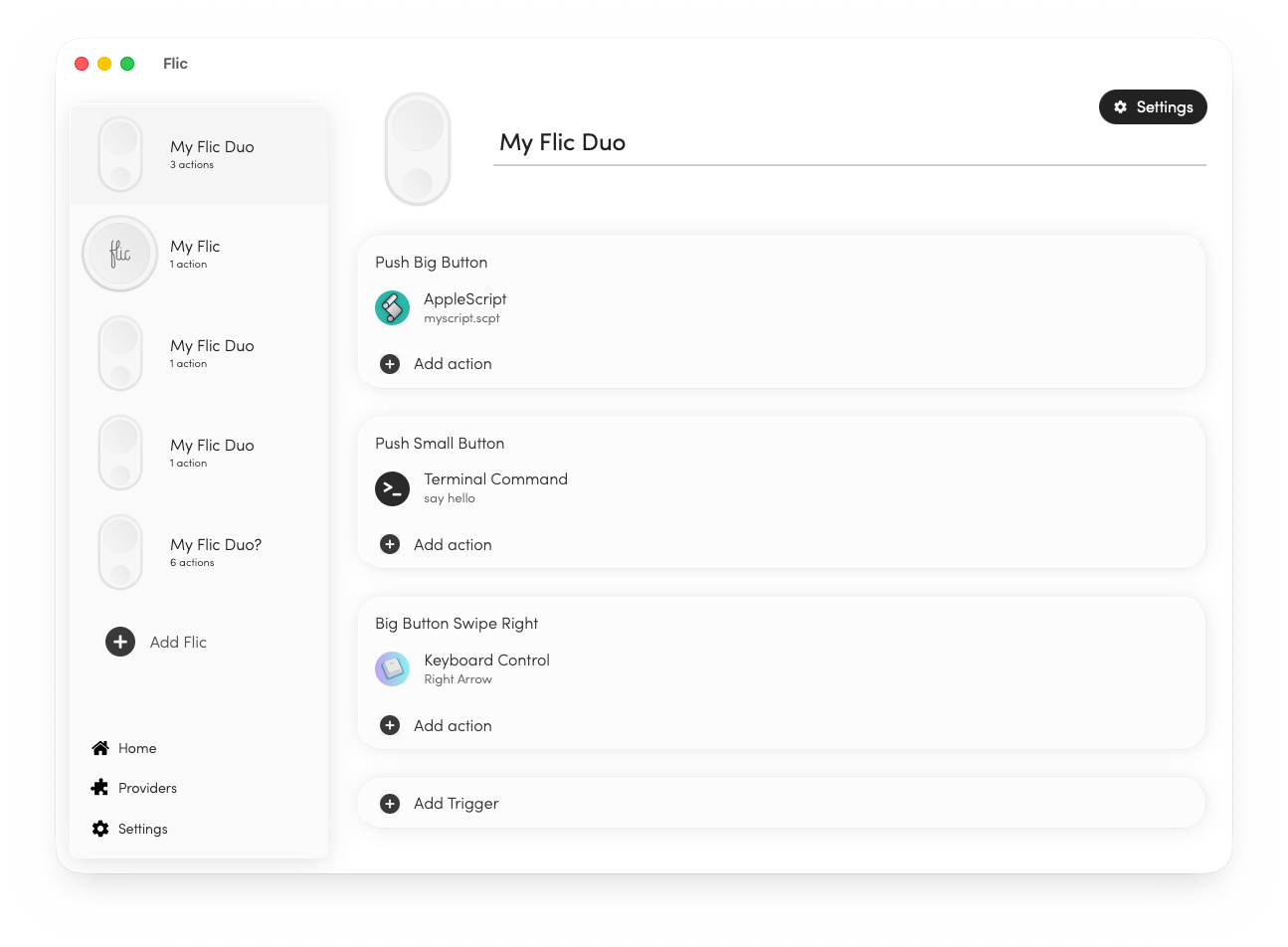
AppleScript
Automate your workflow directly by running custom AppleScripts on your Mac for infinite customization.
Terminal Command
Run any advanced terminal commands or execute complex bash shell scripts at the push of a button.
MQTT
Hook your buttons up with an MQTT broker to deliver real-time events and natively integrate into any MQTT-based system.
HTTP request
Send customizable HTTP requests with buttons to trigger webhooks, endpoints, or RESTful APIs perfectly.
Keyboard Command
Trigger specific keyboard shortcuts and simulate complex key presses to control any application automatically.
Keyboard Shortcuts
Simulate any keyboard command to directly control your favorite apps.
Perfect for executing tasks while not within reach of your keyboard or when you simply can't keep track of all the combinations.

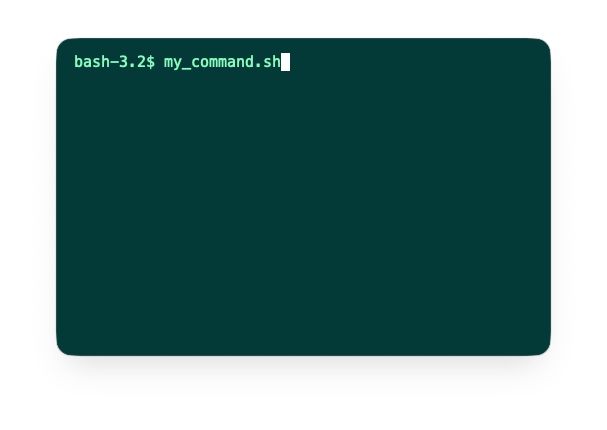
Powerful Scripting
Trigger custom shell commands or Apple Scripts to initiate complex workflows. Whether you need to launch a series of apps, toggle system settings, or automate your development environment, our scripting integration provides endless possibilities.
Combine the physical simplicity of Flic with the power of macOS automation to create the ultimate productivity shortcut for any task.
Robust MQTT integration
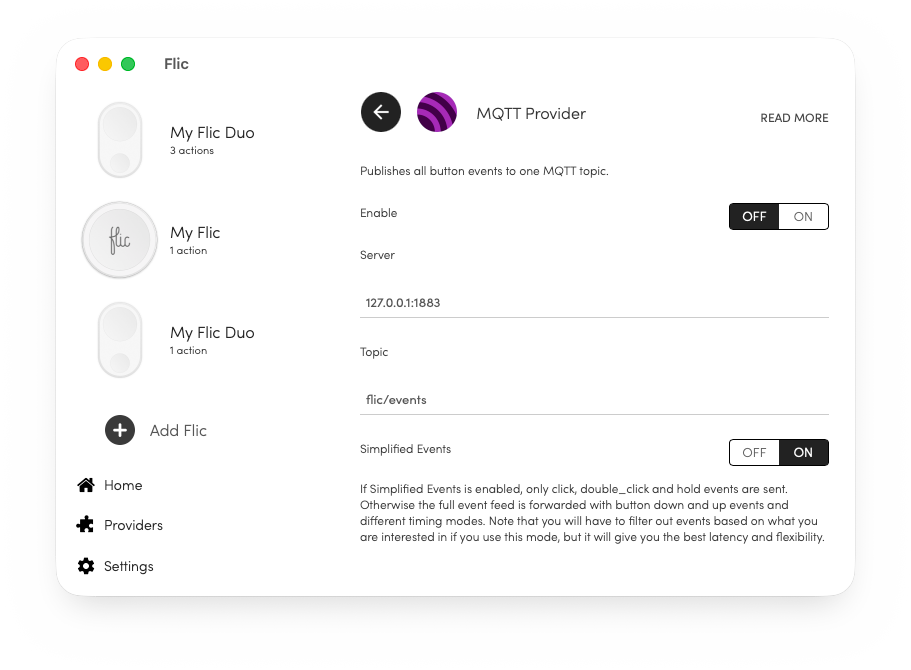
Send specific messages on topics on a trigger or divert all button events to a MQTT broker, either locally or a hosted one, through our new MQTT Provider.
Choose between simple events, like push, double-push and hold, or tap into the raw datastream to make advanced gestures and custom push patterns.
MIDI Control
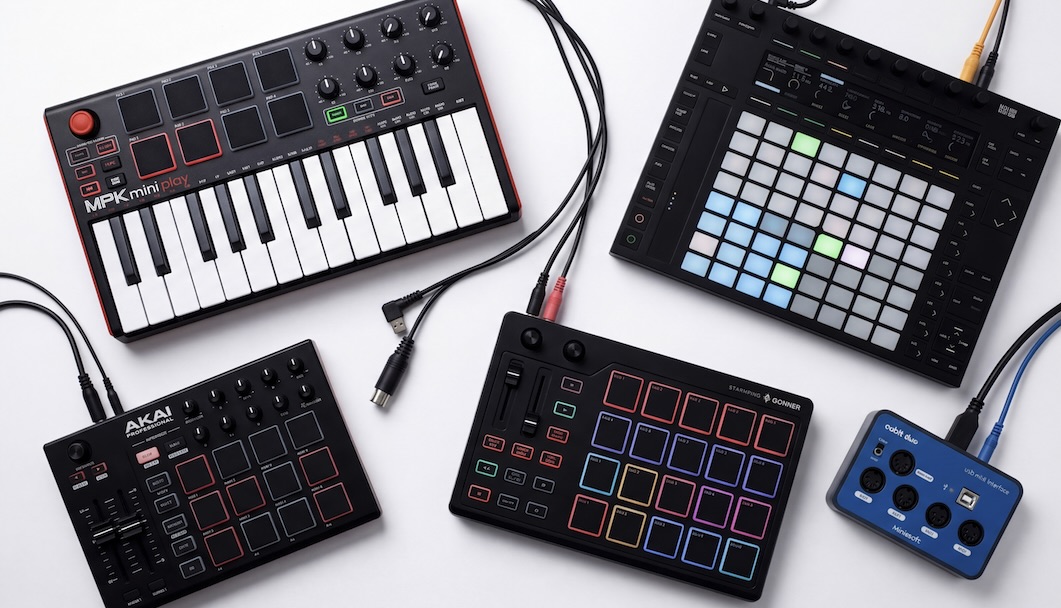
Send MIDI messages to apps running on your computer. Pefrect for remote access to useful commands in Apple Logic Pro, GarageBand, OBS and more.
Control your recording session from the vocal booth or trigger backing tracks and stage lighting automations during performances.
Download for Apple Silicon
Legacy Version
Note that the new mac app is using a new App ID, meaning your old configurations will not be moved over to the new app. To access your old configurations you can get the legacy mac app here.