






The Home Assistant Button
Local, instant control of Home Assistant. Pair Flic straight to your Home Assistant server. No hub, no cloud.
Benefits of using Flic with Home Assistant
Runs Locally
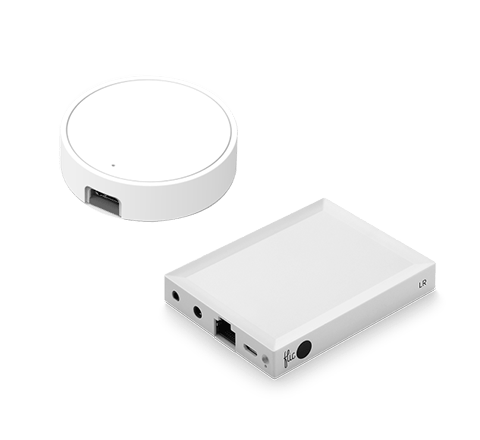
Flic talks straight to your Home Assistant server over Bluetooth. No Flic Hub, no cloud account and no internet connection needed.
Every Gesture is a Trigger
Push, double push, hold, swipes, twists and a 12-position selector all show up as Home Assistant events, ready for your automations and scripts.
Instant Response
Events are pushed to Home Assistant the moment you press. No polling and no waiting, so your lights react as fast as a wall switch.
Set up Home Assistant with Flic
It’s built in. No add-ons, no Hub.
1
Add Flic to your Home Assistant
In Home Assistant, go to Settings › Devices & services › Add Integration and choose “Flic”. Or open it directly with the Open in Home Assistant link. You need Home Assistant 2026.11 or later with Bluetooth on your server.
2
Press & hold Flic to add it
Hold your Flic for 6 seconds (1.5 seconds if it’s new) to put it in pairing mode. It stays ready for 30 seconds. Make sure it isn’t connected to the Flic app or a Flic Hub first.
3
Bind triggers to your workflows
Each button shows up in Home Assistant with its own events, like Single push, Double push and Hold, plus swipes and twists on Flic Duo and Flic Twist. Use them to trigger any automation or script.
Flic connects to your Home Assistant server as a Bluetooth button, so place it within Bluetooth range of your Home Assistant server. Everything runs locally: button events go straight to Home Assistant without a Flic Hub, the Flic app or the cloud. Each Flic connects to one controller at a time.
Control your whole home with Home Assistant

Lights Without the App
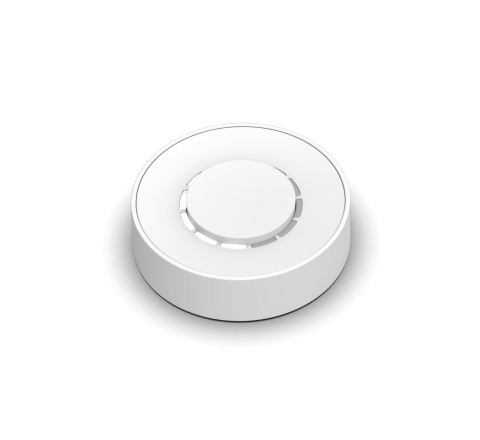
Put a Flic Twist on the wall and dim your lights the way you always have. Push to toggle, turn to dim. The Twist position comes through as a 0–100% value you can map straight to brightness.

Leaving Home in One Push
Place a Flic 2 by the front door. One push turns off every light, sets the heating to away and arms your alarm, so you never have to open a dashboard on your way out.

A Remote for the Living Room
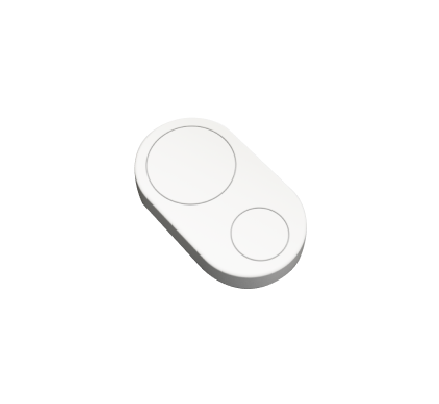
Flic Duo gives you two buttons, swipes in four directions and turning while held. Swipe to change scenes, turn to adjust the volume and double push for movie mode, all from one small remote.

Pick a Room, a Speaker or a Scene
Switch Flic Twist to selector mode and the dial becomes 12 positions, each with its own value in Home Assistant. Turn to choose a room, a speaker or a scene, then push to run it.
Bedside Control
Keep a Flic next to your bed. Push for the reading light, hold for good night: every light off, doors locked and the alarm set, without picking up your phone.

Focus in the Home Office
A Flic on your desk sets up your workspace in one push: focus lighting, notifications muted and a busy light on the door. Double push when the meeting starts, hold when you’re done for the day.


“I have to say I like them a lot. If you live in a household where some of you like smart home kit and others are more skeptical, these buttons could be a great way to bridge the gap.”

“There are many possibilities for using but- tons, but you can rarely find such a versatile and universal product as the Flic buttons. [...] It is hard not to recommend this product.”

“Flic is the easiest to use and best performing of the ever-increasing smart button bunch”

“If you have got a smart home setup going, you can use it to dim the lights and launch Netflix with one touch. If you are jogging at night, you can use it as a panic button, configuring it to send your location in the event of trouble. [...] You can probably use Flic to do it without taking your phone out of your pocket."

Sticks to any Surface
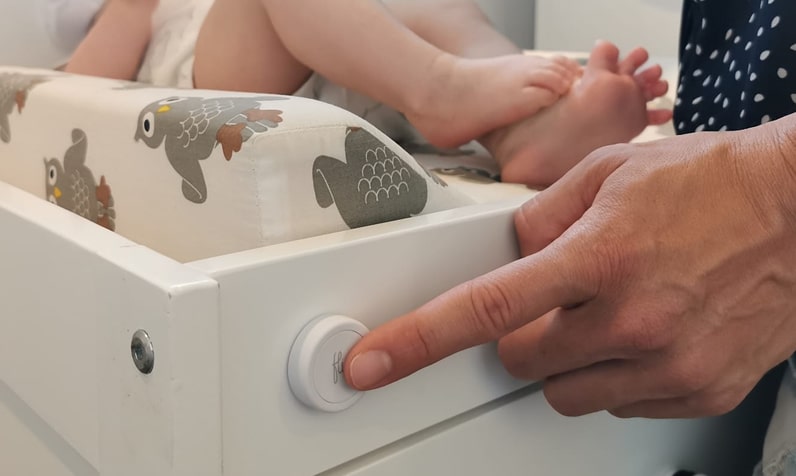
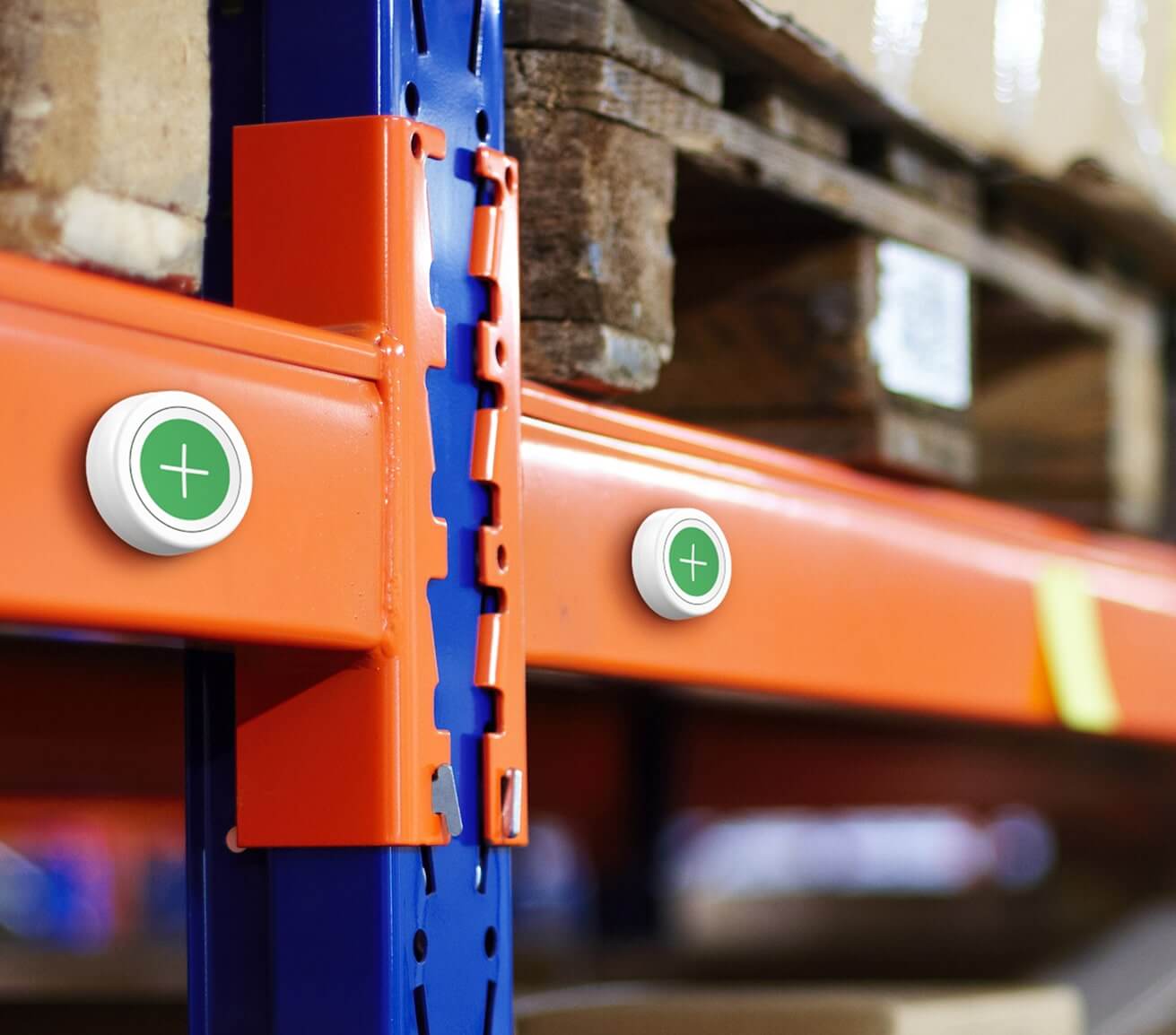
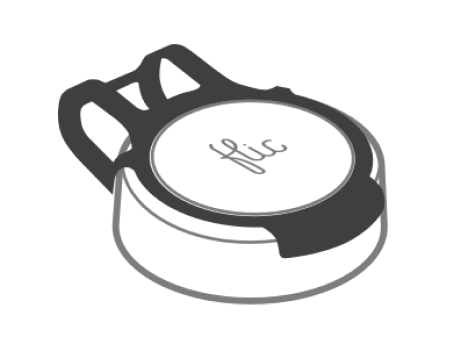
Re-usable adhesive works like a magnet but for any surface.
Take it with you
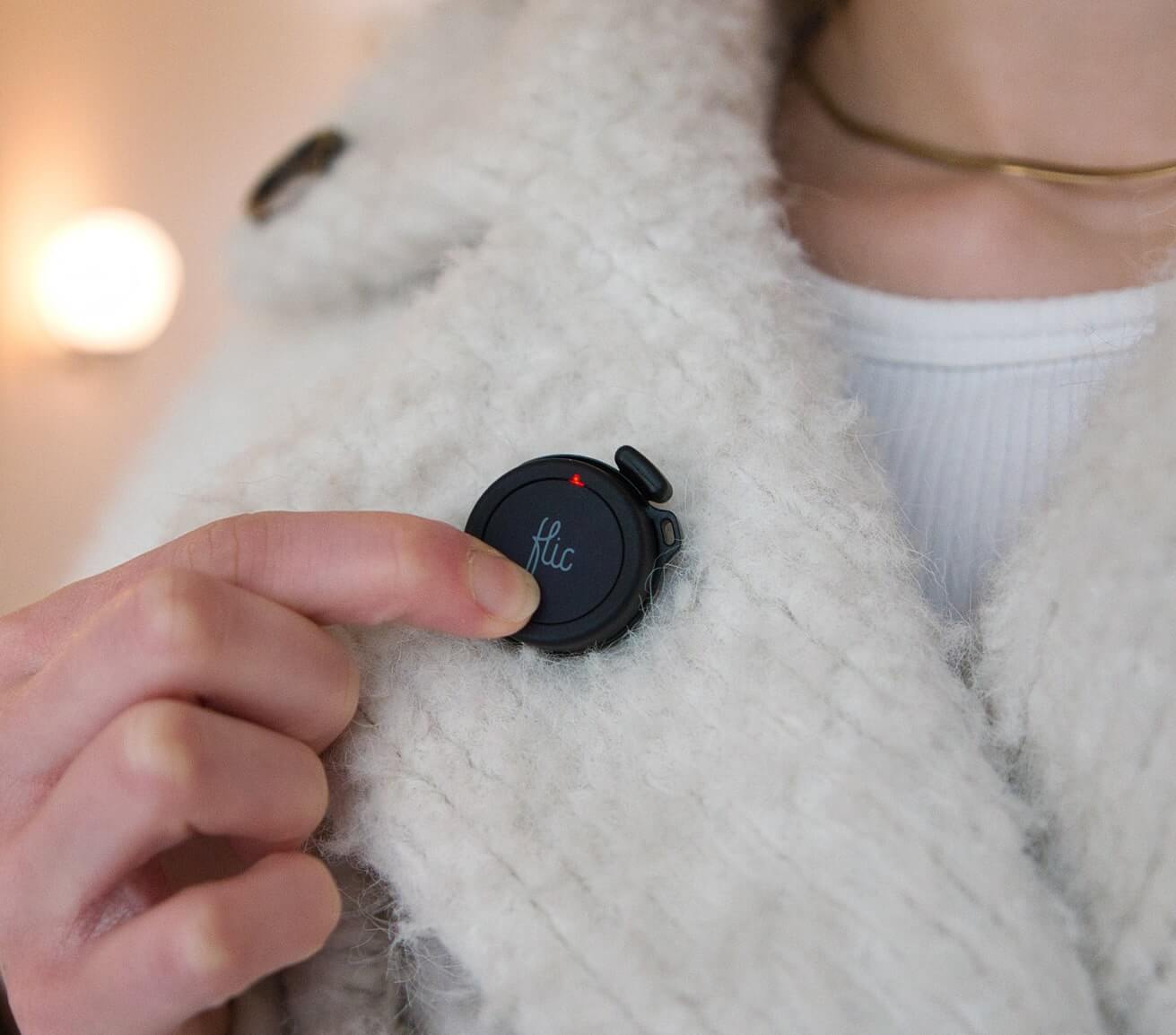
Easily attach to clothes, keychains, or apparel.

Place Anywhere
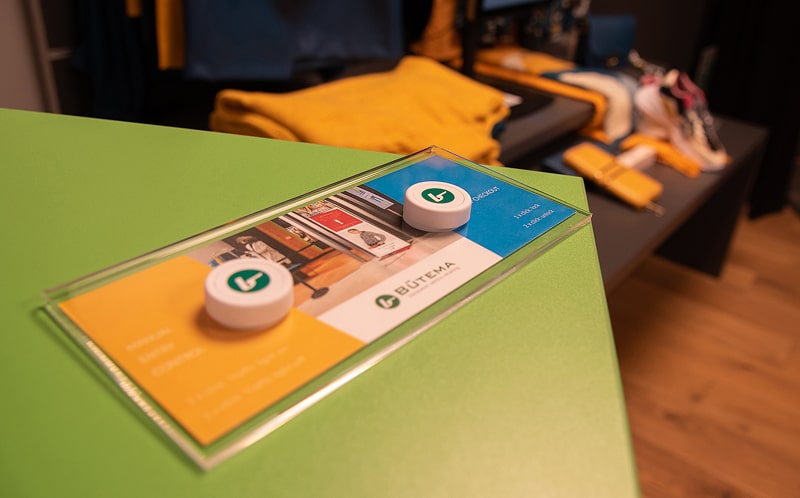
In plain sight for anyone to see or secretly hidden.

Works with all current Flic controllers
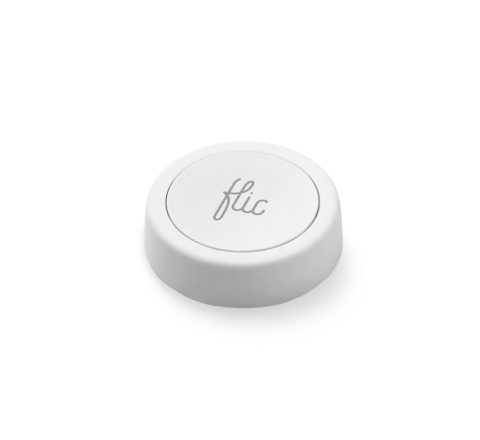
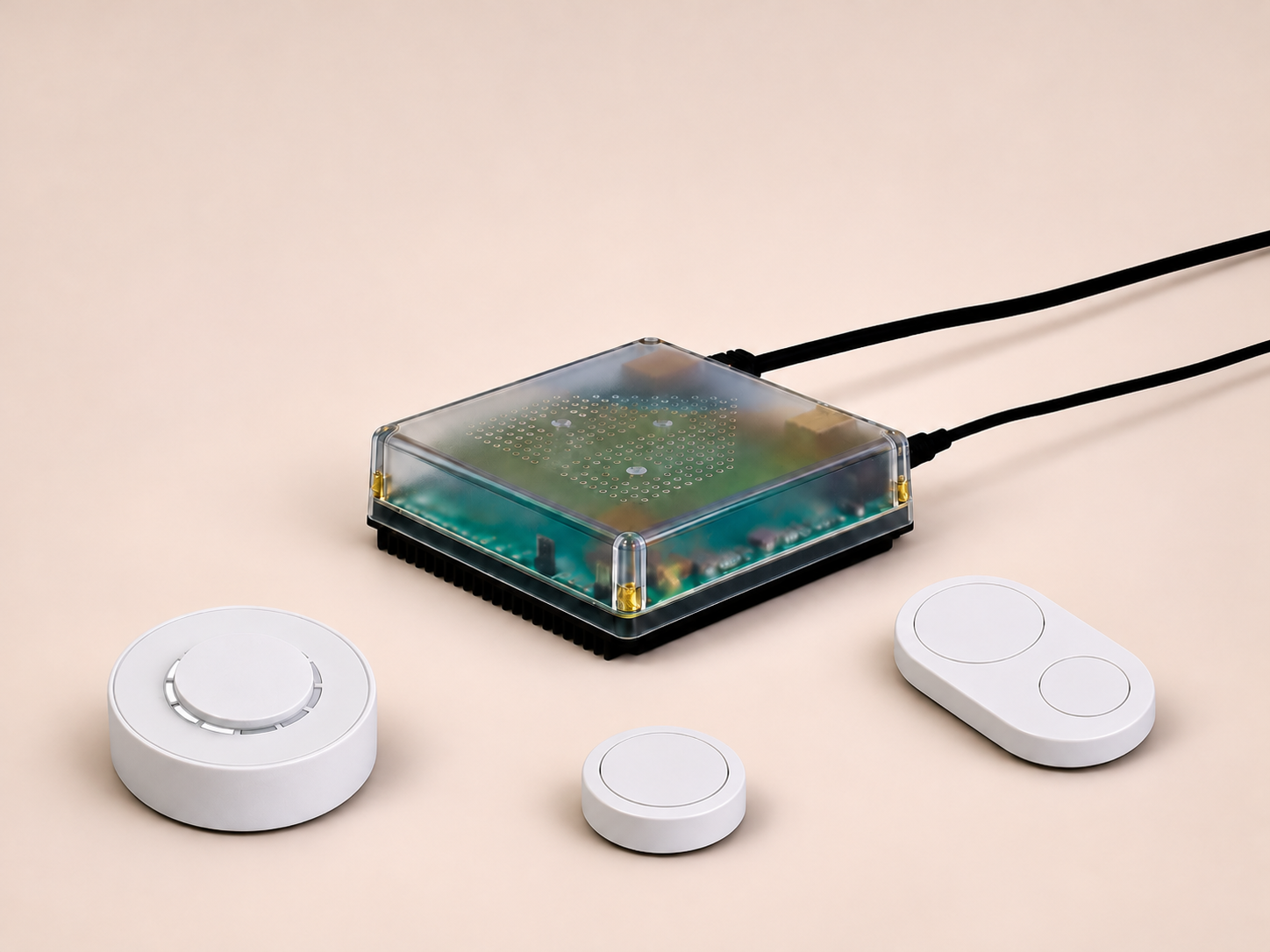
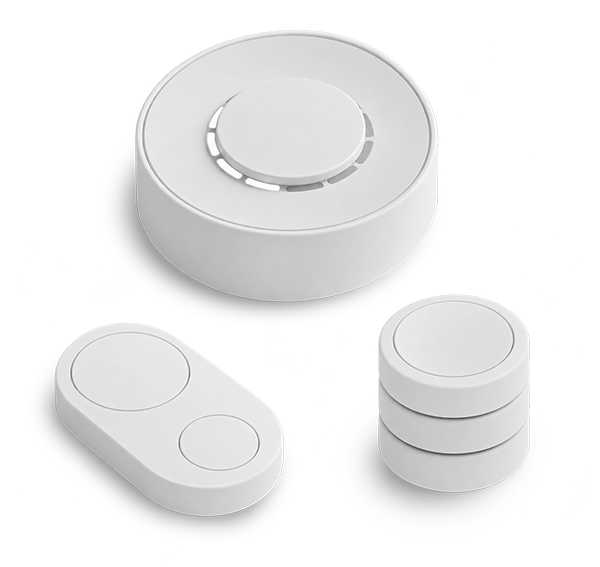
The Home Assistant integration works with Flic 2, Flic Duo and Flic Twist today, and Flic Cue support is on the way. Flic 2 gives you push, double push and hold. Flic Duo adds a second button, swipes in four directions and turning while held. Flic Twist adds rotation, with three modes: Default, Continuous and Selector.
Every trigger shows up as an event in Home Assistant, so you can build exactly the automations you want.


More Than Just a Home Assistant Button
With Flic, the possibilities are endless. Explore a diverse range of integrations accessible through the Flic App or the Flic Hub. Plus, you can even create your own unique trigger and bring your imagination to life with our Hub SDK.


