










The Smart Button for Razer
Control any Razer compatible products with a Push, or Twist.

Källa: www.razer.com


Why Choose Flic for Razer?

All-in-One Lighting Control
Manage all Matter-compatible lights at once using a single Flic controller. Switch from subtle ambient modes to vibrant RGB scenes with quick, effortless pushes or twists.

Customizable Triggers
Assign distinct actions to each Flic input. For example, Push to toggle power, Double Push to switch color presets, Hold to dim or brighten, and Push & Rotate (Flic Twist) for nuanced control over color temperature or brightness levels.

Matter
Through Matter, Flic and Razer Aether devices communicate seamlessly. Enjoy low-latency control for a more immersive, dynamic lighting environment.
Set Up Razer with Flic through Matter
Det är enkelt och lätt!
1
Lägg till din Flic Hub

Se till att din Flic Hub ansluten till Flic . Om du behöver hjälp kan du kolla in vår snabba handledning.
2
Skanna QR-koden

In the Flic app, tap on the three dots (upper right) and select Providers > Matter > Add Device, then scan the code on your Razer product.
3
Anslut till Wi-Fi

När din enhet har identifierats väljer du ditt Wi-Fi-nätverk i Flic , anger lösenordet om du blir ombedd att göra det och väntar tills installationen är klar.
4
Tilldela åtgärder

Once done, your Razer devices are ready for Flic triggers. Tap Continue to start customizing your lighting experience!
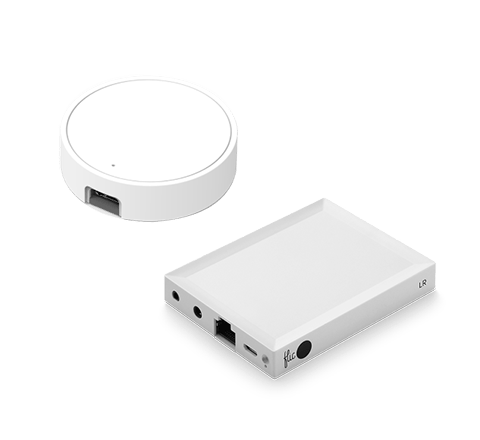
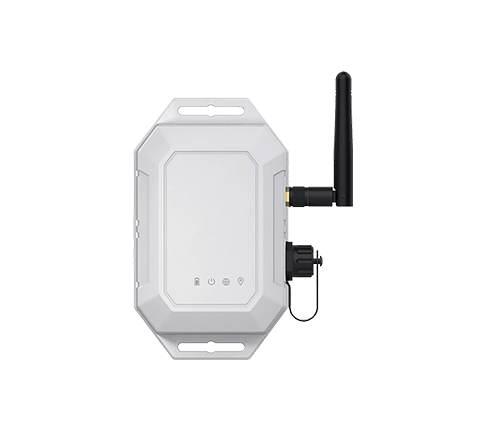
Razer’s Matter-based integration requires the Flic Hub LR. As a Wi-Fi Button, Flic needs both the Hub and Razer devices on the same network for a stable connection.
Control all Matter-compatible Razer products like Magic

Källa: www.razer.com
Focus Mode Lighting Scene
With a Double Push, shift to a bright, cool-white light that keeps you alert and diminishes eye fatigue. Ideal for writing reports, coding, or studying—focus stays on the task, not on adjusting multiple settings.

Immersive Gaming Scene
Bring your Aether Lamp to life for gaming marathons. Assign a Push to power on a bold, dynamic RGB setting, instantly immersing you in the game’s atmosphere. Enhance the excitement further by syncing color transitions with on-screen action.

Serene Downtime Scene
Long day? Hold to softly lower the brightness, creating a tranquil space for unwinding with music, reading, or a friendly chat. By reducing harsh lighting, you create a calming environment perfect for de-stressing.

Källa: www.razer.com
Party Scene
Liven up gatherings by pairing your lamp with other Matter devices. Twist to explore a spectrum of colors until you find the perfect hue. Whether it’s a house party or casual get-together, switch up the ambiance in seconds.

”Jag måste säga att jag gillar dem väldigt mycket. Om du bor i ett hushåll där vissa gillar smarta hemprodukter och andra är mer skeptiska, kan dessa knappar vara ett bra sätt att överbrygga klyftan.”

”Det finns många användningsområden för knappar, men det är sällsynt att hitta en så mångsidig och universal som Flic . [...] Det är svårt att inte rekommendera denna produkt.”

Flic den enklaste att använda och den mest effektiva av alla de allt fler smarta knapparna som finns på marknaden.”

”Om du har ett smart hem kan du använda det för att dämpa belysningen och starta Netflix med ett enda tryck. Om du joggar på kvällen kan du använda det som en panikknapp och ställa in den så att den skickar din position om något händer. [...] Du kan antagligen använda Flic göra det utan att ta upp telefonen ur fickan.”

Fäster på alla ytor
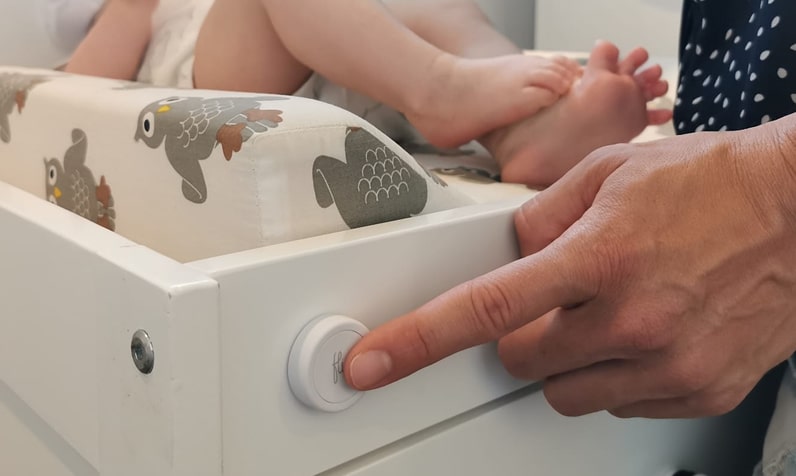
Återanvändbart lim fungerar som en magnet, men för alla ytor.

Ta med dig den
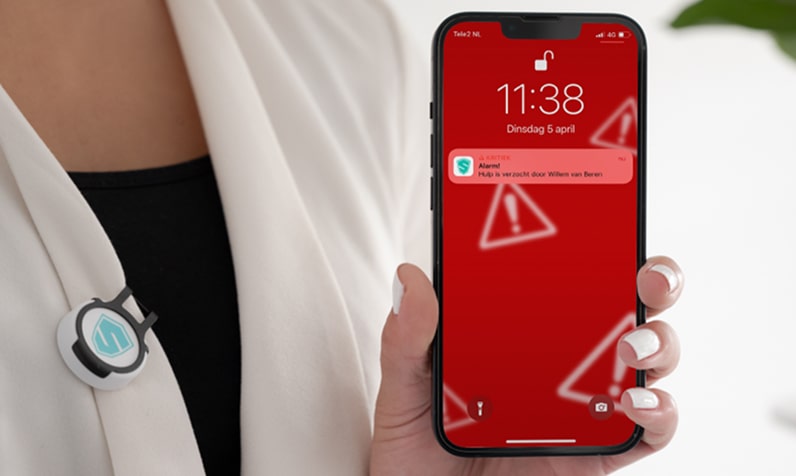
Fästs enkelt på kläder, nyckelringar eller accessoarer.

Placera var som helst
Synligt för alla eller hemligt gömt.

Finns med alla Flic
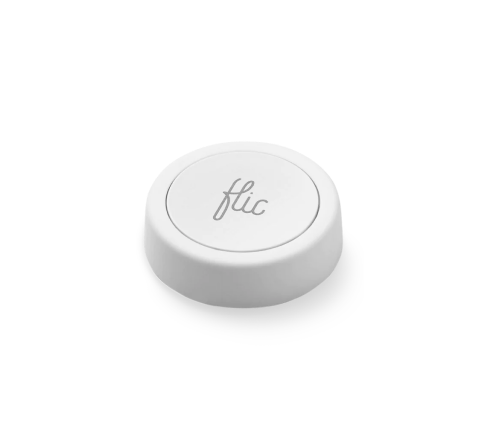
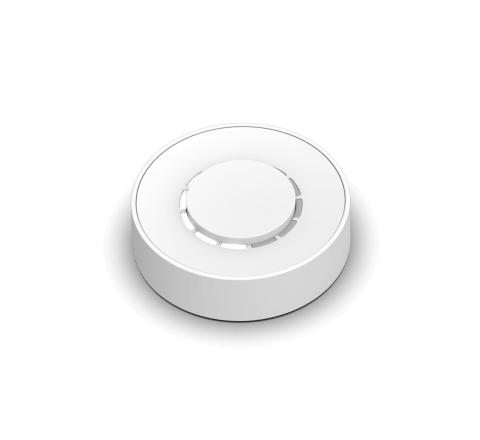
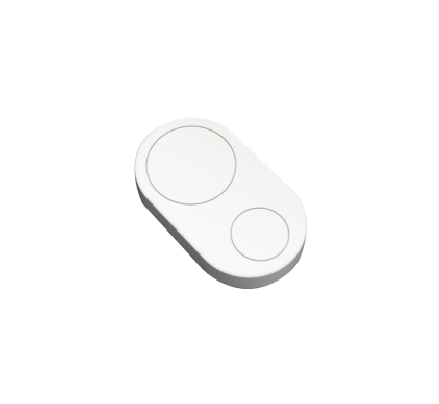
The Razer Integration seamlessly extends to both Flic 2 and Flic Twist devices, offering versatile control options.
With Flic 2, you have Push, Double Push, and Hold triggers. Flic Twist unlocks more possibilities, including Push, Double Push and Twist, providing multi-dimensional control for your Razer shades. Enhance your smart home effortlessly—combine Flic’s intuitive controls with the power of Razer's Matter-supported devices and experience an elevated level of convenience
Get started with Flic and Razer


More Than Just a Razer Button
With Flic, the possibilities are endless. Explore a diverse range of integrations accessible through the Flic App or the Flic Hub.
Plus, you can even create your own unique trigger and bring your imagination to life with our Hub SDK.
Plus, you can even create your own unique trigger and bring your imagination to life with our Hub SDK.


