







The Smart Button for LIFX
Control any LIFX lights with the Push of or a Twist of a button

Source: https://www.lifx.com/


Why Choose Flic for LIFX?

Immediate Lighting Control
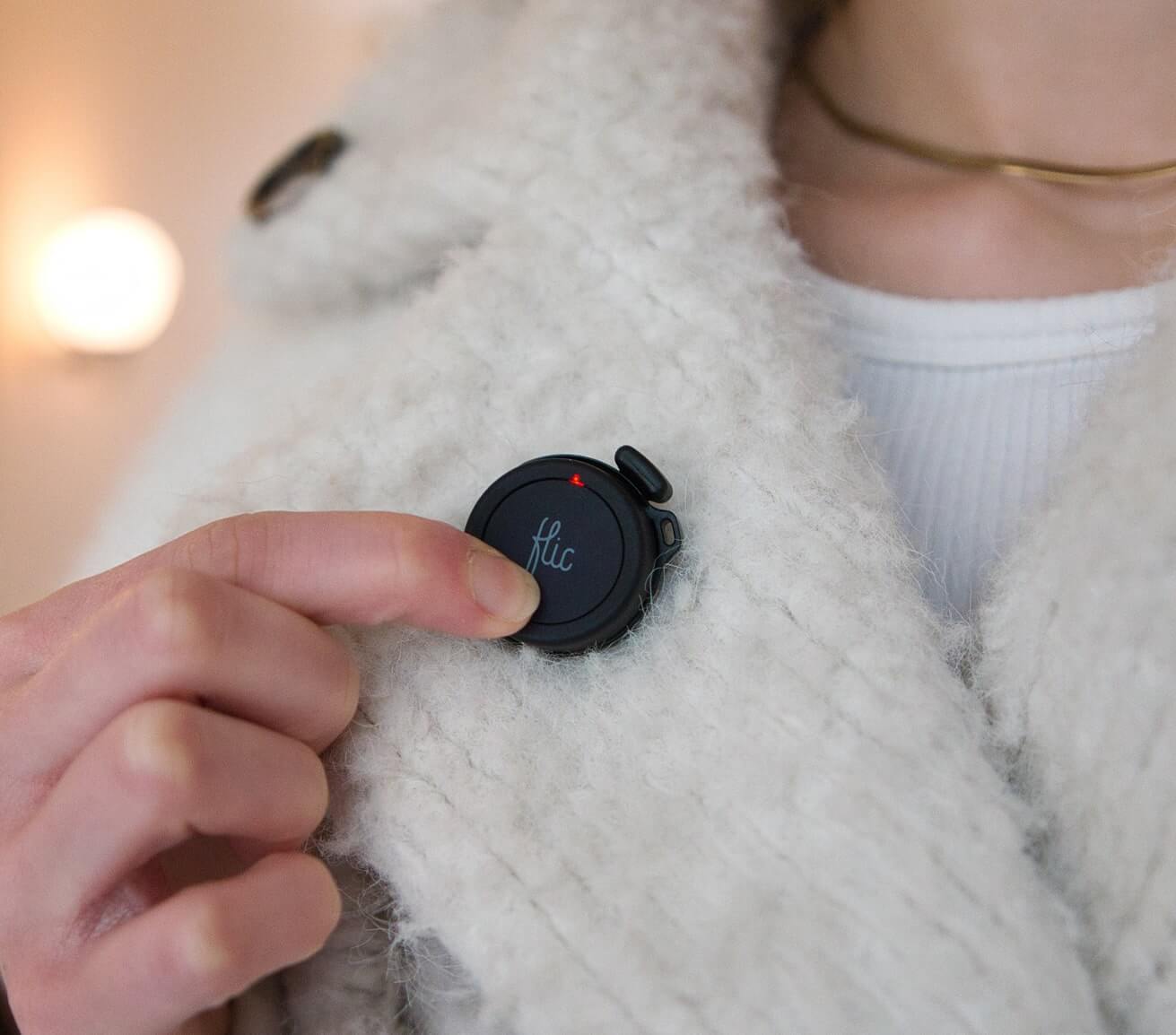
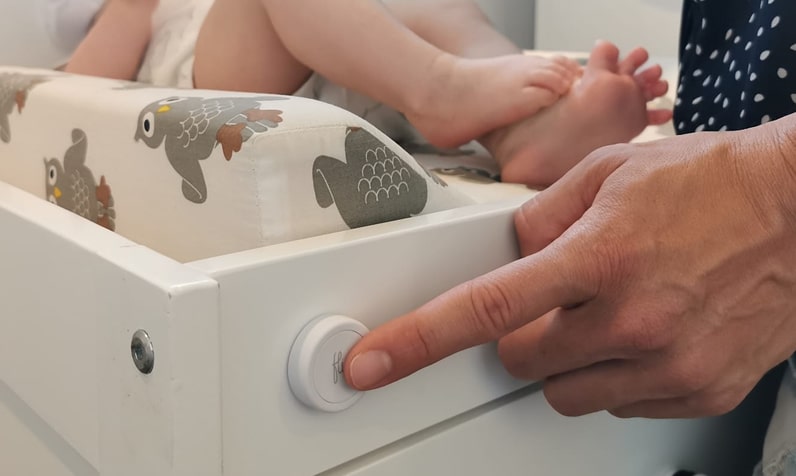
Skip app menus and voice commands—just push a Flic to change brightness, switch scenes, or power lights on/off. Mount buttons where you naturally reach: beside the sofa, at your desk, or on the wall by the door.

Direct Cloud & Local Integration
Flic talks to LIFX over your local Wi‑Fi network or through the LIFX cloud, ensuring rapid, reliable responses. Lights react in under a second, so every press feels satisfying and immediate.

Deep Customization
Map each Flic trigger to specific LIFX actions. Push to toggle a favorite scene, Double Push to cycle through colors, Hold to dim or brighten, and Twist or Push+Twist for smooth, continuous hue or white‑temperature control.
Set up LIFX with Flic
Det är enkelt och lätt!
1
Add your Flic

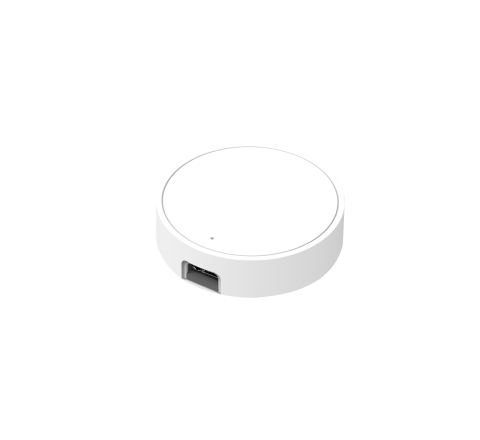
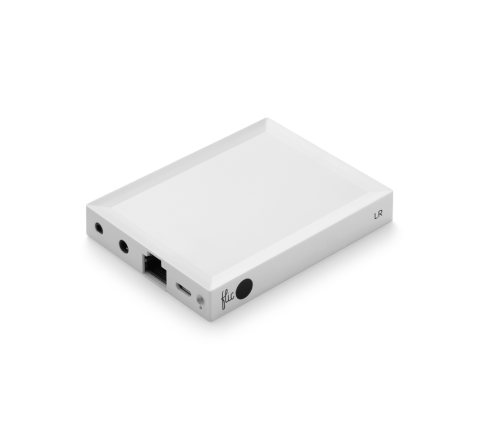
Press and Hold your Flic until it connects. This should take no longer than 10 seconds. In the case of Flic Twist, you first need to connect a Flic Hub.
2
Pick the action

Pick the trigger you wish to use: Push, Double Push, Hold.
3
Setup your LIFX lights

Search for LIFX and Press the Setup button. Before this, you should set up your lights on the LIFX App. Make sure your phone and lights are on the same Wifi.
The Flic button serves as a Bluetooth button and can also be recognized as a WiFi button, using Bluetooth for communication. This dual functionality enables it to effectively control your connected device, whether it be iOS, Android, Mac, or Hub. It is essential to underscore that to activate any device through the Flic button, the targeted device must be within the same Wi-Fi network as the connected device, ensuring seamless integration of both Bluetooth button and WiFi button capabilities for an enhanced user experience.
Control all LIFX lights like Magic

Lämna hemmet med trygghet
Push the button by your door to turn off every LIFX light and connected plug, dropping your home into energy‑saving mode so you can step out worry‑free.

Kickstart your Morning
A Double Push turns the kitchen light on and powers the coffee maker. If you have a Flic Twist on the counter, a quick Twist lets you nudge brightness up or down while the brew finishes.

Source: https://www.lifx.com/
Movie Time Scene
From the couch, Push the Flic Twist to launch your warm 20 % movie scene, then Twist to fine‑tune brightness or sweep through accent colors until the ambience feels just right.

Focus Time Distraction Free
Hold the desk‑side Flic to shift office bulbs to a cool and cut power to living‑room entertainment plugs, keeping distractions at bay. Twist to ease brightness when your eyes need a break.

”Jag måste säga att jag gillar dem väldigt mycket. Om du bor i ett hushåll där vissa gillar smarta hemprodukter och andra är mer skeptiska, kan dessa knappar vara ett bra sätt att överbrygga klyftan.”

”Det finns många användningsområden för knappar, men det är sällsynt att hitta en så mångsidig och universal som Flic . [...] Det är svårt att inte rekommendera denna produkt.”

Flic den enklaste att använda och den mest effektiva av alla de allt fler smarta knapparna som finns på marknaden.”

”Om du har ett smart hem kan du använda det för att dämpa belysningen och starta Netflix med ett enda tryck. Om du joggar på kvällen kan du använda det som en panikknapp och ställa in den så att den skickar din position om något händer. [...] Du kan antagligen använda Flic göra det utan att ta upp telefonen ur fickan.”

Fäster på alla ytor
Återanvändbart lim fungerar som en magnet, men för alla ytor.

Ta med dig den
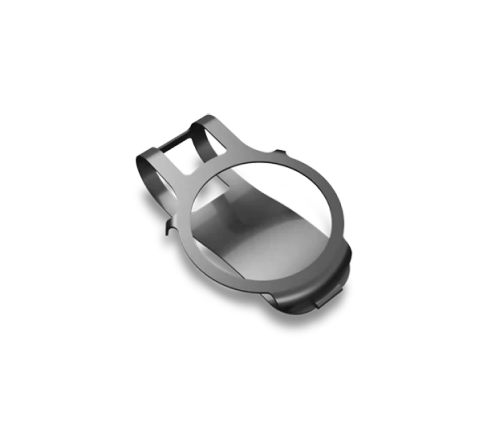
Fästs enkelt på kläder, nyckelringar eller accessoarer.

Placera var som helst
Synligt för alla eller hemligt gömt.

Finns med alla Flic
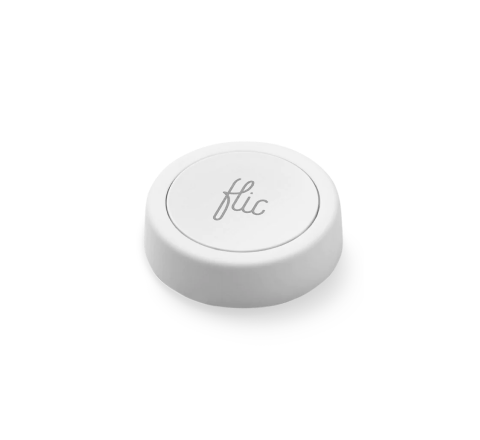
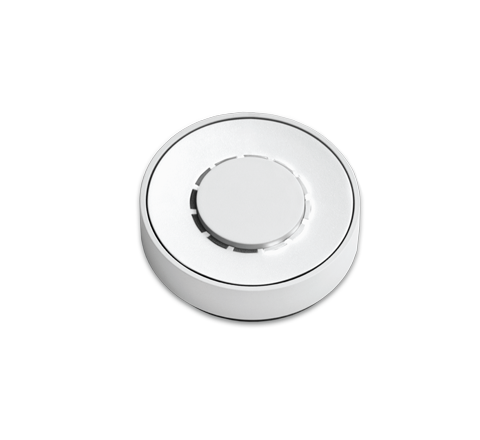
The LIFX Integration seamlessly extends to both Flic 2 and Flic Twist devices, offering versatile control options.
With Flic 2, you have Push, Double Push, and Hold triggers. Flic Twist unlocks more possibilities, including Push, Double Push and Twist, providing multi-dimensional control for your LIFX light. Enhance your smart home effortlessly with Flic!


More Than Just a LIFX Button
Med Flic är möjligheterna oändliga. Utforska ett brett utbud av integrationer som är tillgängliga via Flic eller Flic Hub.
Dessutom kan du skapa din egen unika trigger och förverkliga dina idéer med vårt Hub SDK.
Dessutom kan du skapa din egen unika trigger och förverkliga dina idéer med vårt Hub SDK.


