






SLUT I LAGER
Flic Twist Four Pack
Contains: 4x Flic Twist

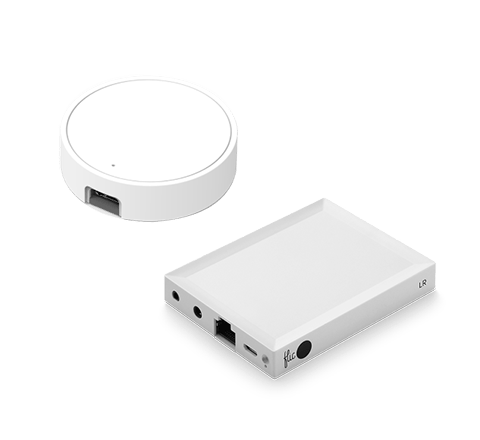
En Flic Hub är nödvändig för att använda Flic Twist.

HIGH DEMAND:
Ships within 3 business days
Ships within 3 business days

1 månads nöjdhetsgaranti

2 års garanti
A one-of-a-kind smart home controller. Packed with features and fully configurable for advanced users yet accessible for everyone in the family. Push, double push, twist, and push & twist. Each feature unlocks complete customization of your lights, music, blinds, and all smart home devices.
Ships as individual Twist units.
Ships as individual Twist units.
 Klimatneutral frakt på alla beställningar


Control anything with a Twist


Funktioner
Unlock the full potential of your smart home devices, from lights to music and blinds, with Flic Twist versatile functionality. You can set up Flic Twist to initiate a variety of different actions, providing you with the flexibility to customize your interactions according to your preferences.


Control lights

Trigger routines

Control music

Replace voice commands

Toggle blinds

Blend between preset scenes



Smart Dimning
Smart dimming adapts intelligently to vivid color scenes or different volume settings. For example you can now dim the different lights in your home at different brightness levels, such as, setting your ceiling lamp with a high brightness, while your side lamp with a lower brightness.
Avancerad Dimning
När du vrider kan du justera ljusstyrka, färg eller mättnad samtidigt. Sekvensera lamporna och lägg till händelser.
Några exempel är:

Justera ljusstyrka och färgtemperatur samtidigt

Använd Avancerad Dimning för att tända olika lampor i sekvens, en efter en.

Kombinera Sekvensering med ljusstyrka och färgtemperatur
Scene Blender
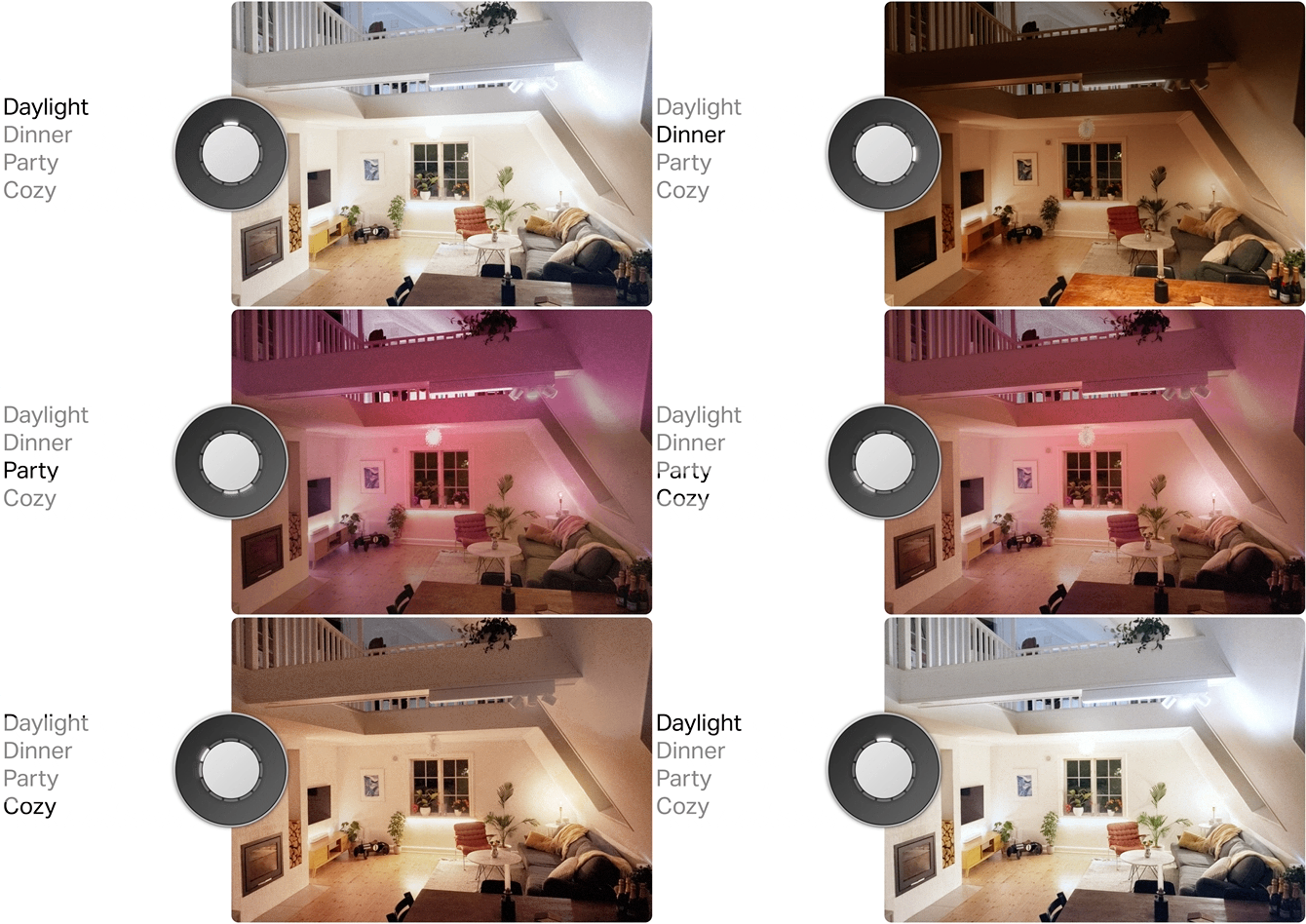
Flic Twists innovativa Scene Blender-läge låter dig förinställa upp till 4 olika ljusscener. Den tonar smidigt mellan dina scener så att du kan välja precis den mellannivå som passar ditt humör för stunden.
Några exempel är:

Blanda Scener och Justera Ljusstyrka

Flytta Musik mellan rum eller till hela huset

Väljare
Väljaren låter dig välja upp till 12 anpassade triggers att aktivera eller justera. Varje position refereras till som klockpositioner i appen, från klockan 1 till 12.

Klockan 3: Aktiverar en Alexa-rutin

Klockan 4: Börjar spela Jazz i köket

Klockan 5: Öppnar alla persienner
Do I need a Flic Hub?
Yes, the Flic Twist requires the presence of a Flic Hub.

Över 1000 kompatibla enheter och tjänster
A small button that can control nearly any connected device or service with a push or twist. Varying integrations work with Flic Button and Flic Twist.
Nya HomeKit-produkter Matter kommer att vara kompatibla med Flic Twist
Utforska integrationerFrågor och svar
1. What is Smart Dimming and how does it work?
You can integrate it into your current setup: simply choose the parameter you want to adjust (whether it's brightness, volume, or window blind position) and specify the devices you wish to manage. Smart Dimming adjusts each parameter individually, maintaining the relative differences between devices. Check our Set up video.
2. What is Advanced Dimming and how does it work?
Advanced Dimming offers a new level of customization. Instead of smoothly transitioning from one parameter to the other, Advanced Dimming allows you to automatically trigger the desired action when using Twist or Push&Twist, without taking into consideration the current state. Check our Set up video.
3. What is Scene Blender and how does it work?
Scene Blender does not take into consideration what the current settings are. It only considers what you have preset in the Flic App. So, it works the same as the Advanced Dimming, with the only difference that you don't go from 0% to 100%. Instead, you set 4 scenes and the Twist will blend when moving around those scenes. Check our Set up video.
4. What is Selector and how does it work?
The Selector allows you to select up to 12 custom things to Activate or Adjust. Each position is referred to as a clock position in the app, from 1 to 12 o'clock. You'll be able to temporarily reconfigure the Twist to become up to 11 completely different Twists by simply using the Push & Twist function. Check our Set up video.
5. How can I change the battery of the Twist?
Flic Twist supports AAA-type batteries.
When opening the battery hatch of the Twist, a flat-headed tool such as a flathead screwdriver is required. This is by design and for safety reasons to reduce the risk of unintentional opening of the battery hatch, for example by kids. Place the tip of the tool on the right side of the hatch, and gently remove the hatch. Check our Set up video.
6. How can I mount the Flic Twist?
There are three options; using the Wall mount, the adhesive or the magnet. Check out our video to discover more.
7. What are the supported integrations with the Twist and Push&Twist triggers?
At the moment, the supported integrations with the advanced actions that Twist introduces are:
Philips Hue, LIFX, Ikea Dirigera & Sonos.
Philips Hue, LIFX, Ikea Dirigera & Sonos.
Tekniska specifikationer och funktioner
Scrolla/svep för att se mer information.
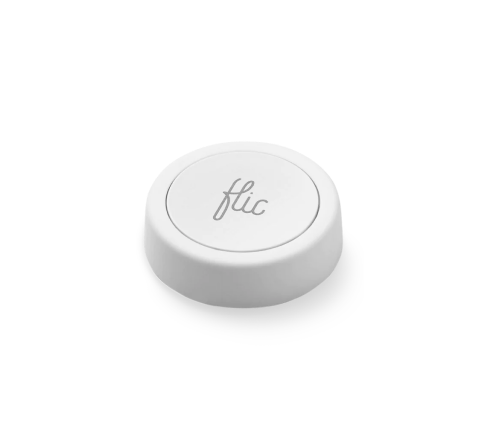
Flic Button
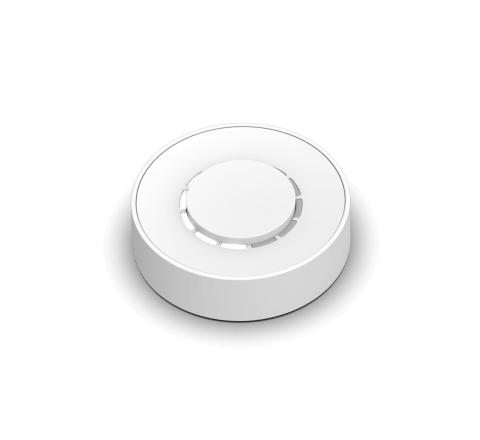
Flic Twist
Batteritid
Upp till 3 år (utbytbart CR2032-batteri)
Upp till 2 år (utbytbart AAA-batteri)
Mått
8,3 mm x 29 mm
20 mm x 65 mm
Räckvidd inomhus
Upp till 50 m
Upp till 50 m
LED
Grön, gul och röd
12 neutralvita lysdioder
Kompatibilitet
Flic Hub, Hub LR & Hub Mini,
iOS, Android & more
iOS, Android & more
Flic Hub, Hub LR & Hub Mini,
iOS, Android & more
iOS, Android & more
Triggers
Tryck, dubbeltryck & håll
Tryck, dubbeltryck, vrid, tryck & vrid
Ljusstyrning
Ställ in en färg, ljusstyrka, inställning
Smart Dimming, Advanced Dimming, Scene Blender & Selector
Musikstyrning
Play/Pause music, Next/Previous track, Up/Down volume
Start playlist, Tune volume, Play/Pause music & more
Anpassningsbar
White, with extra Icon stickers
Matte White, Black and Limited B&W
Läs mer om Flic-knappen