





SLUT I LAGER
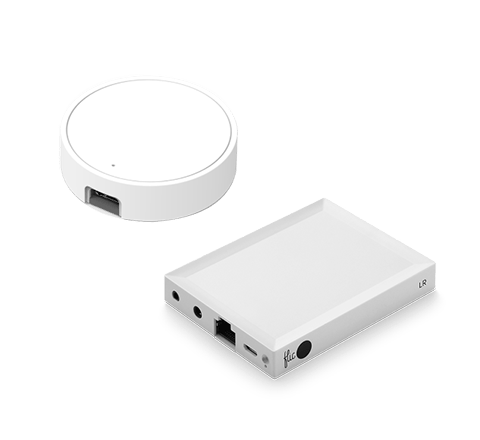
Flic Hub LR
Contains: 1x Flic Hub LR, 1x Power cable - Micro USB

Works as a Matter Controller and with Apple HomeKit

Ships within 2-3 business days

1 månads nöjdhetsgaranti

2 års garanti
The Flic Hub LR lets anyone in your home control devices you'd normally need multiple apps or remotes to use.
 Klimatneutral frakt på alla beställningar
För företagspriser, besök denna länk

Vad är skillnaden mellan Flic Hub och Flic Hub Mini?
Vi rekommenderar Hub Mini för hushåll. Samtidigt rekommenderar vi Hub LR för mer avancerade installationer och automationer samt för företag.
Se jämförelsetabell
Do I need a Flic Hub?
You can connect Flic Button directly to your smartphone or to the Flic Hub. The main benefit of using the Flic Hub is that your setup will always stay on, regardless of the presence of your smartphone.


Över 1000 kompatibla enheter och tjänster
En liten knapp som kan styra nästan vilken ansluten enhet eller tjänst som helst med ett tryck. En enkel smart ljusströmbrytare, en avancerad rutinutlösare eller en HomeKit-knapp? Valet är ditt.
Nya HomeKit-produkter Matter kommer att vara kompatibla med Flic Twist
Utforska integrationer
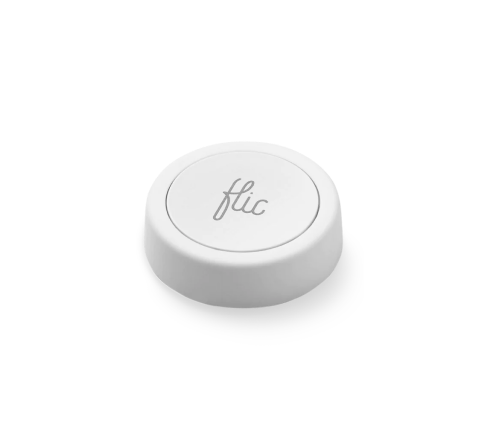
Flic Button & Flic Hub LR
Flic Button and the Flic Hub LR has been re-designed from the ground up to take Smart Buttons into the future. Future-proof components with Bluetooth 5.0 Long Range, improved stability and battery life are just some of the new features of Flic Button.


Taktil klickkänsla
Förbättrad taktil känsla som ger tydlig respons vid dina fingertoppar.

Lång räckvidd med Bluetooth
Den senaste tekniken möjliggör dubbla räckvidden jämfört med föregående generation.

Låg vikt
Fjäderlätt och kompakt design för att passa alla användningsområden.

3 års batteritid
Utbytbart batteri med upp till 3 års batteritid.

LED med 3 färger
Opening up new possibilities where the Flic can talk back to you.

HID- och MIDI-kompatibel
Möjliggör anslutning till i princip allt som kör Bluetooth LE.
Hur Flic
Tre triggers. Oändliga kombinationer.
Tryck
Dubbeltryck
Håll


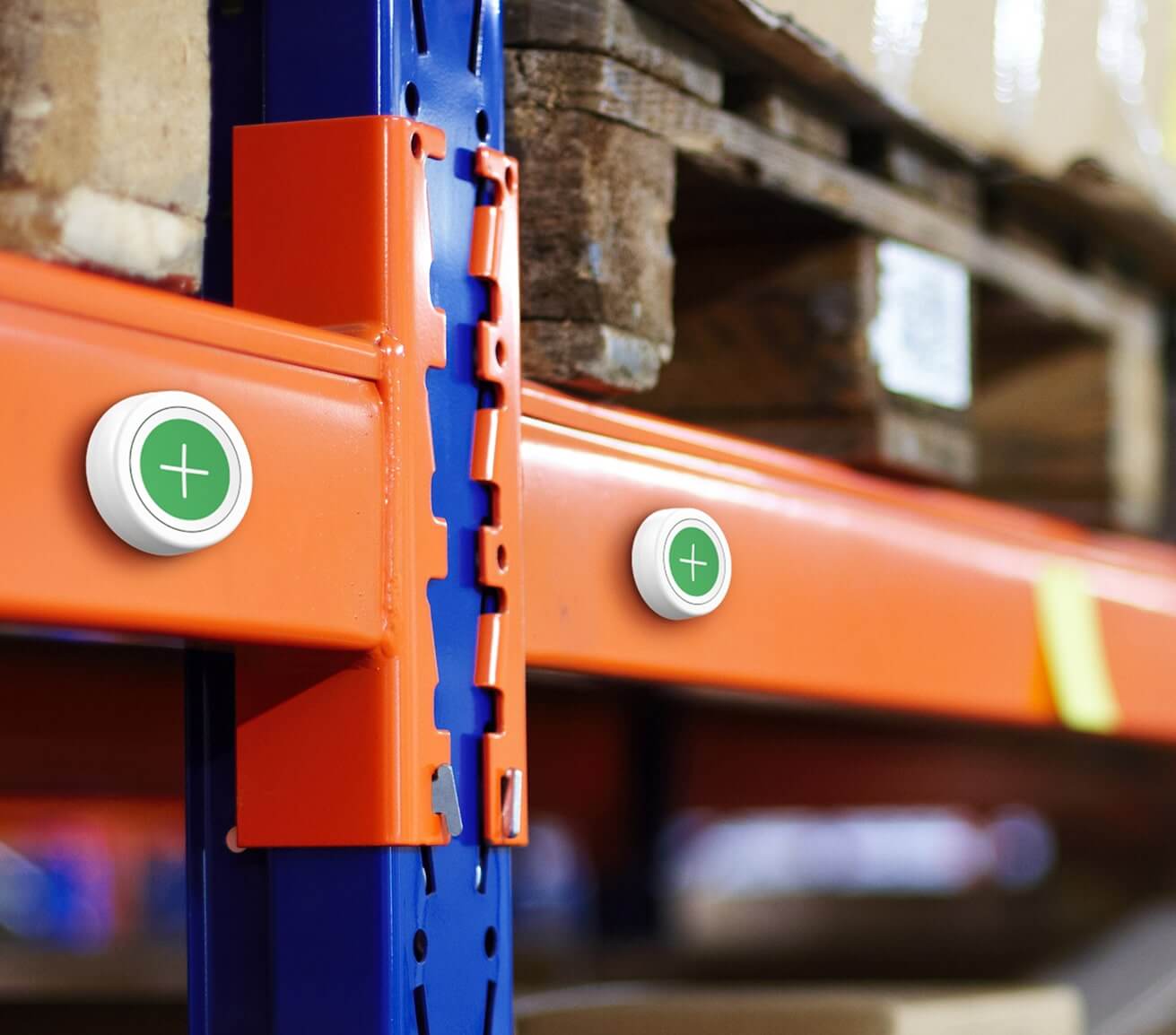
Fäster på alla ytor
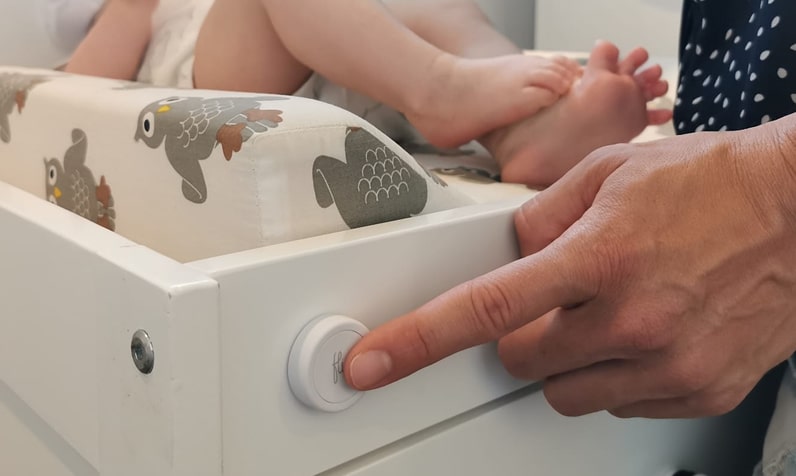
The Flic Smart Button is designed to stick to any surface, making it incredibly versatile and convenient. Equipped with a reusable adhesive, this smart button securely adheres to various surfaces. Whether it’s your wall, desk, or even your refrigerator. Place your Flic Button wherever you need it most.
Need to change its position? Easy! Simply twist the button to the right, remove the adhesive from the surface, and relocate it to another spot.

Customizable with stickers
Personalize your Flic Smart button with a wide range of stickers.
Express your style, add a touch of fun, and easily identify button functions.

Replaceable battery
The Flic Smart Button features a replaceable battery, ensuring that you can keep using it without interruptions. It will last up to 24 months on a single battery. Simply swap out the battery when it's running low, and your Flic Button will be ready to use again.

Take it anywhere
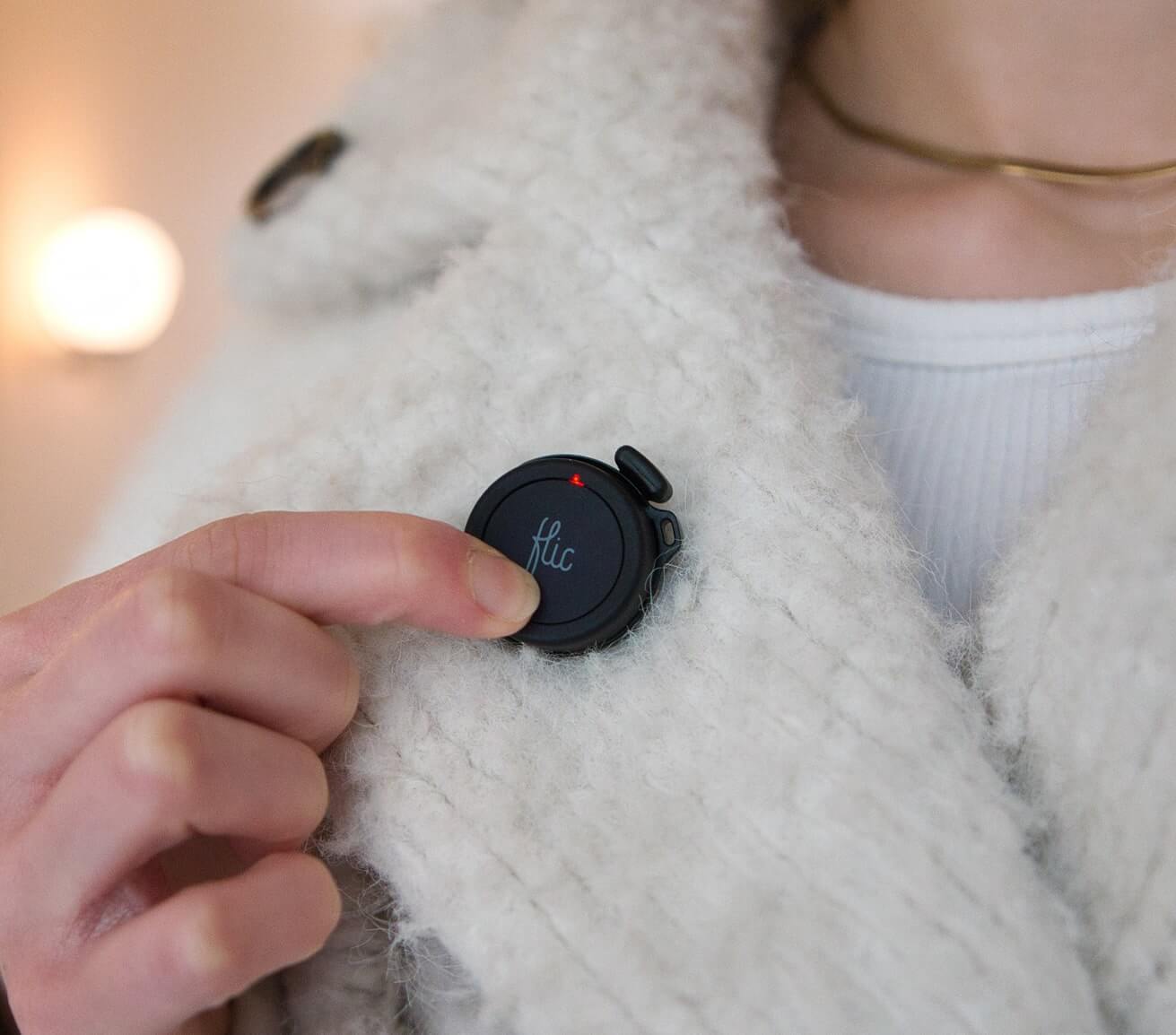
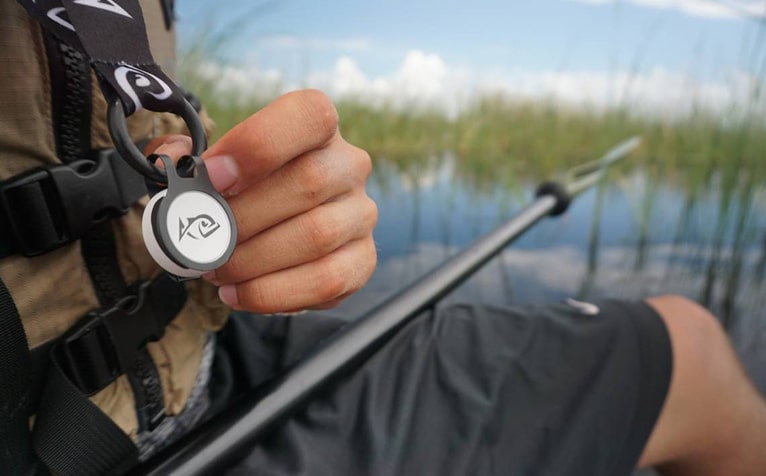
Attach your Flic Smart Button to your keychain, jacket, or bag for easy access on the go.
Frågor och svar
1. Is it easy to set up the Flic Button?
Yes, it is. It only takes a few minutes. Check our Set up video.
2. How do I make Flic control other devices?
Flic can control many different third-party devices, either directly through the Flic app or through internet services such as IFTTT.If you find the third-party device in the list of actions in this app, tap the action to set it up. If you can't find it, there is a big chance that IFTTT can do it. Tap The IFTTT action and set up IFTTT separately in the IFTTT App.
3. What is the meaning of the red light on my Flic?
If it is a pulsating red light, It means that the Flic button is brand new and has not been connected to any device yet.
If it is a short red blink light, It could mean that the button has a low battery or glitchy battery connection. Make sure the battery is healthy and it makes good contact with the pads.
If it is a short red blink light, It could mean that the button has a low battery or glitchy battery connection. Make sure the battery is healthy and it makes good contact with the pads.
4. What is the meaning of the yellow light on my Flic?
If your Flic is pulsating a yellow light it means that the button is trying to connect to a previously paired device.
5. What is the meaning of the green light on my Flic?
If your Flic button is showing a green light, it means it is working correctly.
6. What are the indicators that suggest the Flic requires a battery replacement?
If it is showing one green blink light and two red blink lights, it means that the Flic button will need a new battery soon.
7. How can I change the battery of the Flic button?
To change the battery, you need to place the button on a flat surface and twist it to the right while putting pressure on the surface. Remove the battery and insert a new and fresh CR2032 battery. Finally, put the battery and the cap into the bottom of the table and twist it back on. For more details, watch our tutorial here. Please find the video here.
8. Is Flic waterproof?
Flic buttons are rated with IP44 standard which officially classifies them as splashproof. They are not fully waterproof and we do not recommend using them in environments where the button could be fully submerged or sprayed with water for more than 10 minutes. However, touching Flic with wet hands, or just light splashing of water will not affect the button.
9. How many Flics can I have on one device?
The number of Flics that can be connected simultaneously depends on factors such as the phone or tablet being used and the Flic setup. Typically, you can connect up to 10 Flics at once, for example, within your home. Additionally, you can have another set of 10 Flics in your car and another 10 in your office. However, it's important to consider that if you use other Bluetooth devices like headsets, speakers, or wearables, these connections might reduce the number of Flics you can use simultaneously. It's worth noting that certain Android devices limit the number of Bluetooth devices to 7. On the other hand, the Flic Hub supports the connection of up to 63 buttons at the same time.
10. What do I do if my Flic Button stops responding?
We suggest you try doing a factory reset. You can do the same like this:
Open the battery hatch by attaching the sticky back to a surface and twisting counterclockwise.Instructions for the factory reset:
- Remove the battery and wait a few seconds.
- Re-insert the battery and immediately press and hold the Flic. Hold the Flic pressed for 10 seconds.
- When you release you should see the LED flicker, indicating a reboot.
- Your Flic is now reset!
Please also delete the button from the Flic application and your Bluetooth settings. Then you need to reboot your device if you want to pair it with that device again. After you did the reset and the reboot, please re-pair the button again with the Flic app, like a new button.
Don't see the answer you were looking for? Please contact Support
Discover the versatility and convenience of Flic Button and elevate your everyday interactions.
Handla nuTekniska specifikationer och funktioner
Scrolla/svep för att se mer information.
Batteritid
Upp till 3 år (utbytbart CR2032-batteri)
Mått
8,3 mm x 29 mm
Räckvidd inomhus
Upp till 50 m
LED
Grön, gul och röd
Kompatibilitet
Flic Hub, Hub LR & Hub Mini,
iOS, Android & more
iOS, Android & more
Triggers
Tryck, dubbeltryck & håll
Ljusstyrning
Ställ in en färg, ljusstyrka, inställning
Musikstyrning
Set a song, specific volume,
playlist toggle music
playlist toggle music
Anpassningsbar
Vit eller svart, extra ikonklistermärken
Funktioner
Wifi - Requires a Flic hub
HID compatible
3 years battery - replaceable
Bluetooth 5 LE Long Range
Light weight
Infra-red - Requires Flic IR
MIDI compatible
Tactile click
HID compatible
3 years battery - replaceable
Bluetooth 5 LE Long Range
Light weight
Infra-red - Requires Flic IR
MIDI compatible
Tactile click
Läs mer om Flic-knappen