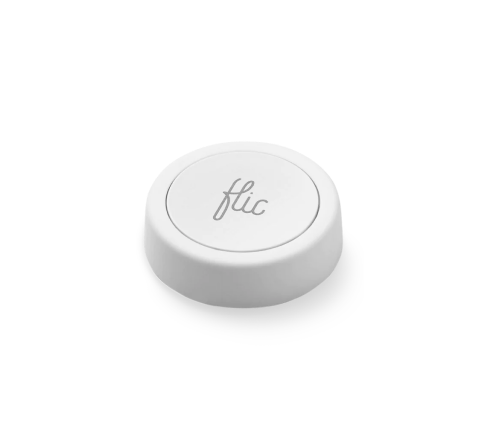
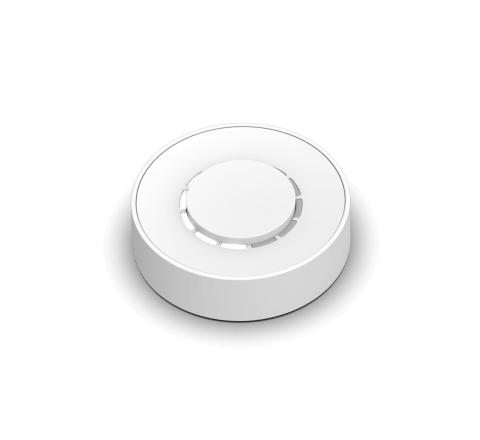
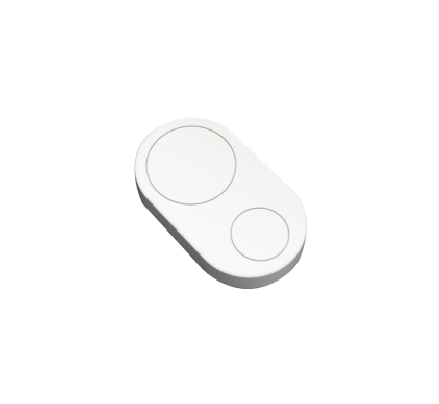








The Button for Nanoleaf
Control Nanoleaf lights with the Push of a Button

Source: nanoleaf.me


Benefits of using Flic with Nanoleaf

Enhanced Smart Home Lighting
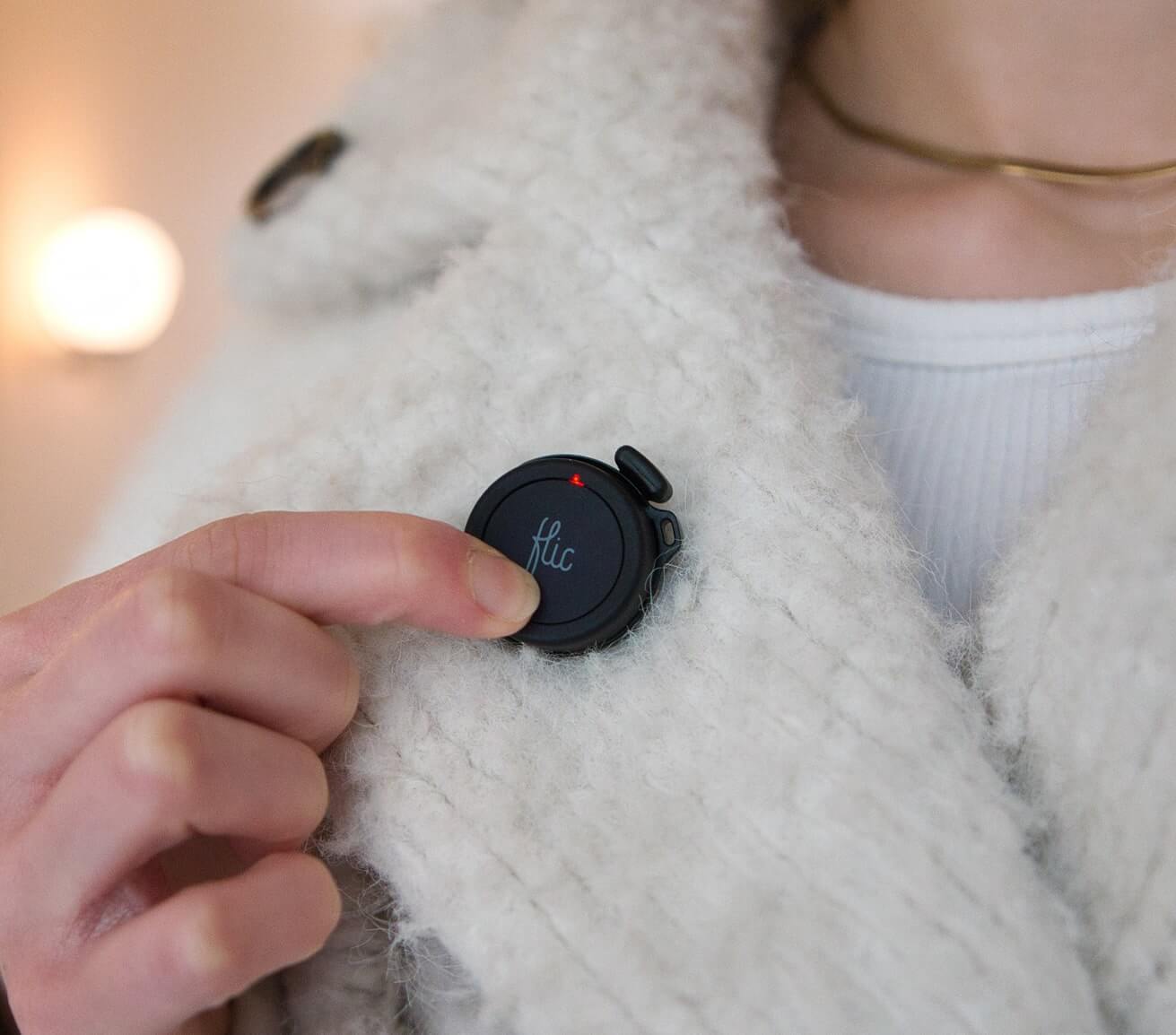
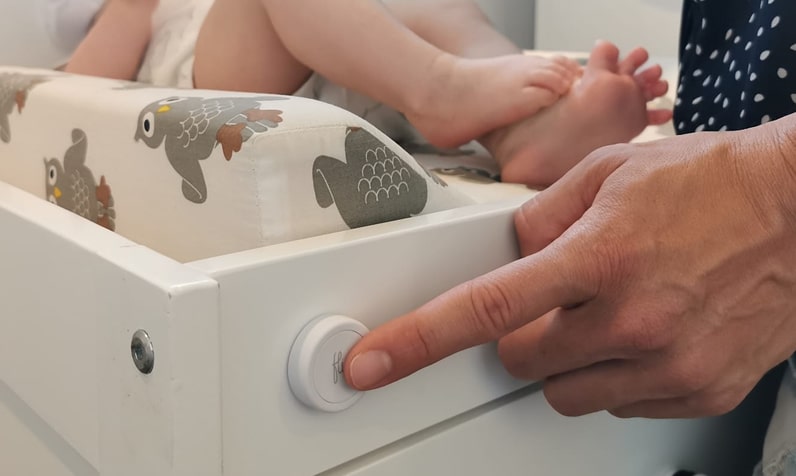
Flic provides a physical and easily accessible button that allows users to control your Nanoleaf lights with a simple push.

Versatility and Adaptability
Users can easily adapt and customize their lighting environment to suit different needs throughout the day. Whether it's creating a vibrant atmosphere for social gatherings or setting a calming ambiance for relaxation.

Extensive Home Control
In addition to Nanoleaf lights, Flic facilitates smooth communication with a variety of devices and platforms. A Flic button can be programmed not only for managing lighting but also for tasks such as regulating the thermostat, securing doors, or playing music.
Set up Nanoleaf with Flic
Det är enkelt och lätt!
1
Add your Flic


Press and Hold your Flic until it connects. This should take no longer than 10 seconds.
2
Pick the action

Pick the trigger you wish to use: Push, Double Push, Hold.
3
Setup your Nanoleaf lights

Search for Nanoleaf and Press the Setup button. Before this, you should set up your lights on the Nanoleaf App. Make sure your phone and lights are on the same Wifi. Hold the Nanoleaf Power Button for 5-7s and All the Nanoleaf devices will show up.
4
Configure the Mode & Color

Once you select the light you wish to control, now it’s time to configure the action you would like to trigger, whether it’s turning on or off the light, selecting a specific color or a random one. It all depend on your needs!
The Flic button serves as a Bluetooth button and can also be recognized as a WiFi button, using Bluetooth for communication. This dual functionality enables it to effectively control your connected device, whether it be iOS, Android, Mac, or Hub. It is essential to underscore that to activate any device through the Flic button, the targeted device must be within the same Wi-Fi network as the connected device, ensuring seamless integration of both Bluetooth button and WiFi button capabilities for an enhanced user experience.
Control all Nanoleaf lights like Magic

Perfect Ambiance in Entertainment Spaces
Create the perfect ambiance for movie nights or gaming sessions by programming Flic buttons to effortlessly control Nanoleaf lights. Craft immersive lighting effects, turning your entertainment area into a mesmerizing and dynamic environment.

Productivity Boost in Home Office
Enhance focus and productivity by using Flic buttons to control Nanoleaf lights in a home office. Configure buttons to switch between task lighting for work and ambient lighting for breaks, providing a visual cue for effective time management and maintaining an optimal work environment.

Set the mood for relaxing time
Transform relaxation areas into tranquil retreats by programming Flic buttons to control Nanoleaf lights. Set soothing color schemes or gradual dimming sequences to create a calming ambiance for reading, meditation, or easing into the evening after a long day.

Smart Lighting for Social Gatherings
Impress guests and elevate social gatherings by using Flic buttons to orchestrate Nanoleaf light displays. Sync the lights with music, or configure vibrant color schemes, turning ordinary get-togethers into memorable events.

Morning Routine
Kickstart your day with a vibrant morning routine using Flic buttons and Nanoleaf lights in the kitchen. Configure a button to initiate a bright light scheme, setting a positive tone for your morning activities, from preparing breakfast to enjoying a cup of coffee.

”Jag måste säga att jag gillar dem väldigt mycket. Om du bor i ett hushåll där vissa gillar smarta hemprodukter och andra är mer skeptiska, kan dessa knappar vara ett bra sätt att överbrygga klyftan.”

”Det finns många användningsområden för knappar, men det är sällsynt att hitta en så mångsidig och universal som Flic . [...] Det är svårt att inte rekommendera denna produkt.”

Flic den enklaste att använda och den mest effektiva av alla de allt fler smarta knapparna som finns på marknaden.”

”Om du har ett smart hem kan du använda det för att dämpa belysningen och starta Netflix med ett enda tryck. Om du joggar på kvällen kan du använda det som en panikknapp och ställa in den så att den skickar din position om något händer. [...] Du kan antagligen använda Flic göra det utan att ta upp telefonen ur fickan.”

Fäster på alla ytor
Återanvändbart lim fungerar som en magnet, men för alla ytor.

Ta med dig den
Fästs enkelt på kläder, nyckelringar eller accessoarer.

Placera var som helst
Synligt för alla eller hemligt gömt.
Get started with Flic and Nanoleaf


More Than Just a Nanoleaf Button
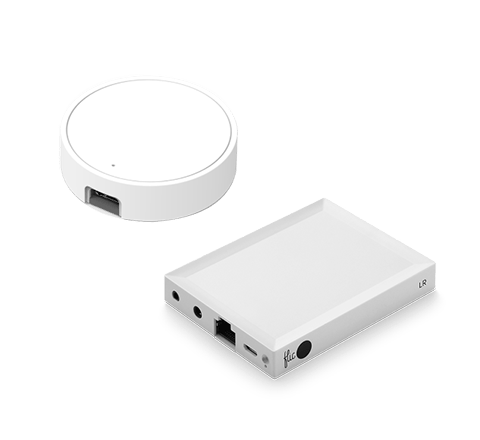
With Flic, the possibilities are endless. Explore a diverse range of integrations accessible through the Flic App or the Flic Hub. Plus, you can even create your own unique trigger and bring your imagination to life with our Hub SDK.


