





AGOTADO
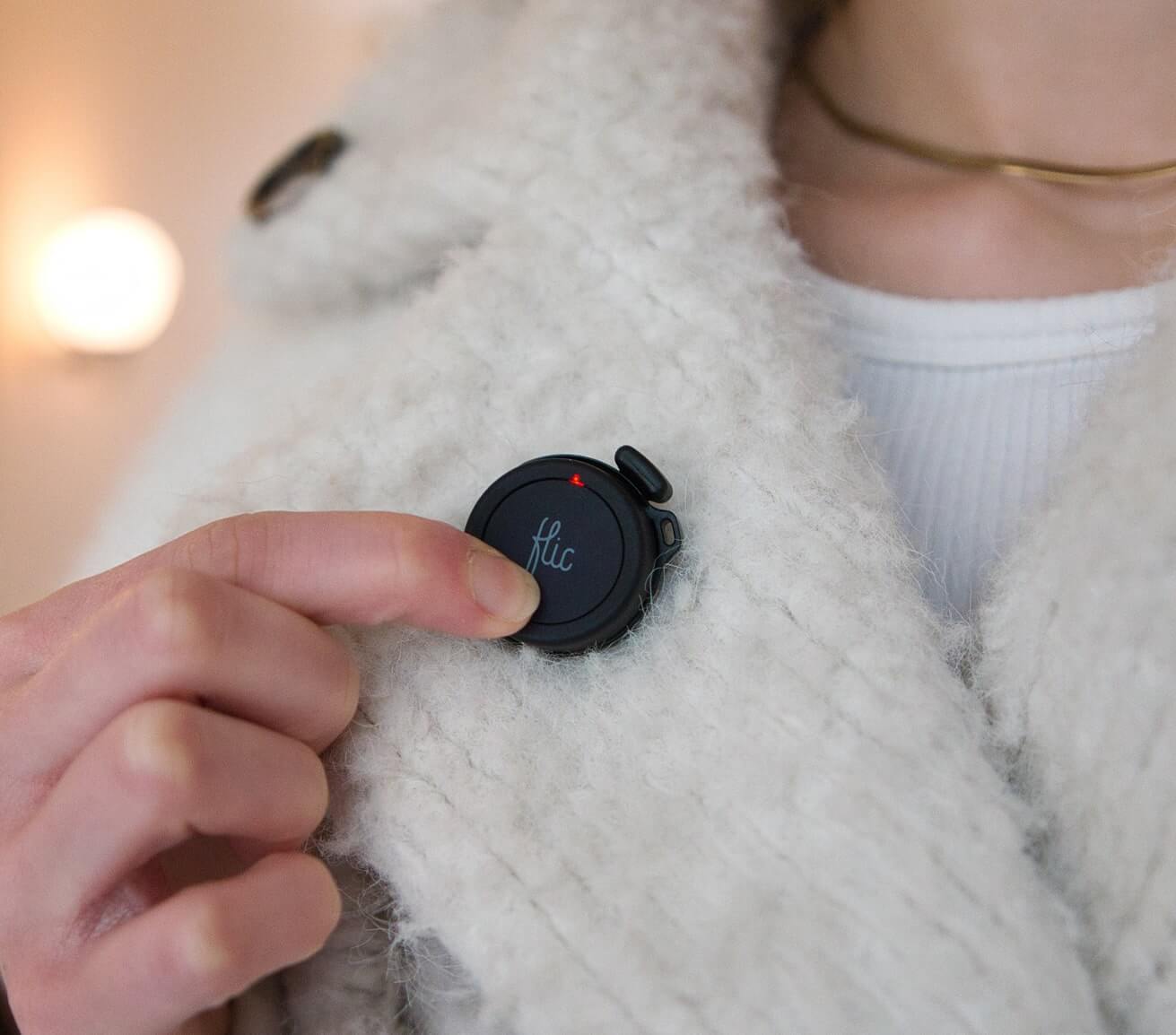
Flic
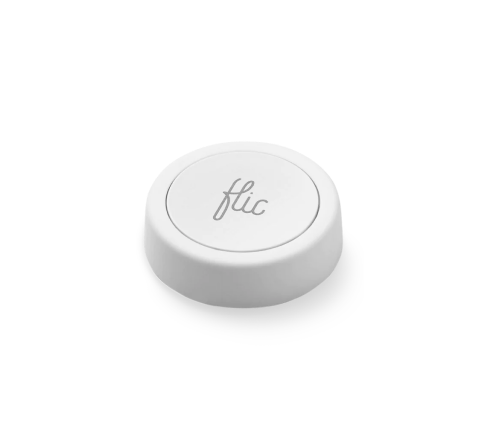
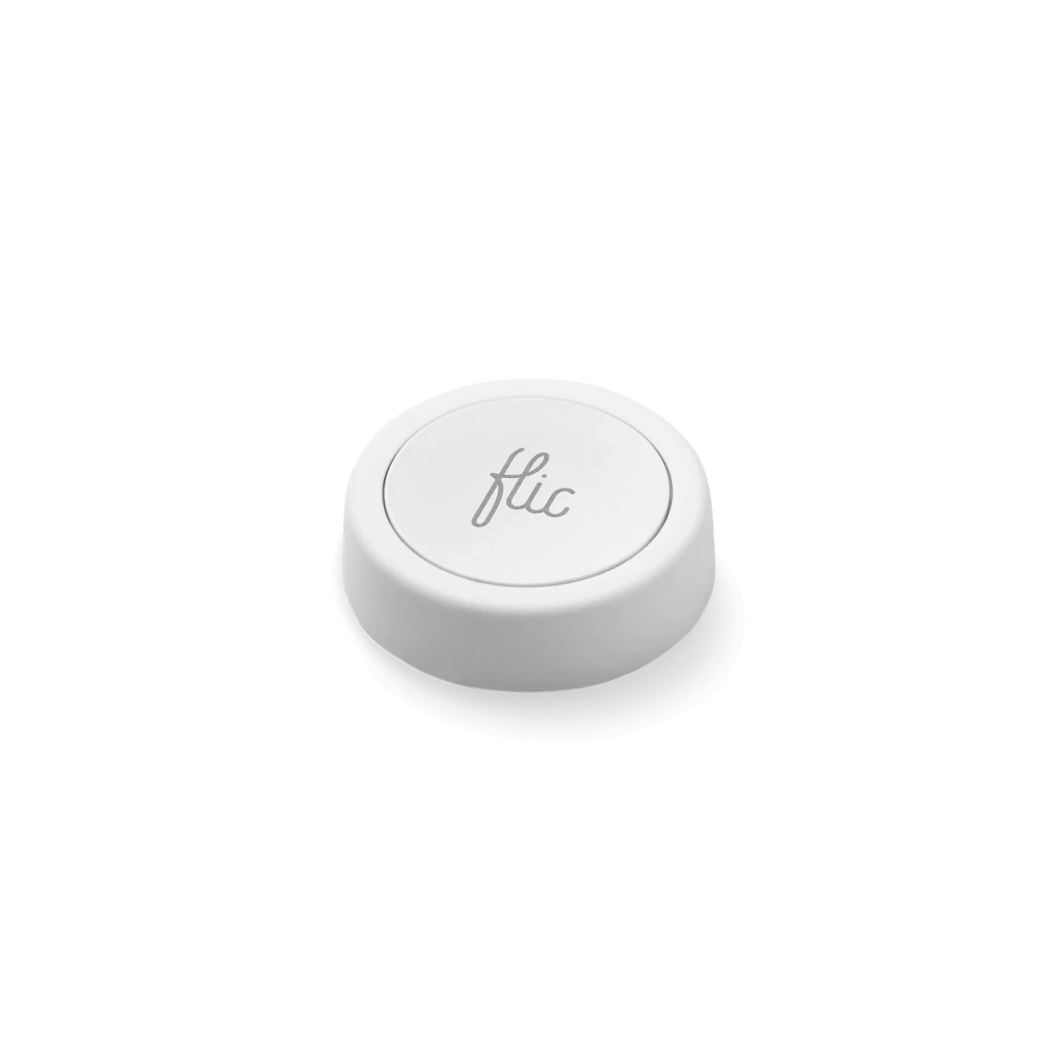
Contiene: un Flic .

HIGH DEMAND:
Ships within 3 business days
Ships within 3 business days

Garantía de satisfacción de 1 mes

2 year warranty
*Button might come without Flic logo
*Button might come without Flic logo
En lugar de aplicaciones o comandos de voz, solo tienes que pulsar un botón. El botón Flic es fácil de configurar en la aplicación y aún más fácil de usar. Conéctalo a la Flic o al Flic Hub disfrutar de miles de posibilidades. Requiere Flic Hub para funciones avanzadas como la compatibilidad con HomeKit.
 Envío neutro en carbono en todos los pedidos
Para conocer los precios para empresas, visite este enlace.

Características
Unlock the full potential of your smart home devices, from lights to music and blinds, with Flic Button's versatile functionality. You can set up Flic Button to initiate a variety of different actions, providing you with the flexibility to customize your interactions according to your preferences.

Luces de control

Rutinas de activación

Controlar la música

Reemplazar comandos de voz

Alternar persianas

Snooze alarms
Cómo Flic
Tres desencadenantes. Combinaciones infinitas.
Empujar
Doble empuje
Mantener


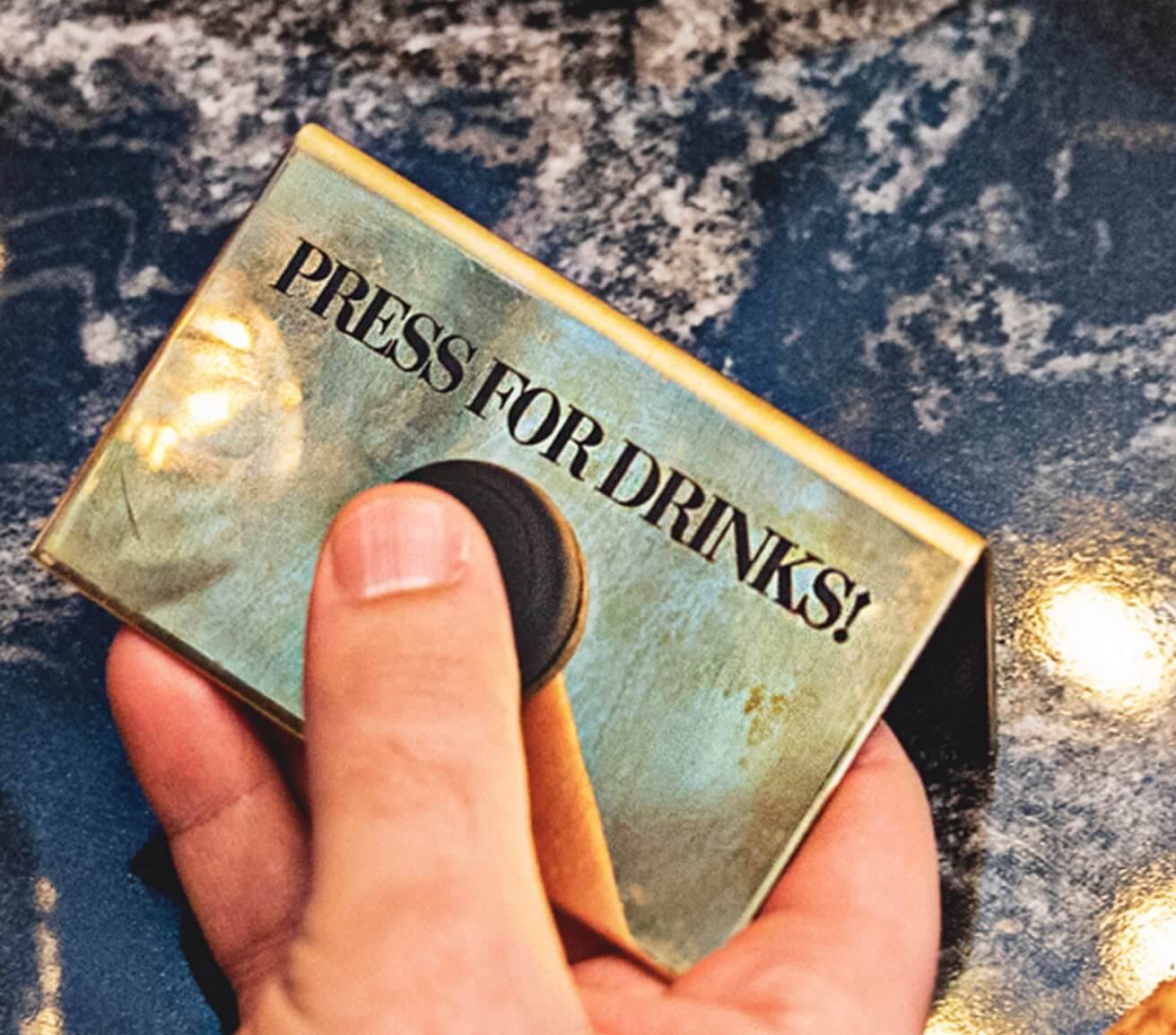
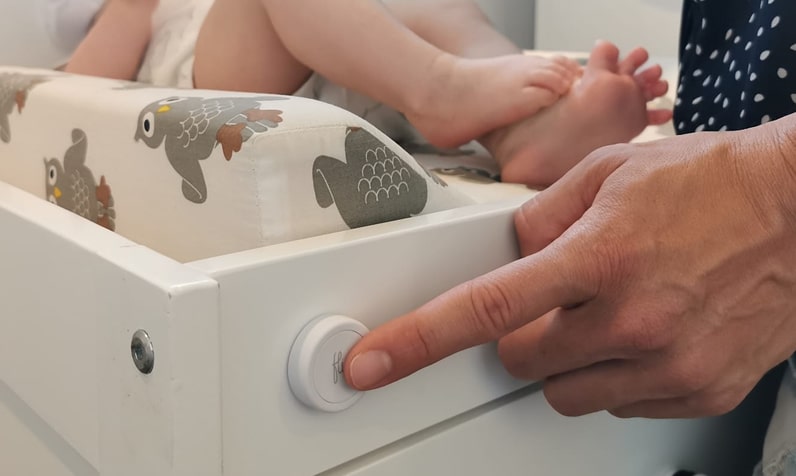
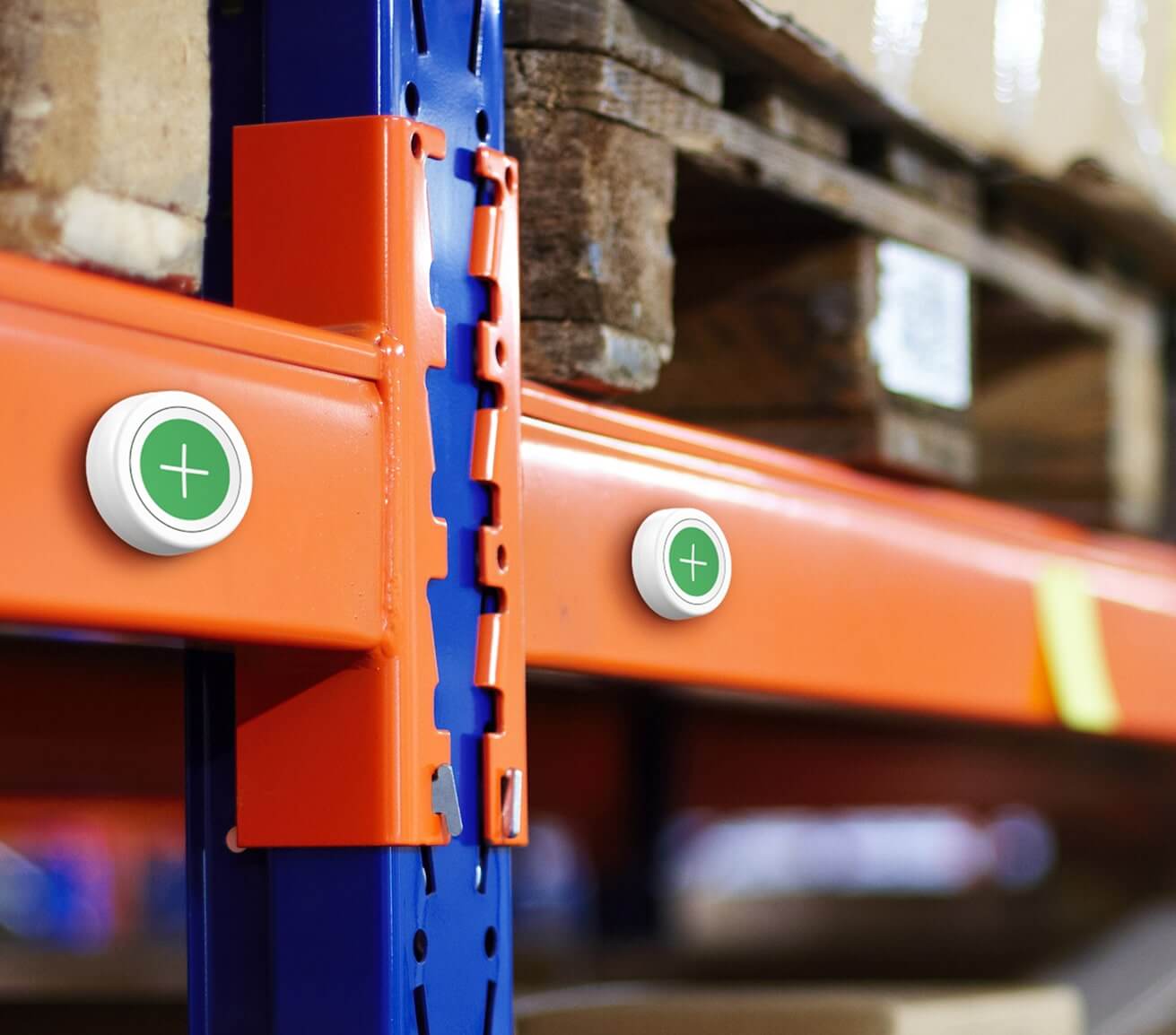
Se adhiere a cualquier superficie.
The Flic Smart Button is designed to stick to any surface, making it incredibly versatile and convenient. Equipped with a reusable adhesive, this smart button securely adheres to various surfaces. Whether it’s your wall, desk, or even your refrigerator. Place your Flic Button wherever you need it most.
Need to change its position? Easy! Simply twist the button to the right, remove the adhesive from the surface, and relocate it to another spot.

Customizable with stickers
Personalize your Flic Smart button with a wide range of stickers.
Express your style, add a touch of fun, and easily identify button functions. The stickers are not included but can be bought as an accessory.

Replaceable battery
The Flic Smart Button features a replaceable battery, ensuring that you can keep using it without interruptions. It will last up to 36 months on a single battery. Simply swap out the battery when it's running low, and your Flic Button will be ready to use again.

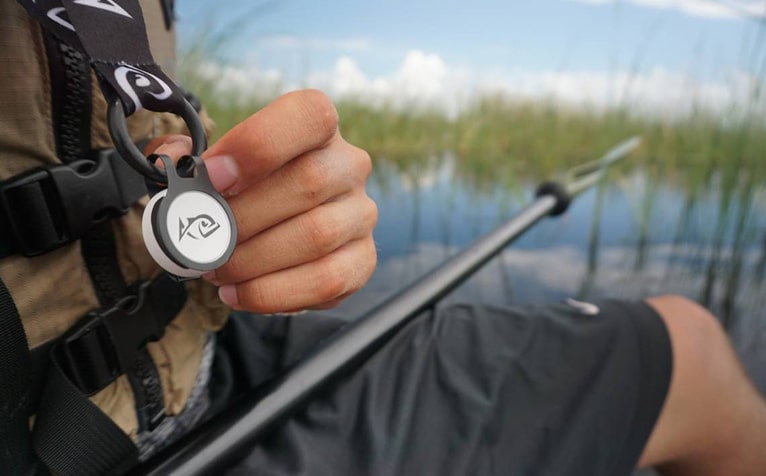
Take it anywhere
Attach your Flic Smart Button to your keychain, jacket, or bag using a metal clip for easy access on the go. The metal clip are not included but can be bought as an accessory.
¿Necesito un Flic Hub?
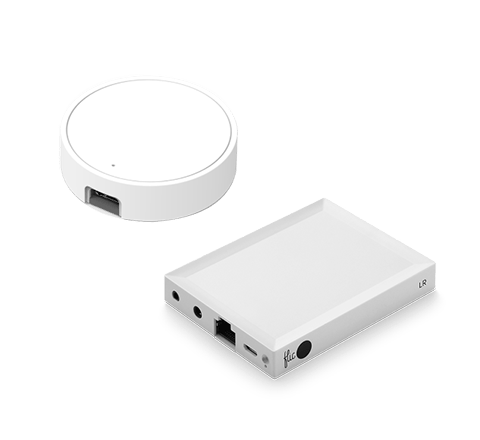
Puedes conectar Flic directamente a tu smartphone o al Flic Hub. La principal ventaja de utilizar el Flic Hub que tu configuración permanecerá siempre activa, independientemente de la presencia de tu smartphone.


Más de 1000 dispositivos y servicios compatibles
Un pequeño botón que puede controlar casi cualquier dispositivo o servicio conectado con solo pulsarlo. ¿Un simple interruptor de luz inteligente, un activador de rutinas avanzado o un botón HomeKit? La elección es tuya.
Los nuevos productos HomeKit Matter serán compatibles con Flic Twist
Explora las integracionesPersonaliza tu Flic con accesorios
Lleva tu Flic para realizar acciones sobre la marcha y personalízalo para identificar fácilmente qué Flic activa cada acción.

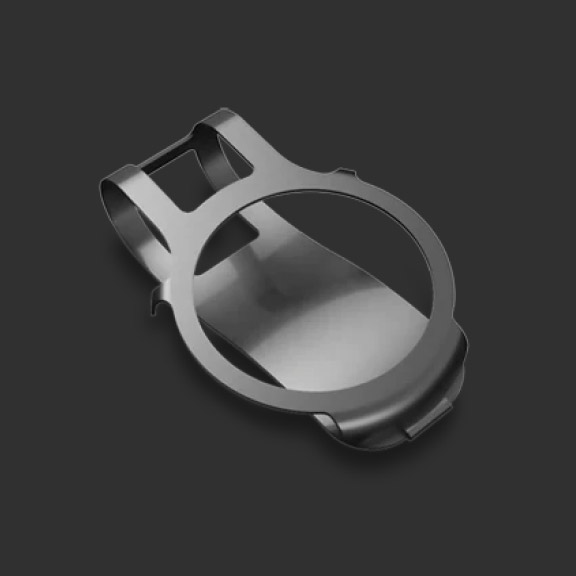
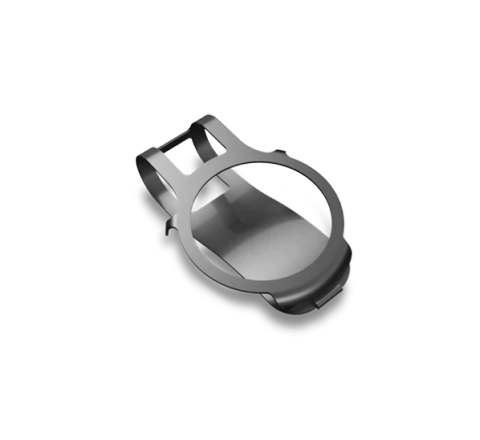
Flic con clip metálico
Este clip metálico rígido te permite fijar fácilmente tu botón Flic a la ropa, llaveros o accesorios. Disfruta de la flexibilidad de tener tu Flic al alcance de la mano dondequiera que vayas.


Hoja de pegatinas con Flic
Personaliza tus botones Flic con el juego de pegatinas para botones. Este juego incluye 20 pegatinas, entre ellas 3 en blanco para diseños personalizados. Expresa tu personalidad e identifica fácilmente las funciones de los botones.


Pulsera con Flic
Una correa ligera y cómoda diseñada para sujetar con seguridad el Flic , que ofrece un agarre firme y protección IP67 contra el polvo y el agua para un uso fiable en diversos entornos.
Preguntas y respuestas
1. Is it easy to set up the Flic Button?
Yes, it is. It only takes a few minutes. Check our Set up video.
2. How do I make Flic control other devices?
Flic can control many different third-party devices, either directly through the Flic app or through internet services such as IFTTT.If you find the third-party device in the list of actions in this app, tap the action to set it up. If you can't find it, there is a big chance that IFTTT can do it. Tap The IFTTT action and set up IFTTT separately in the IFTTT App.
3. What is the meaning of the red light on my Flic?
If it is a pulsating red light, It means that the Flic button is brand new and has not been connected to any device yet.
If it is a short red blink light, It could mean that the button has a low battery or glitchy battery connection. Make sure the battery is healthy and it makes good contact with the pads.
If it is a short red blink light, It could mean that the button has a low battery or glitchy battery connection. Make sure the battery is healthy and it makes good contact with the pads.
4. What is the meaning of the yellow light on my Flic?
If your Flic is pulsating a yellow light it means that the button is trying to connect to a previously paired device.
5. What is the meaning of the green light on my Flic?
If your Flic button is showing a green light, it means it is working correctly.
6. What are the indicators that suggest the Flic requires a battery replacement?
If it is showing one green blink light and two red blink lights, it means that the Flic button will need a new battery soon.
7. How can I change the battery of the Flic button?
To change the battery, you need to place the button on a flat surface and twist it to the right while putting pressure on the surface. Remove the battery and insert a new and fresh CR2032 battery. Finally, put the battery and the cap into the bottom of the table and twist it back on. For more details, watch our tutorial here. Please find the video here.
8. Is Flic waterproof?
Flic buttons are rated with IP44 standard which officially classifies them as splashproof. They are not fully waterproof and we do not recommend using them in environments where the button could be fully submerged or sprayed with water for more than 10 minutes. However, touching Flic with wet hands, or just light splashing of water will not affect the button.
9. How many Flics can I have on one device?
The number of Flics that can be connected simultaneously depends on factors such as the phone or tablet being used and the Flic setup. Typically, you can connect up to 10 Flics at once, for example, within your home. Additionally, you can have another set of 10 Flics in your car and another 10 in your office. However, it's important to consider that if you use other Bluetooth devices like headsets, speakers, or wearables, these connections might reduce the number of Flics you can use simultaneously. It's worth noting that certain Android devices limit the number of Bluetooth devices to 7. On the other hand, the Flic Hub supports the connection of up to 63 buttons at the same time.
10. What do I do if my Flic Button stops responding?
We suggest you try doing a factory reset. You can do the same like this:
Open the battery hatch by attaching the sticky back to a surface and twisting counterclockwise.Instructions for the factory reset:
- Remove the battery and wait a few seconds.
- Re-insert the battery and immediately press and hold the Flic. Hold the Flic pressed for 10 seconds.
- When you release you should see the LED flicker, indicating a reboot.
- Your Flic is now reset!
Please also delete the button from the Flic application and your Bluetooth settings. Then you need to reboot your device if you want to pair it with that device again. After you did the reset and the reboot, please re-pair the button again with the Flic app, like a new button.
Don't see the answer you were looking for?
Discover the versatility and convenience of Flic Button and elevate your everyday interactions.
Comprar ahoraEspecificaciones técnicas y características
Desplácese o deslice el dedo para ver más información.
Duración de la batería
Hasta 3 años (pila CR2032 reemplazable)
Dimensiones
8,3 mm x 29 mm
Campo de tiro cubierto
Hasta 50 m
LED
Verde, amarillo y rojo
Compatibilidad
Flic Hub, Hub y Hub Mini,
iOS, Android y más
iOS, Android y más
Desencadenantes
Pulsar, pulsar dos veces y mantener pulsado
Control de la luz
Establecer un color, brillo, configuración
Control de música
Set a song, specific volume,
playlist toggle music
playlist toggle music
Personalizable
Pegatinas con iconos adicionales blancas o negras
Características
Wifi - Requires a Flic hub
HID compatible
3 years battery - replaceable
Bluetooth 5 LE Long Range
Light weight
Infra-red - Requires Flic IR
MIDI compatible
Tactile click
HID compatible
3 years battery - replaceable
Bluetooth 5 LE Long Range
Light weight
Infra-red - Requires Flic IR
MIDI compatible
Tactile click
Más información sobre el Flic