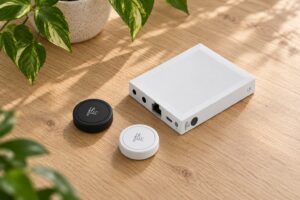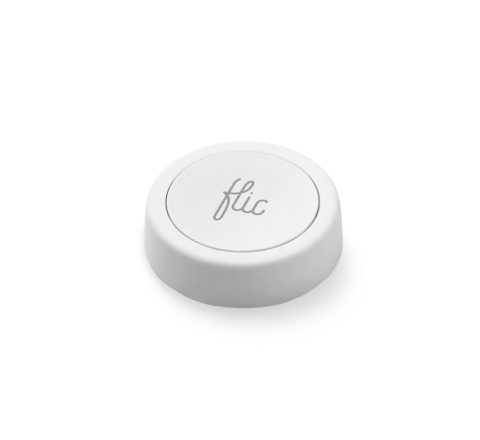
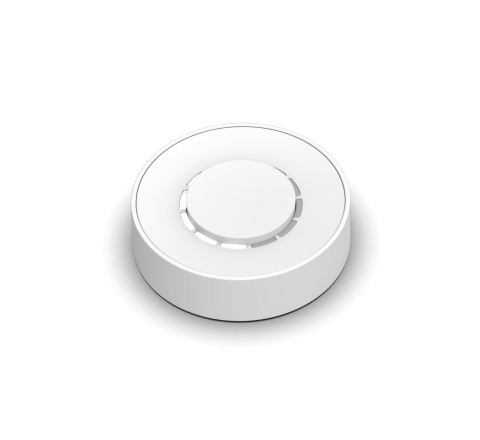
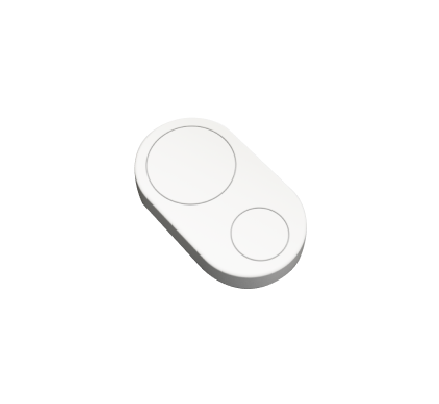


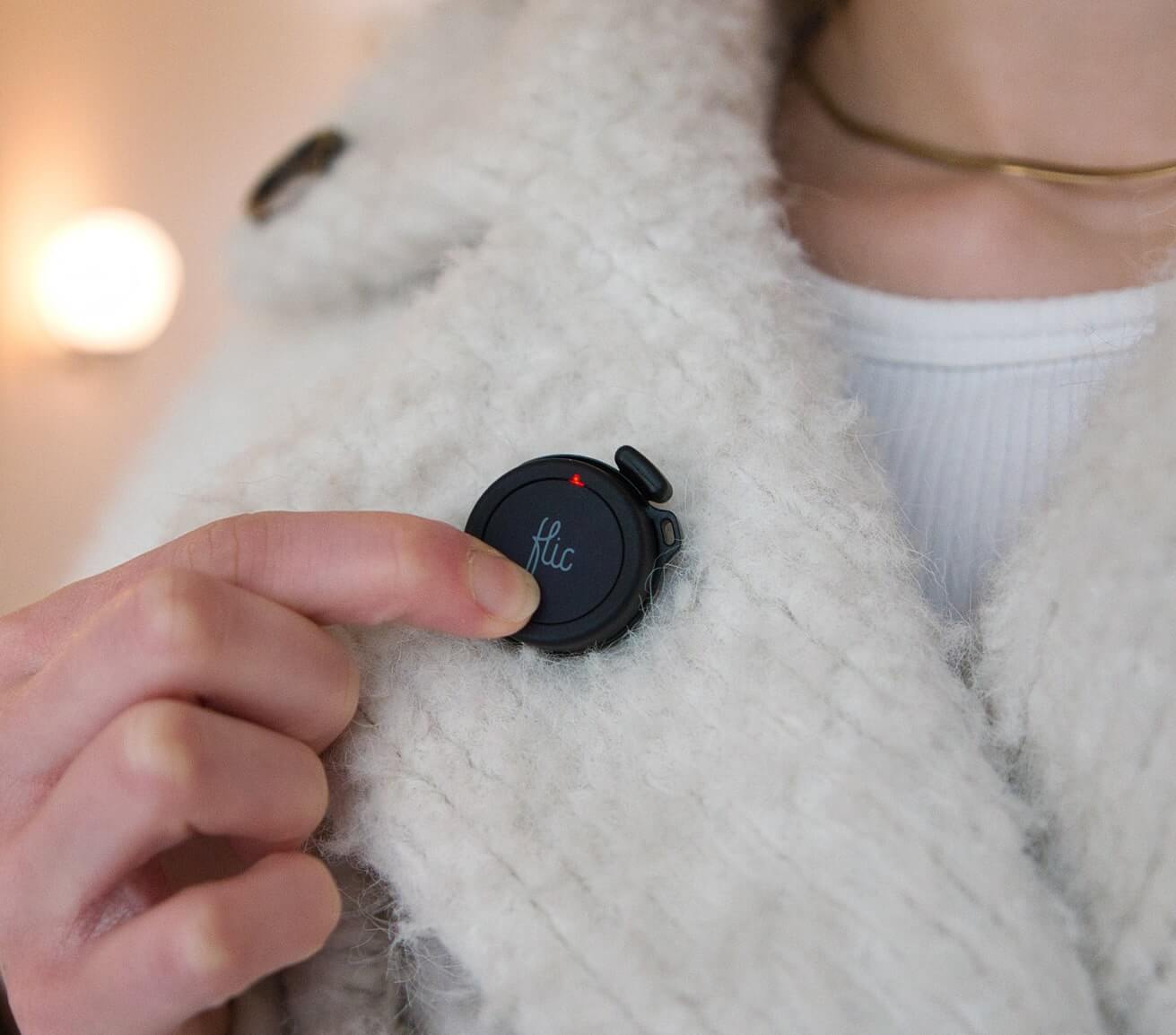





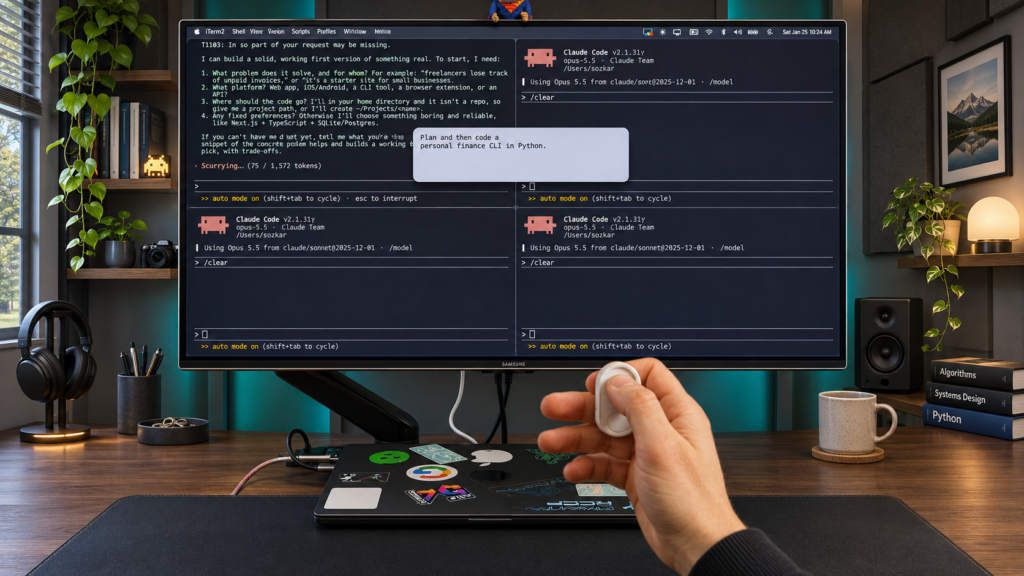
Flic Cue is a small voice button: hold to talk, let go and your words go wherever you want them. Most of what we’ve shown so far has been about life away from the computer, with notes, reminders and messages captured without picking up your phone. But we’ve also been asking a different question: what happens when Cue sits next to your keyboard?
Everything in the video is done with one button in one hand. These features are experimental, but they show how much fits into two buttons, a microphone and an accelerometer.
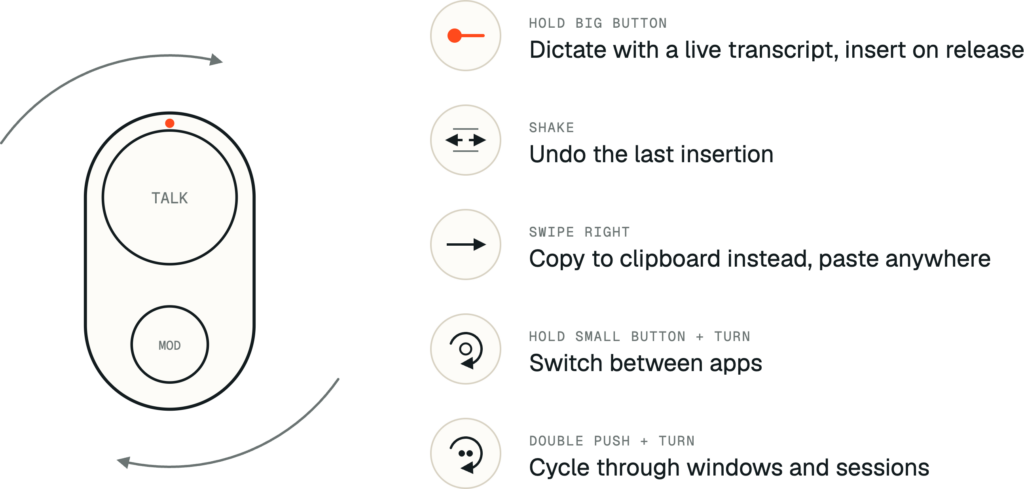
Hold to dictate. Hold the big button and a live transcript appears as you speak. Let go and the text is inserted into whatever app you’re in: an email, a document or a prompt.
Shake to undo. Said the wrong thing? Shake Cue and the last insertion is gone.
Turn to switch. Hold the small button and turn Cue in the air to move between apps. Double push and turn to cycle through windows, for example all your agent sessions in the terminal.
Swipe to copy. Started talking in the wrong window? Swipe right and the text goes to your clipboard instead. Switch apps and paste.
Macros. Keywords can be used to send commands like “Select all”, “Copy”, “Paste” or other keyboard commands that gives you access to the features you want.
One button, many destinations
Dictating into the active window is only one destination. Because Cue recognizes gestures as well as presses, a gesture can decide where your voice goes.
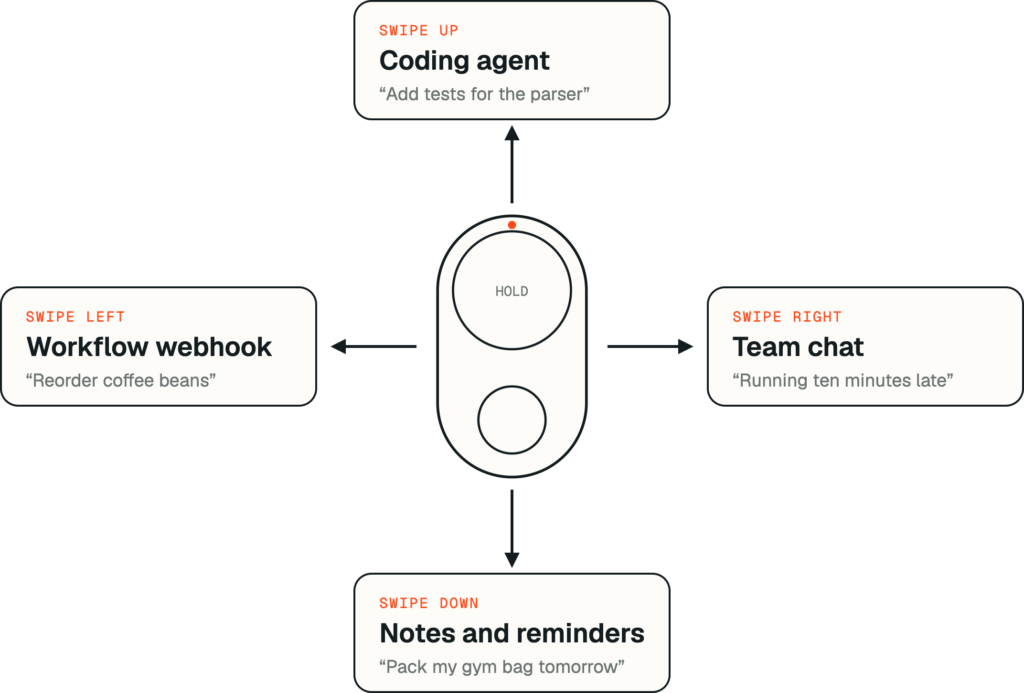
Swipe up and talk, and the command goes to your coding agent. Swipe down and it becomes a note or a reminder. Swipe left and it triggers a webhook that starts a workflow. You choose the mapping, and every direction can point at a different agent, tool or automation.
This is what makes a single button multifunctional without a menu or a screen. Your hand does the routing, so your voice only has to carry the content.
Feet-up control of your agents
AI agents have changed how a lot of us work. You give a task, wait, review, approve and give the next one. Much of that loop doesn’t need a keyboard at all.
With Cue you can lean back, pick the session by turning, give the next instruction by voice and let the agent get on with it. Cue already supports desktop session control of agents like Claude, Codex and Gemini, as well as integrations through webhooks and MCP.
Audible Feedback
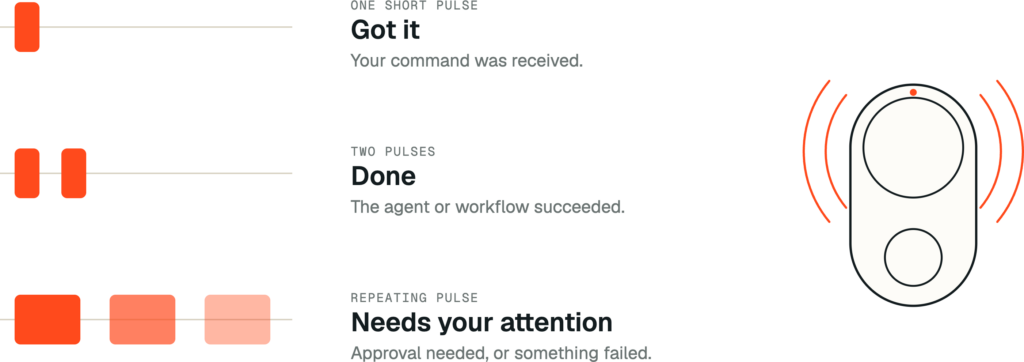
A short beep confirms your command was received. A double beep tells you the agent finished. A repeating beep means something needs your attention, such as an agent waiting for approval or a workflow that failed. You can start a long task, walk away and know when to come back.
Motion as input
The accelerometer does more than undo. It turns Cue into a small motion controller.
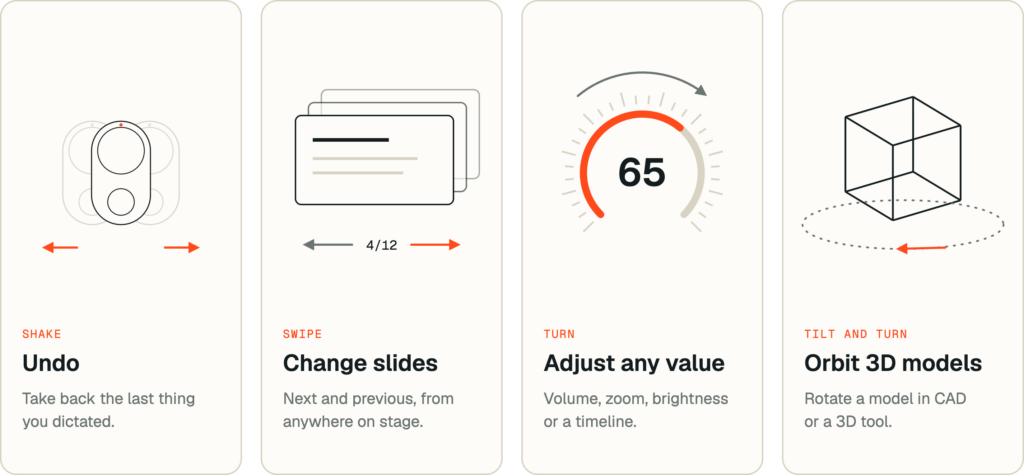
Presentations. Swipe to go to the next or previous slide, push to start, and talk to add a note without leaving the stage.
Turning values. Turn Cue like a knob to adjust volume, brightness, zoom, a timeline or any number that’s tedious to set with a mouse.
3D models. Tilt and turn to orbit a model in a CAD or 3D tool, with the buttons for zoom or reset.
Like every Flic product, Cue ships with SDKs and a full protocol specification. You own it, and you can connect it to anything. If you want early hardware and SDK access, sign up at cue.flic.io/developers.
Get Flic Cue
Flic Cue launches on Kickstarter on 5 November 2026 at 15:00 CET, with up to 40% off for the first 500 backers.
Flic Cue on Kickstarter →