



The Smart Button for Roborock
Control any Roborock compatible products with a Push, or Twist.
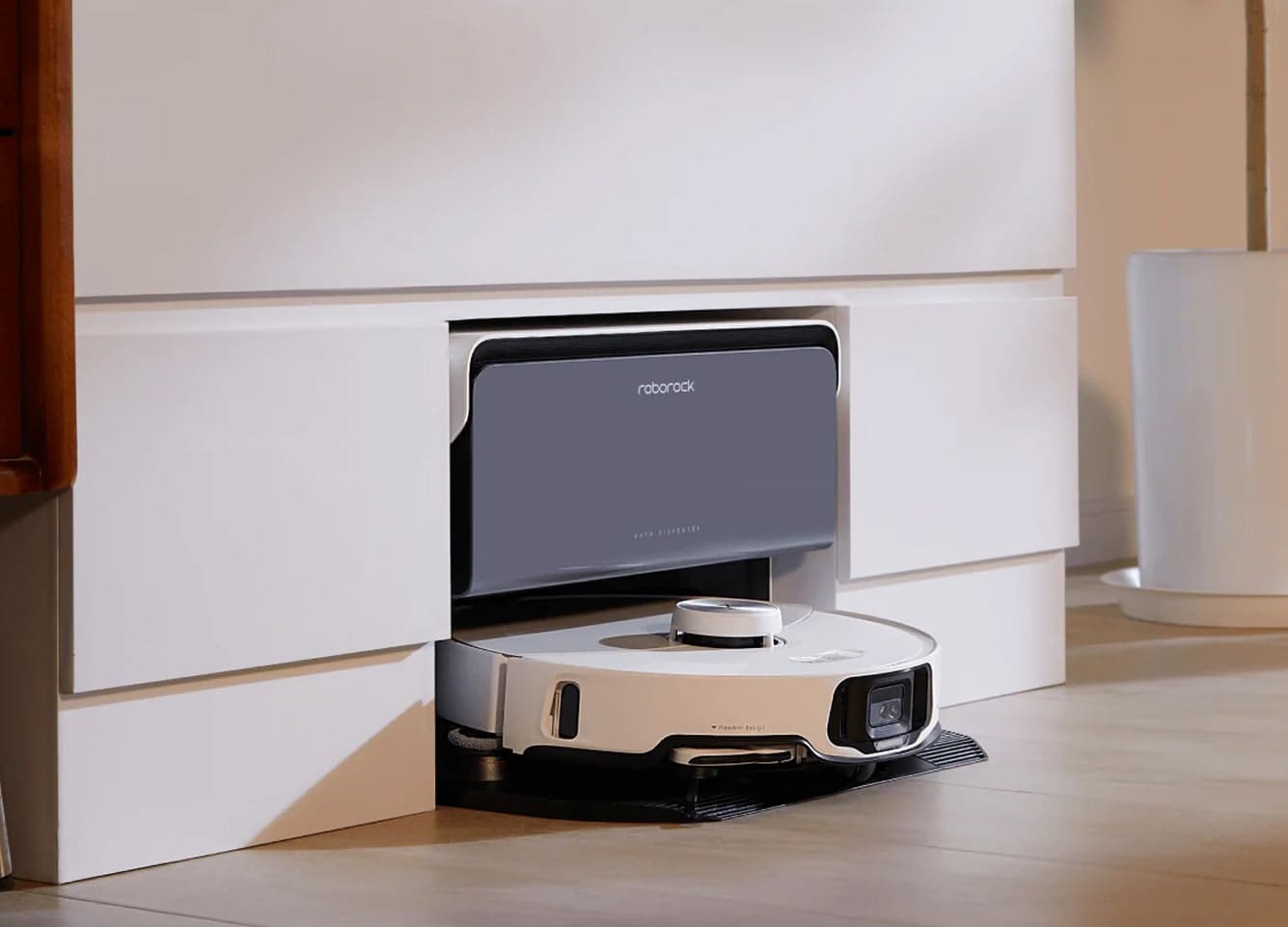
Source: https://se.roborock.com/

Why Choose Flic for Roborock?

Physical Convenience
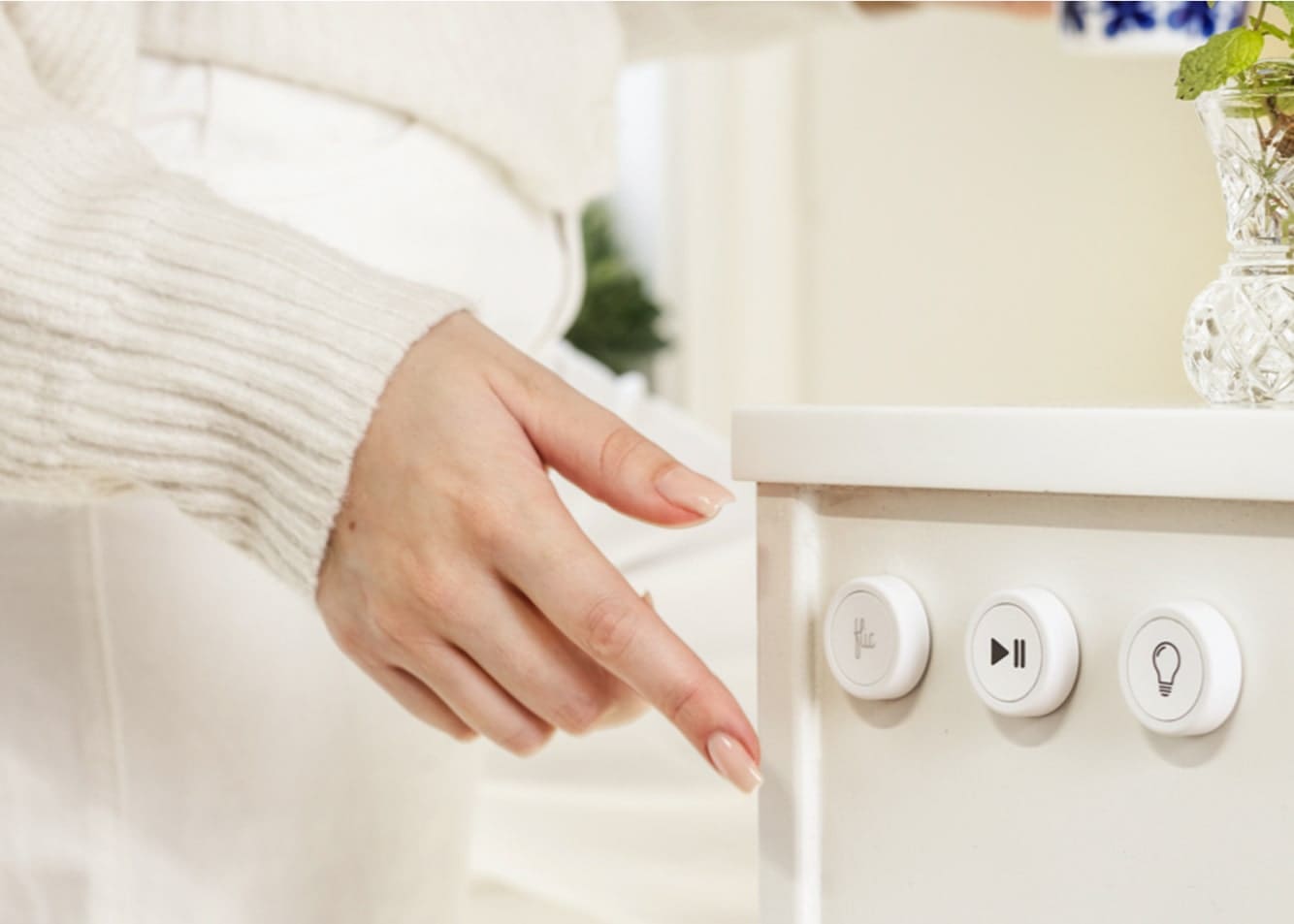
No need to grab your phone or talk to a voice assistant—just push a button to start, pause, or dock your Roborock vacuum.

Customizable Controls
Assign unique actions to each Flic input. For instance, Push to kick off a quick cleaning cycle, Double Push to send the vacuum back to its dock, Hold to trigger a more thorough cleaning mode, or Push & Twist for adjusting cleaning intensity or zone preferences.

Matter Integration
Leveraging Matter ensures a reliable, low-latency connection between Flic and Roborock. Enjoy swift responses and seamless integration with other Matter-ready devices.
Set Up Roborock with Flic through Matter
It’s simple and easy!
1
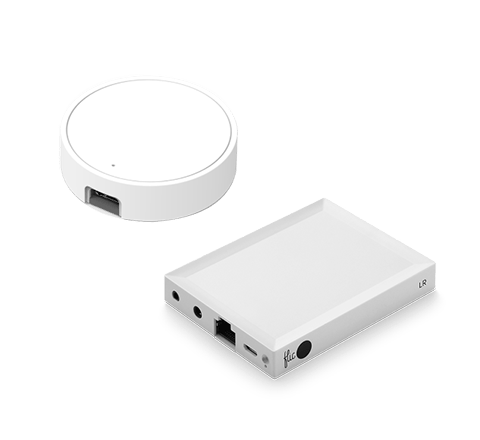
Add your Flic Hub

Ensure your Flic Hub is connected to the Flic app. If you need help, check out our quick tutorial.
2
Scan the QR Code

In the Flic app, tap on the three dots (upper right) and select Providers > Matter > Add Device, then scan the code on your Roborock product.
3
Connect to Wi-Fi

Once your device is recognized, select your Wi-Fi network in the Flic app, enter the password if prompted, and wait for the setup to complete.
4
Assign Actions

Once done, your Roborock devices are ready for Flic triggers. Tap Continue to start customizing your lighting experience!
Roborock Matter devices generally connect via Wi-Fi. If future models support Thread, they’ll be labeled accordingly. Ensure your Flic Hub LR and Roborock devices share the same Wi-Fi network for seamless operation.
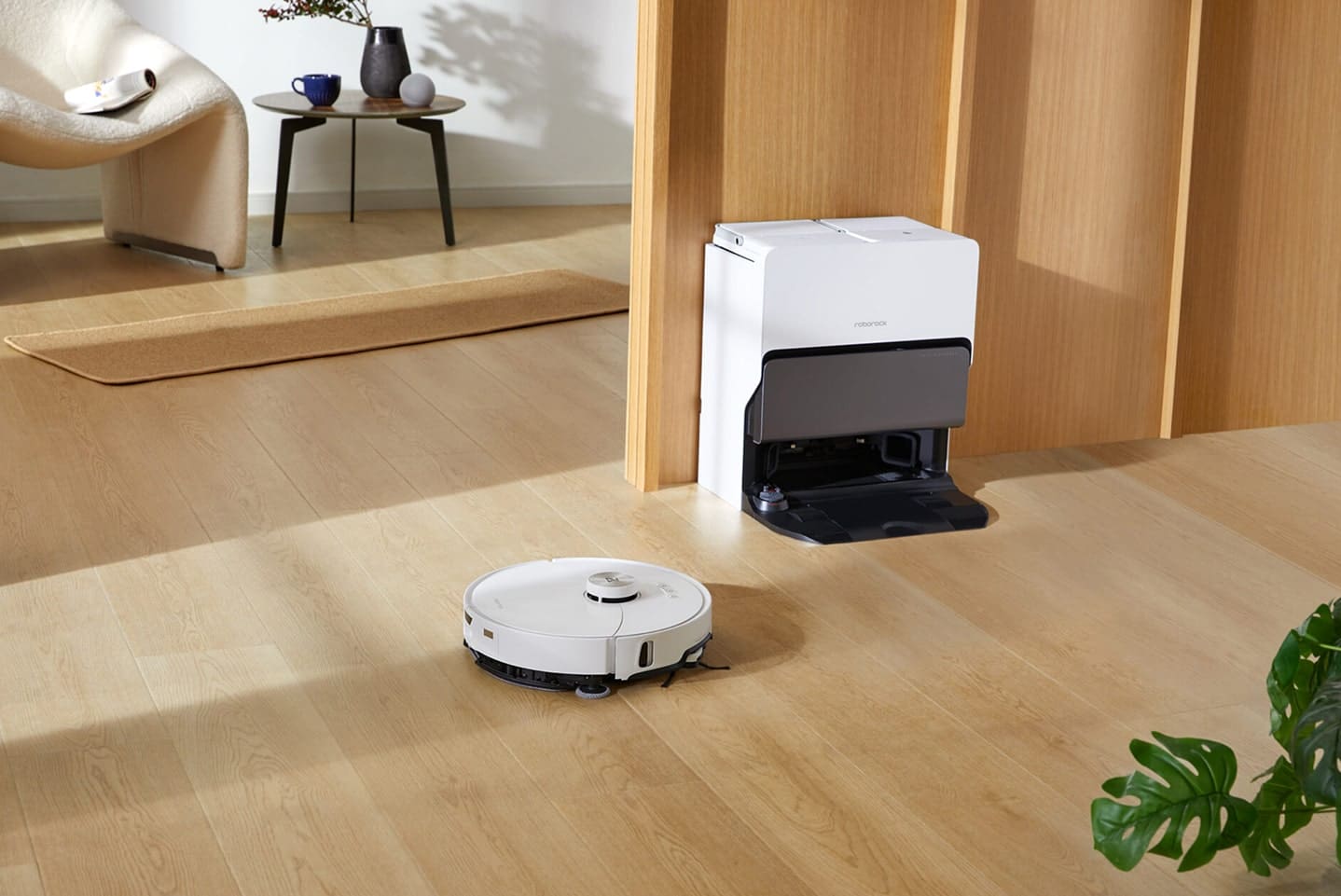
Control all Matter-compatible Roborock products like Magic
Source: https://se.roborock.com/
Deep Clean Routine
Hold to activate a more intensive cleaning mode, ensuring carpets, rugs, and high-traffic areas get a thorough sweep.
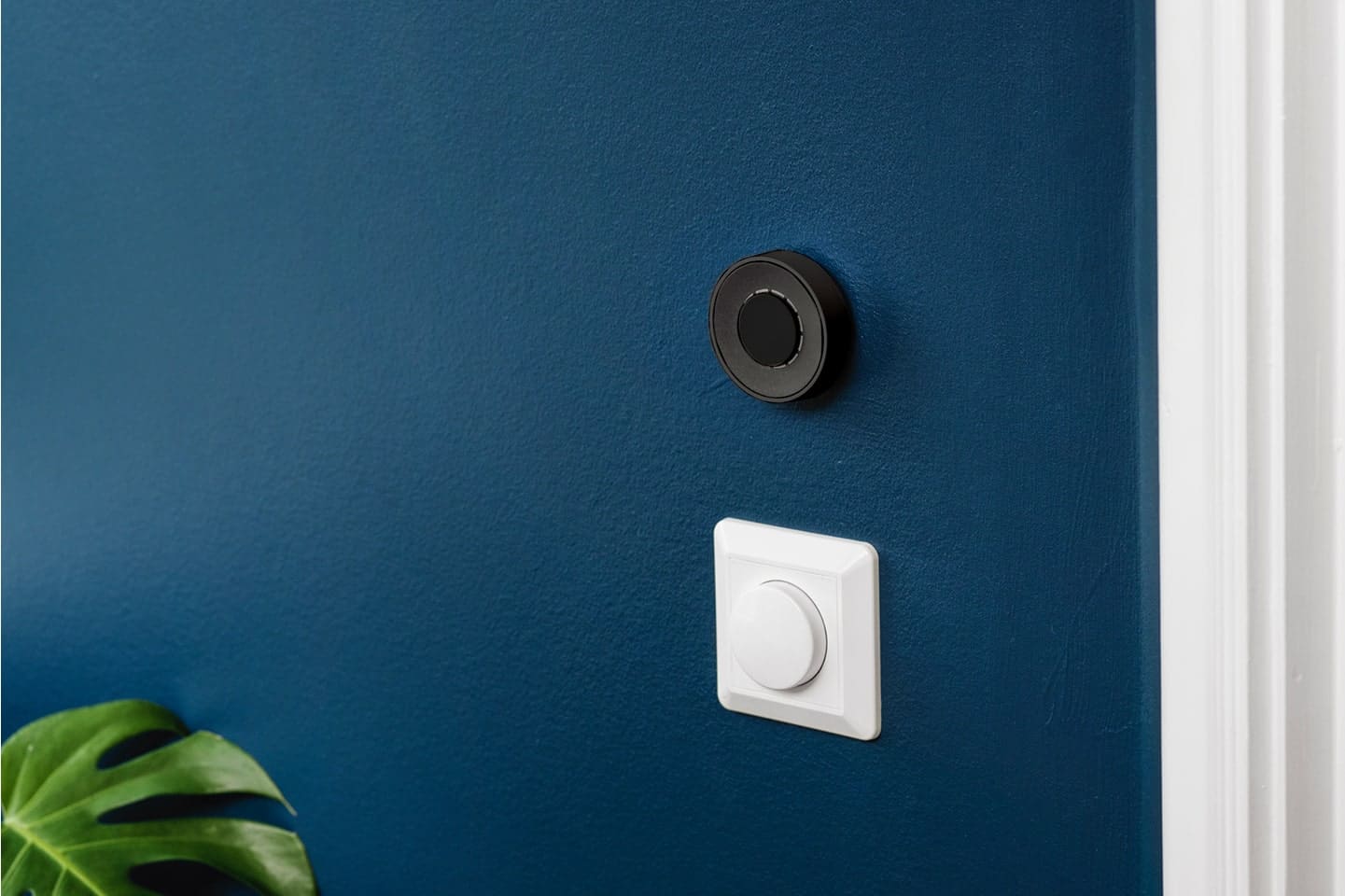
Zoned Cleaning Mode
Assign Push & Twist to cycle through different cleaning zones or intensity levels. Perfect for targeting a specific room or adjusting suction power on the fly.
Source: https://se.roborock.com/
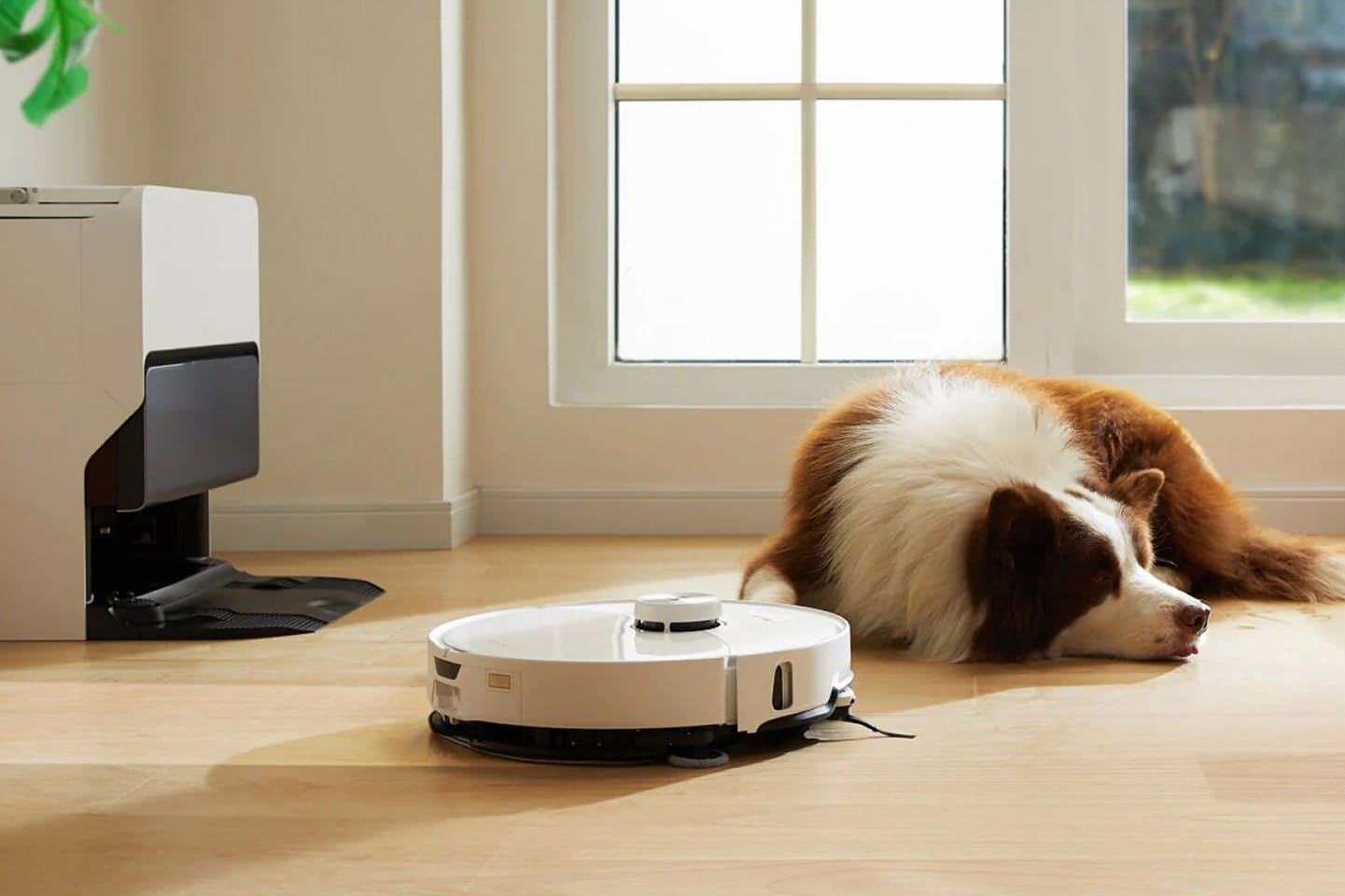
Return to Base One-Touch Dock
Push to send the vacuum back to its dock, making sure it’s ready for the next cleaning cycle or recharging session.
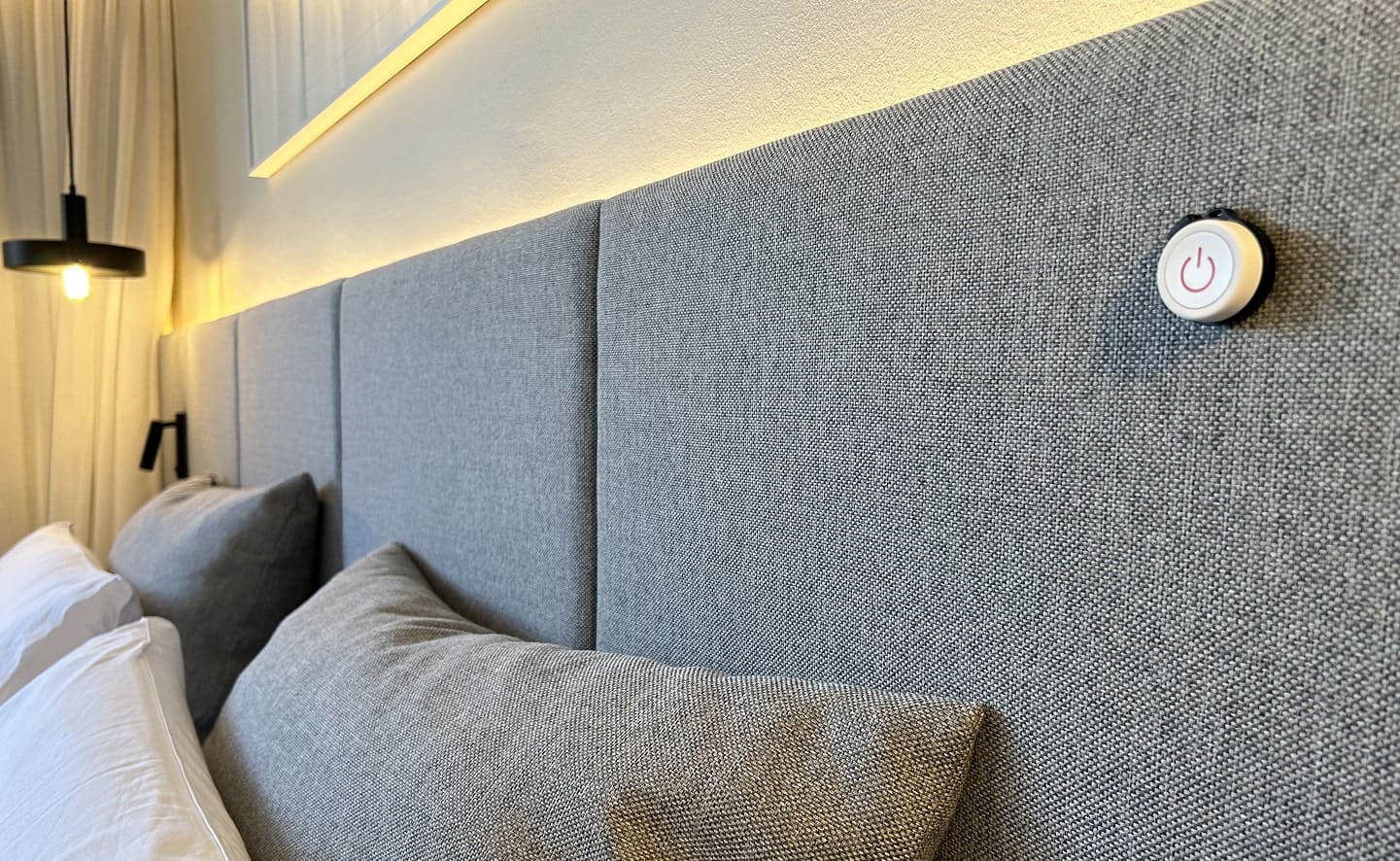
Morning Refresh
Assign a Double Push to begin a light cleaning cycle after breakfast—ideal for picking up crumbs and minor debris from the kitchen or dining area.

“I have to say I like them a lot. If you live in a household where some of you like smart home kit and others are more skeptical, these buttons could be a great way to bridge the gap.”

“There are many possibilities for using but- tons, but you can rarely find such a versatile and universal product as the Flic buttons. [...] It is hard not to recommend this product.”

“Flic is the easiest to use and best performing of the ever-increasing smart button bunch”

“If you have got a smart home setup going, you can use it to dim the lights and launch Netflix with one touch. If you are jogging at night, you can use it as a panic button, configuring it to send your location in the event of trouble. [...] You can probably use Flic to do it without taking your phone out of your pocket."

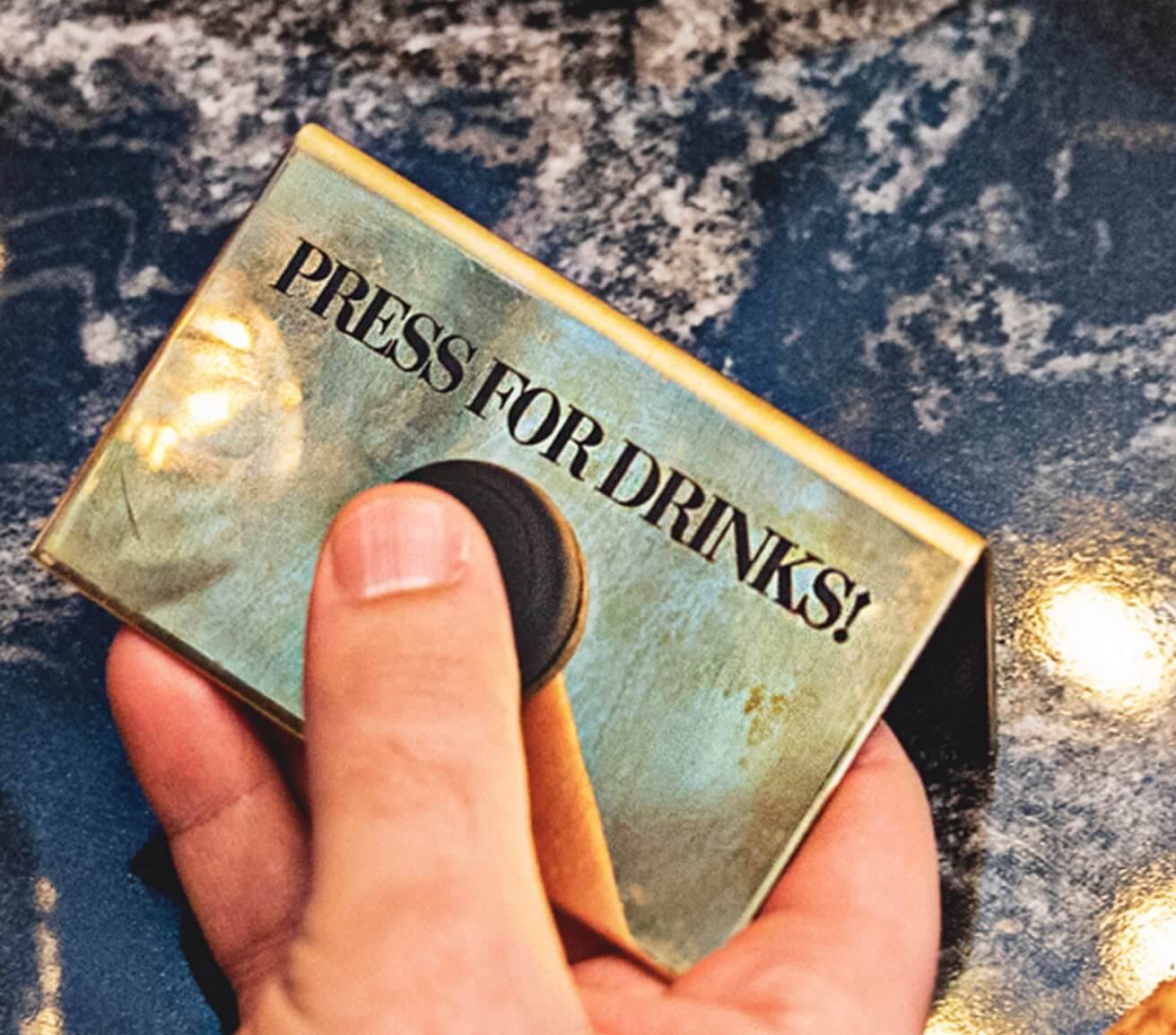
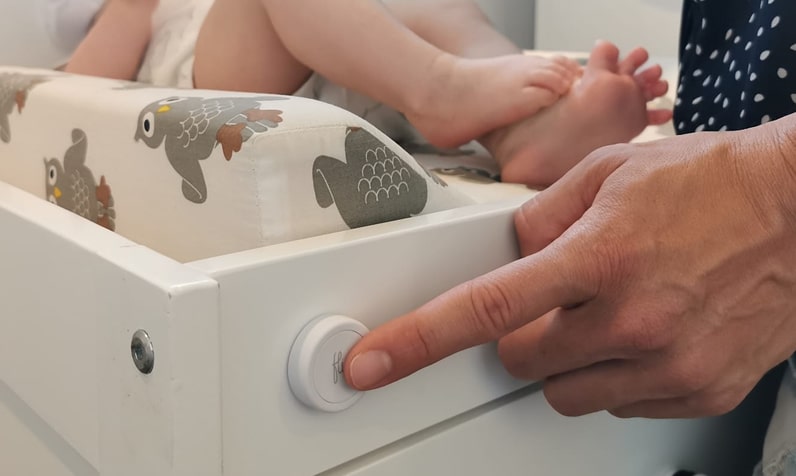
Se adhiere a cualquier superficie.
El adhesivo reutilizable funciona como un imán, pero para cualquier superficie.
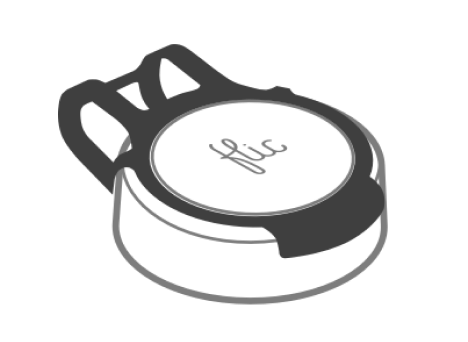
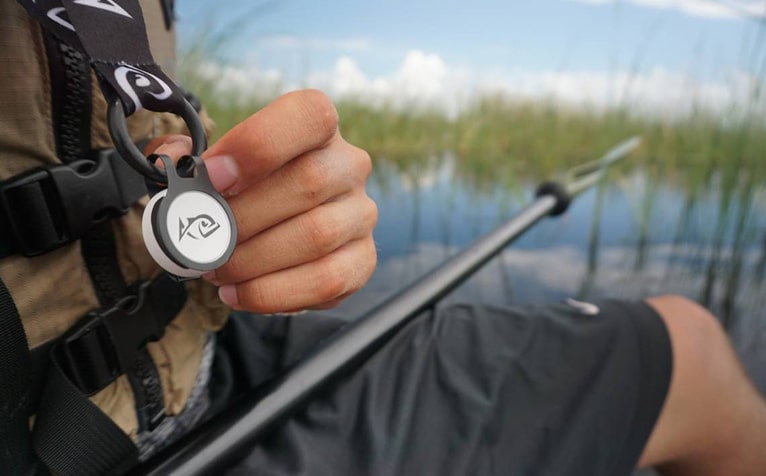
Llévatelo contigo.
Se puede fijar fácilmente a la ropa, llaveros o accesorios.

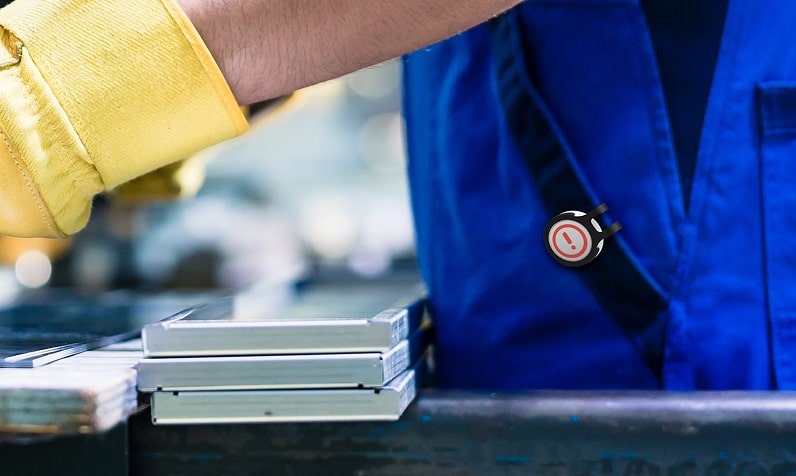
Colocar en cualquier lugar
A la vista de todos o escondido en secreto.

Available with all Flic controllers
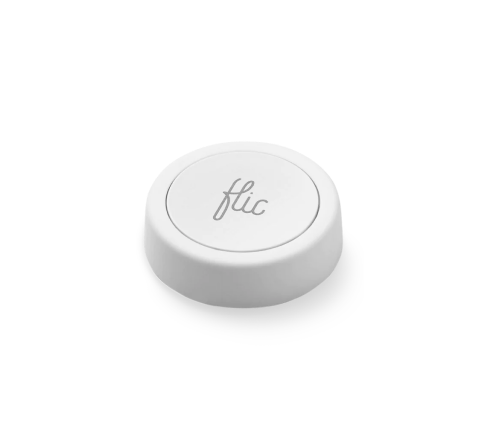
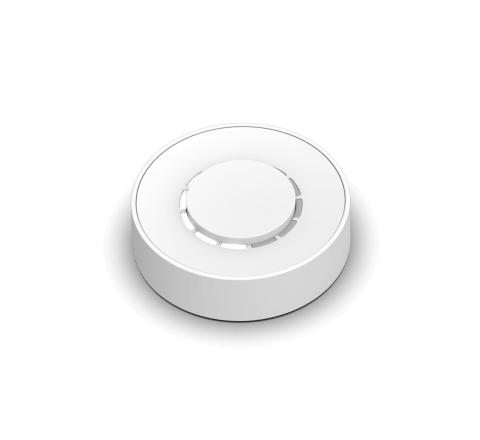
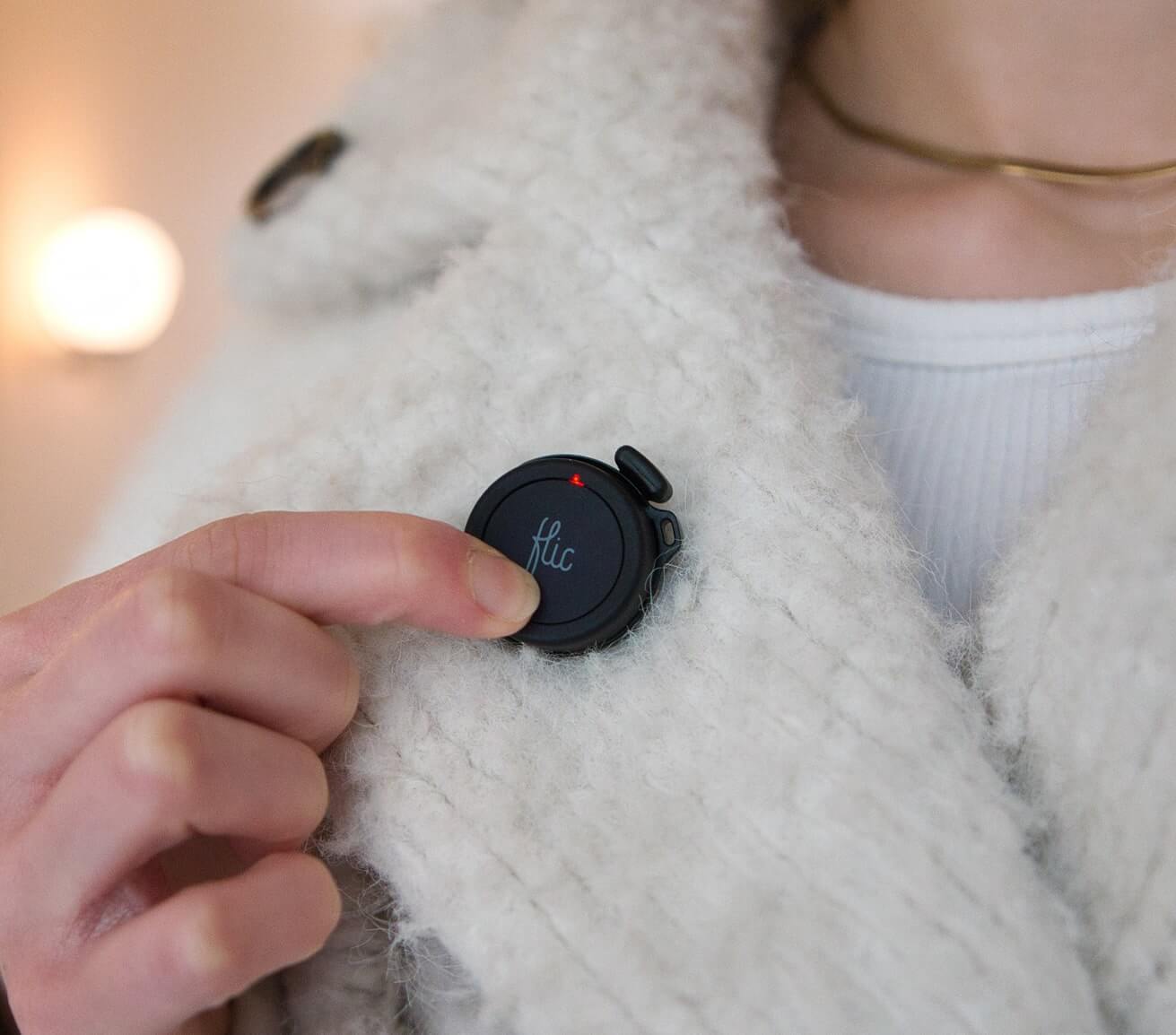
The Roborock Integration seamlessly extends to both Flic 2 and Flic Twist devices, offering versatile control options.
With Flic 2, you have Push, Double Push, and Hold triggers. Flic Twist unlocks more possibilities, including Push, Double Push and Twist, providing multi-dimensional control for your Roborock device. Enhance your smart home effortlessly—combine Flic’s intuitive controls with the power of Roborock’s Matter-supported devices and experience an elevated level of convenience
Get started with Flic and Roborock


More Than Just a Roborock Button
With Flic, the possibilities are endless. Explore a diverse range of integrations accessible through the Flic App or the Flic Hub.
Plus, you can even create your own unique trigger and bring your imagination to life with our Hub SDK.
Plus, you can even create your own unique trigger and bring your imagination to life with our Hub SDK.


