

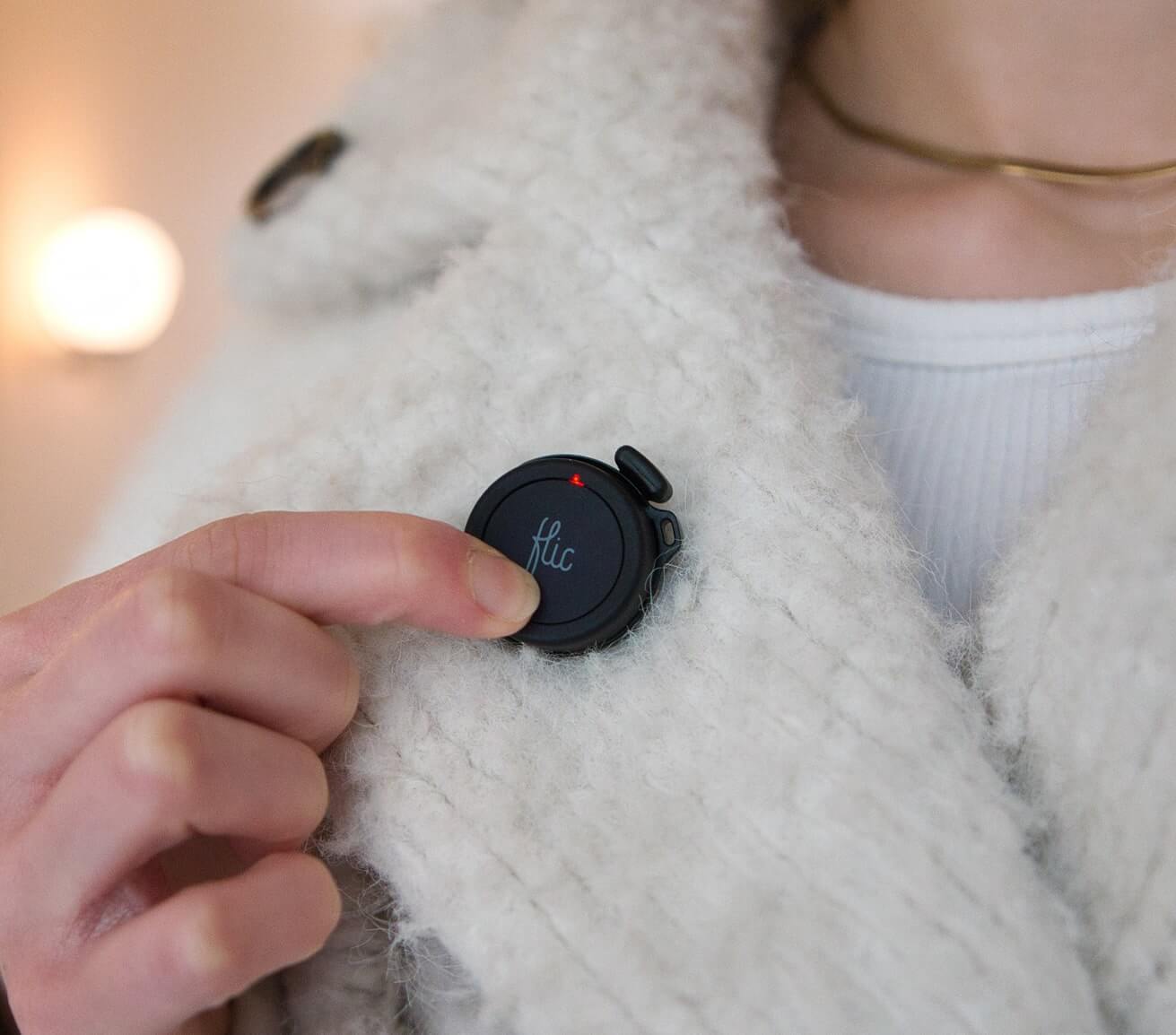






The Smart Button for Smartwings
Control any Smartwings compatible products with a Push, or Twist.

Source: www.smartwingshome.com


Why Choose Flic for Smartwings?

Physical Convenience
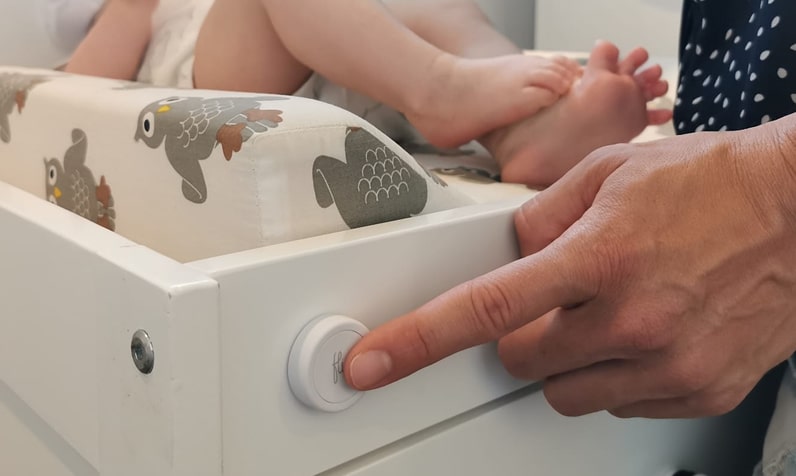
Quickly open or close blinds without rummaging for a phone. Just tap a Flic button to let in the light—or block it out.

Customizable Triggers
Assign distinct actions for each trigger. For instance, Push to open blinds slightly, Double Push to raise them fully, Hold to close them completely, or Push & Twist for fine-tuning the blind position.

Matter Integration
Through Matter, Flic and Smartwings devices communicate smoothly—whether they’re Thread- or Wi-Fi-based—ensuring a stable, low-latency smart home setup.
Set Up Smartwings with Flic through Matter
It’s simple and easy!
1
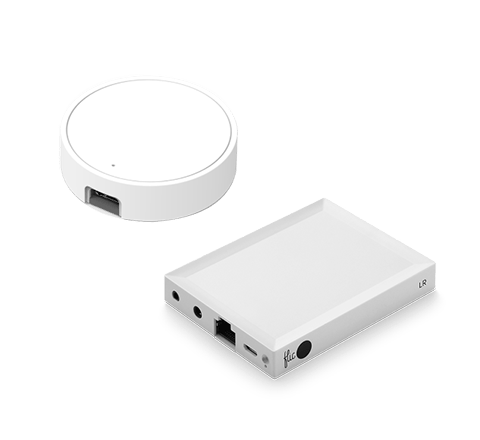
Add your Flic Hub

Ensure your Flic Hub is connected to the Flic app. If you need help, check out our quick tutorial
2
Scan the QR Code

In the Flic app, tap on the three dots (upper right) and select Providers > Matter > Add Device, then scan the code on your Smartwings product.
3
Finalize Setup

Wait for the process to complete. Once done, your Smartwings Matter device is ready for Flic triggers—just tap Continue and enjoy your new smart home possibilities!
As Flic acts as a "Wi-Fi Button" for Matter, ensure that your Flic Hub LR and Smartwings devices share the same network or Thread Border Router.
Control all Matter-compatible Smartwings products like Magic

Source: www.smartwingshome.com
Afternoon Privacy
Use a Double Push to partially lower blinds, blocking out midday glare while still allowing diffused daylight to enter. It’s perfect for balancing privacy with a pleasantly lit space—no need to sacrifice natural light.
Sunrise Mode
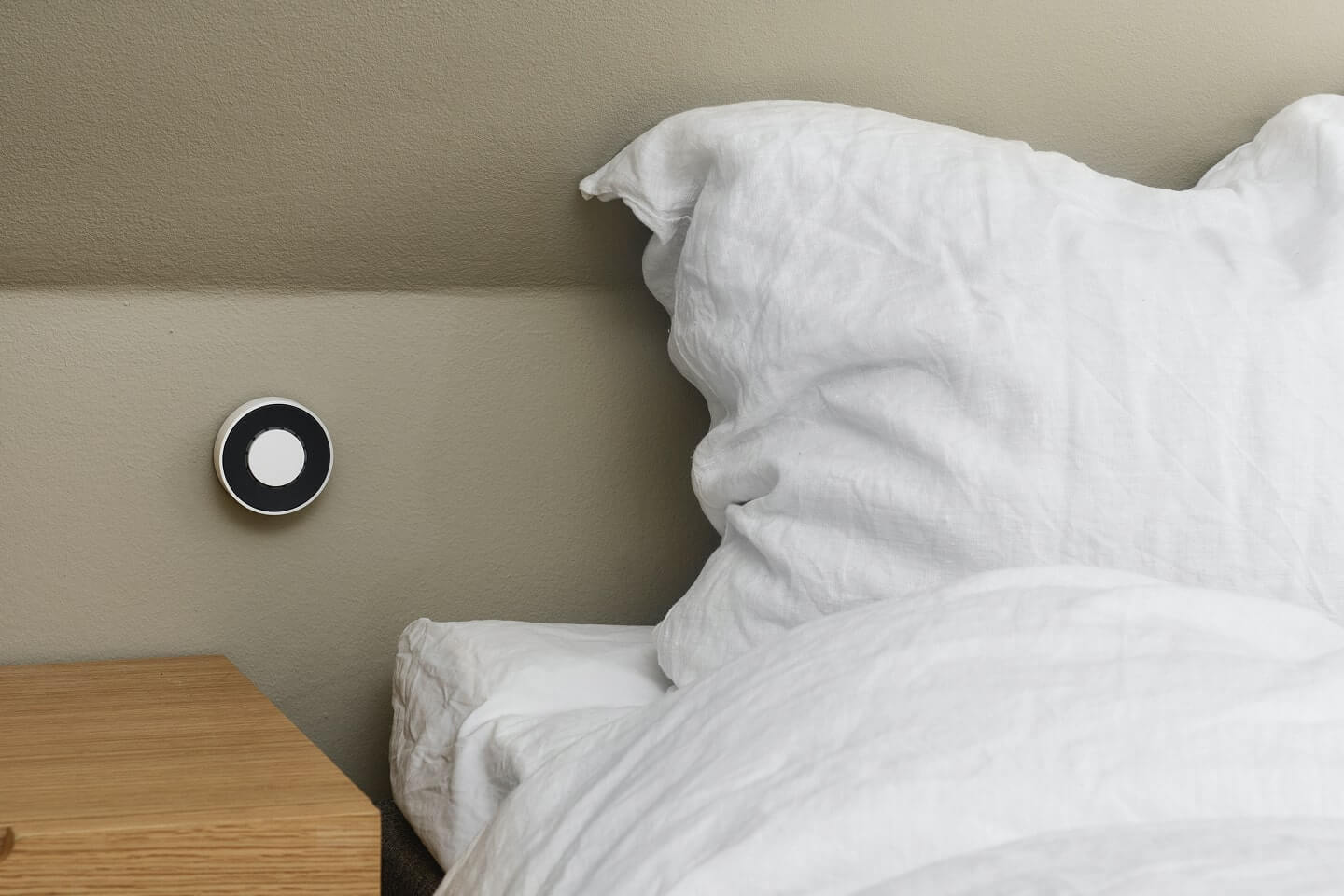
Assign a Push in the morning to gently raise your blinds, letting in soft, natural light to ease you into the day. This gradual illumination can help you wake up more comfortably, making your mornings feel less abrupt and more refreshing.
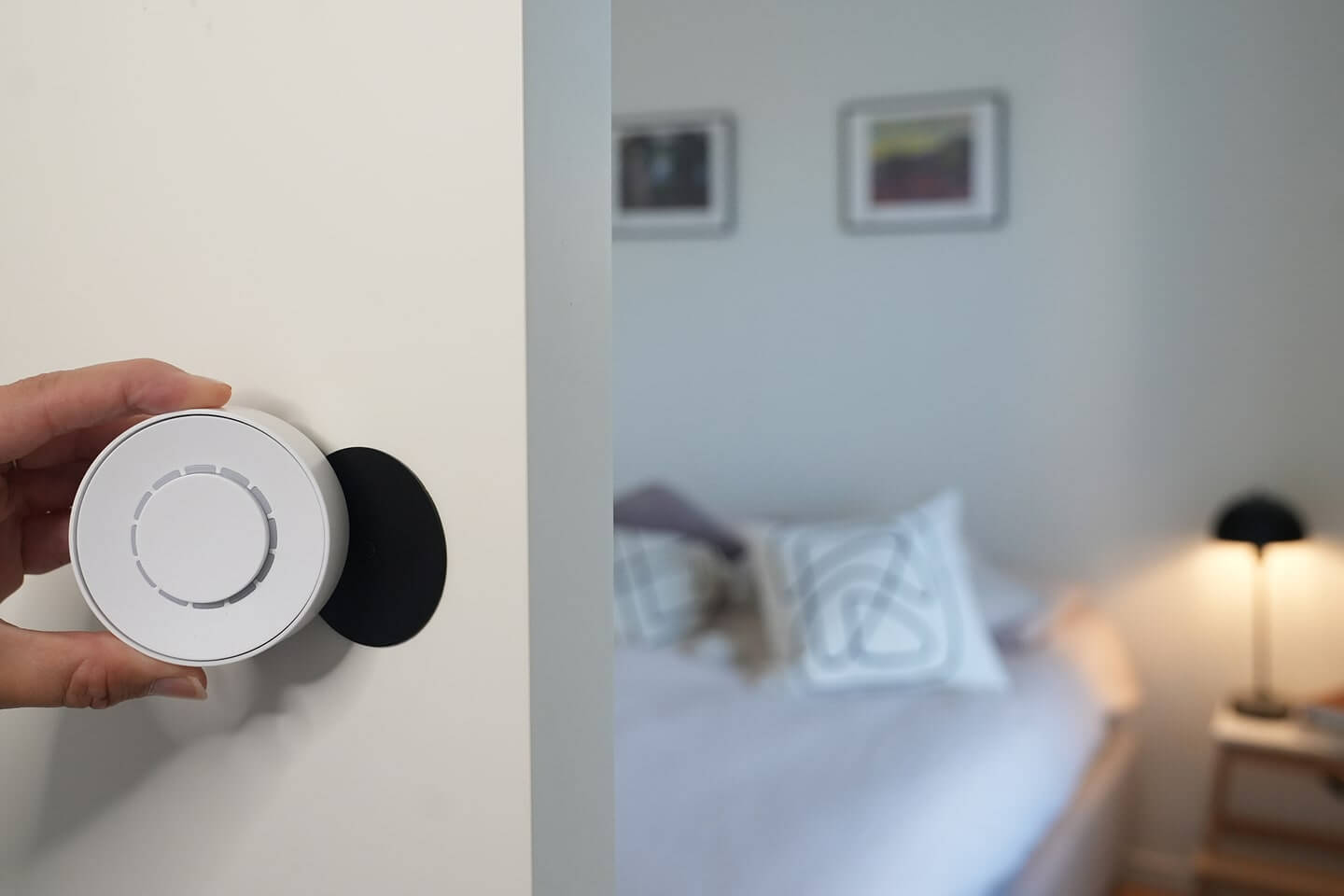
Nap Time
Twist to bring blinds to a mid-level, creating an ideal environment for a quick rest without plunging the room into total darkness. Keep just enough light for a calm atmosphere that encourages relaxation.

Source: www.smartwingshome.com
Nighttime Routine
Hold to close all blinds for a cozy, private setting at bedtime. This instant transformation helps you wind down more easily, creating a tranquil sanctuary for restful sleep.

“I have to say I like them a lot. If you live in a household where some of you like smart home kit and others are more skeptical, these buttons could be a great way to bridge the gap.”

“There are many possibilities for using but- tons, but you can rarely find such a versatile and universal product as the Flic buttons. [...] It is hard not to recommend this product.”

“Flic is the easiest to use and best performing of the ever-increasing smart button bunch”

“If you have got a smart home setup going, you can use it to dim the lights and launch Netflix with one touch. If you are jogging at night, you can use it as a panic button, configuring it to send your location in the event of trouble. [...] You can probably use Flic to do it without taking your phone out of your pocket."

Haftet auf jeder Oberfläche
Wiederverwendbarer Klebstoff funktioniert wie ein Magnet, jedoch für jede Oberfläche.

Nimm es mit
Einfach an Kleidung, Schlüsselanhängern oder Accessoires befestigen.

Überall platzieren
Für jeden sichtbar oder heimlich versteckt.

Available with all Flic controllers
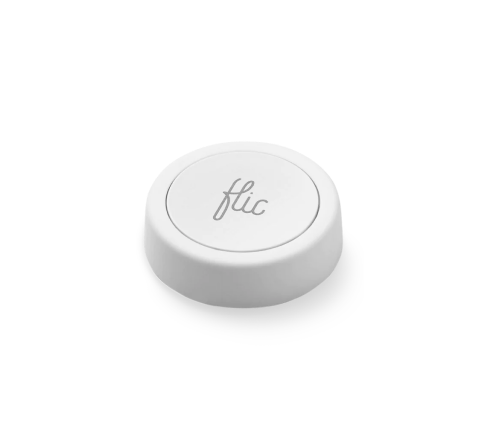
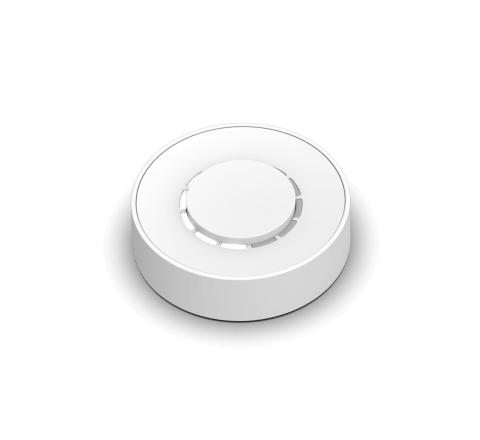
The Smartwings Integration seamlessly extends to both Flic 2 and Flic Twist devices, offering versatile control options.
With Flic 2, you have Push, Double Push, and Hold triggers. Flic Twist unlocks more possibilities, including Push, Double Push and Twist, providing multi-dimensional control for your Smartwings shades. Enhance your smart home effortlessly—combine Flic’s intuitive controls with the power of Smartwings’ Matter-supported devices and experience an elevated level of convenience
Get started with Flic and Smartwings


More Than Just a Smartwings Button
With Flic, the possibilities are endless. Explore a diverse range of integrations accessible through the Flic App or the Flic Hub.
Plus, you can even create your own unique trigger and bring your imagination to life with our Hub SDK.
Plus, you can even create your own unique trigger and bring your imagination to life with our Hub SDK.


