








The Smart Button for Leviton
Control any Leviton compatible products with a Push, or Twist.

Source: https://store.leviton.com/


Why Choose Flic for Leviton?

Tactile Simplicity
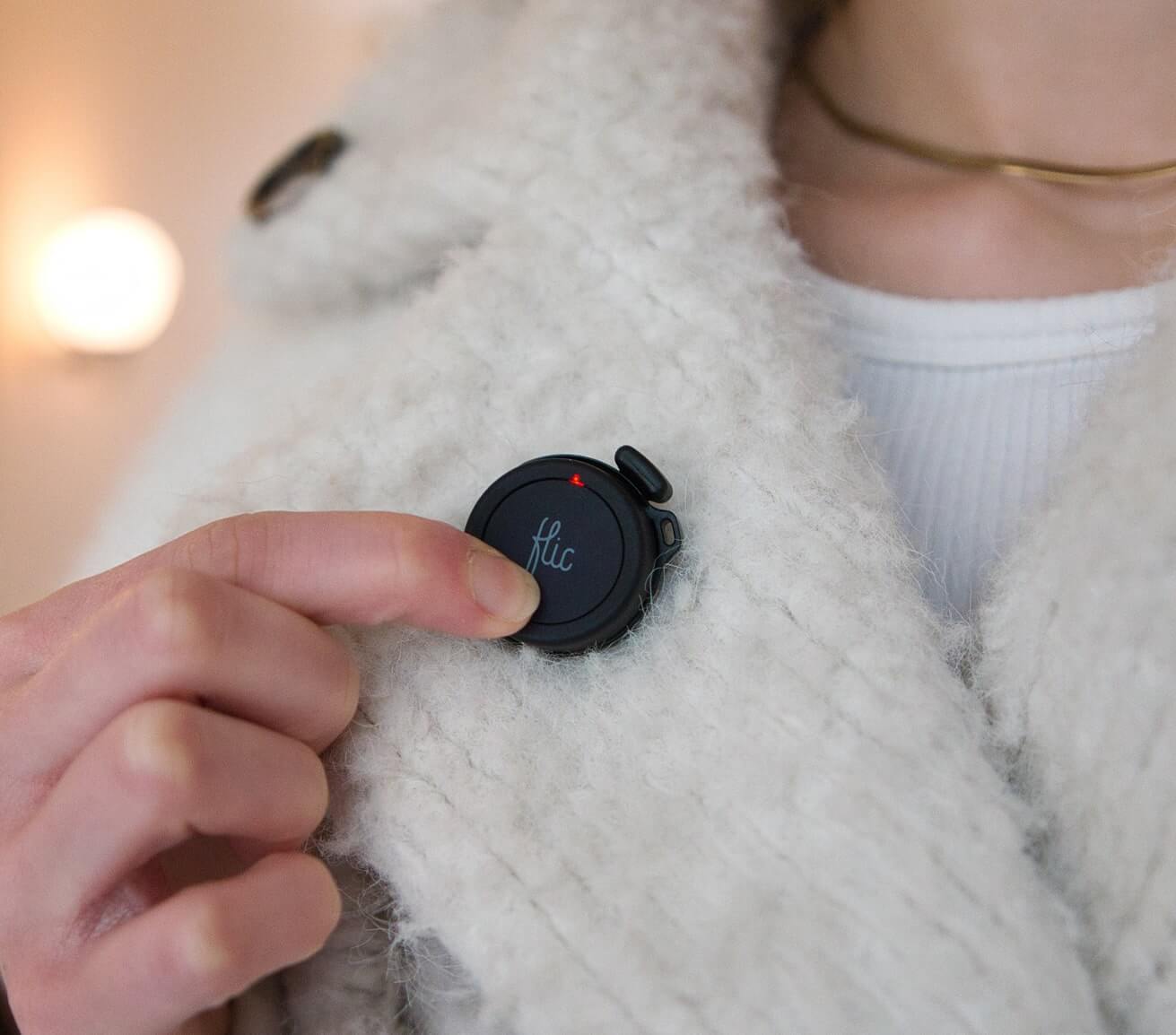
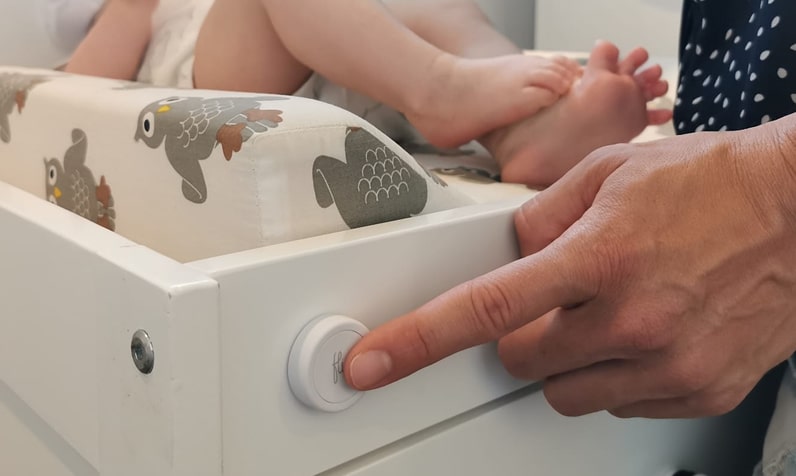
No more unlocking your phone or struggling with voice commands-just push a Flic to toggle lights, power, or adjust dimming levels. Place buttons in convenient spots around your home for instant access.

Personalized Triggers
Assign a unique function to each Flic input. For example, Push to dim lights slightly, Double push to switch off multiple Leviton dimmers at once, Hold to toggle a smart plug, or Push & Twist to fine-tune brightness or power scenarios across different rooms.

Matter Integration
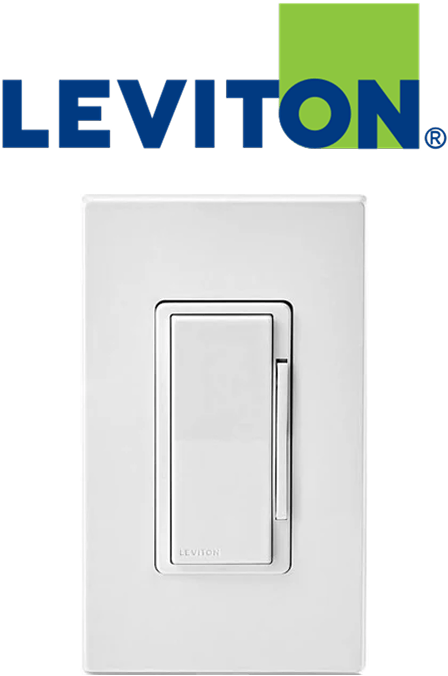
Harnessing Matter, Flic communicates reliably with Leviton Decora Smart Wi-Fi 2nd Gen products. Enjoy quick response times and consistent performance for lights, fans, and other connected devices.
Set Up Leviton with Flic through Matter
It’s simple and easy!
1
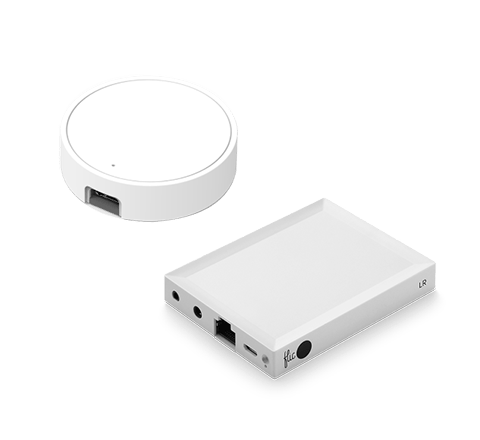
Add your Flic Hub

Ensure your Flic Hub is connected to the Flic app. If you need help, check out our quick tutorial.
2
Scan the QR Code

In the Flic app, tap on the three dots (upper right) and select Providers > Matter > Add Device, then scan the code on your Leviton product.
3
Connect to Wi-Fi

Once your device is recognized, select your Wi-Fi network in the Flic app, enter the password if prompted, and wait for the setup to complete.
4
Assign Actions

Once done, your Leviton devices are ready for Flic triggers. Tap Continue to start customizing your lighting experience!
Leviton Matter devices generally connect via Wi-Fi. If future models support Thread, they’ll be labeled accordingly. Ensure your Flic Hub LR and Leviton devices share the same Wi-Fi network for seamless operation.
Control all Matter-compatible Leviton products like Magic

Good Morning Gentle Light On
Assign a Push to slowly bring up the dimmer in your bedroom or living area, easing you into the day with a soft glow rather than a harsh blast of brightness.

Productivity Mode Double Tap Off
Use a Double Push to turn off overhead lights or reduce them to a low setting, helping you concentrate on tasks that benefit from subdued lighting—like reading or computer work.
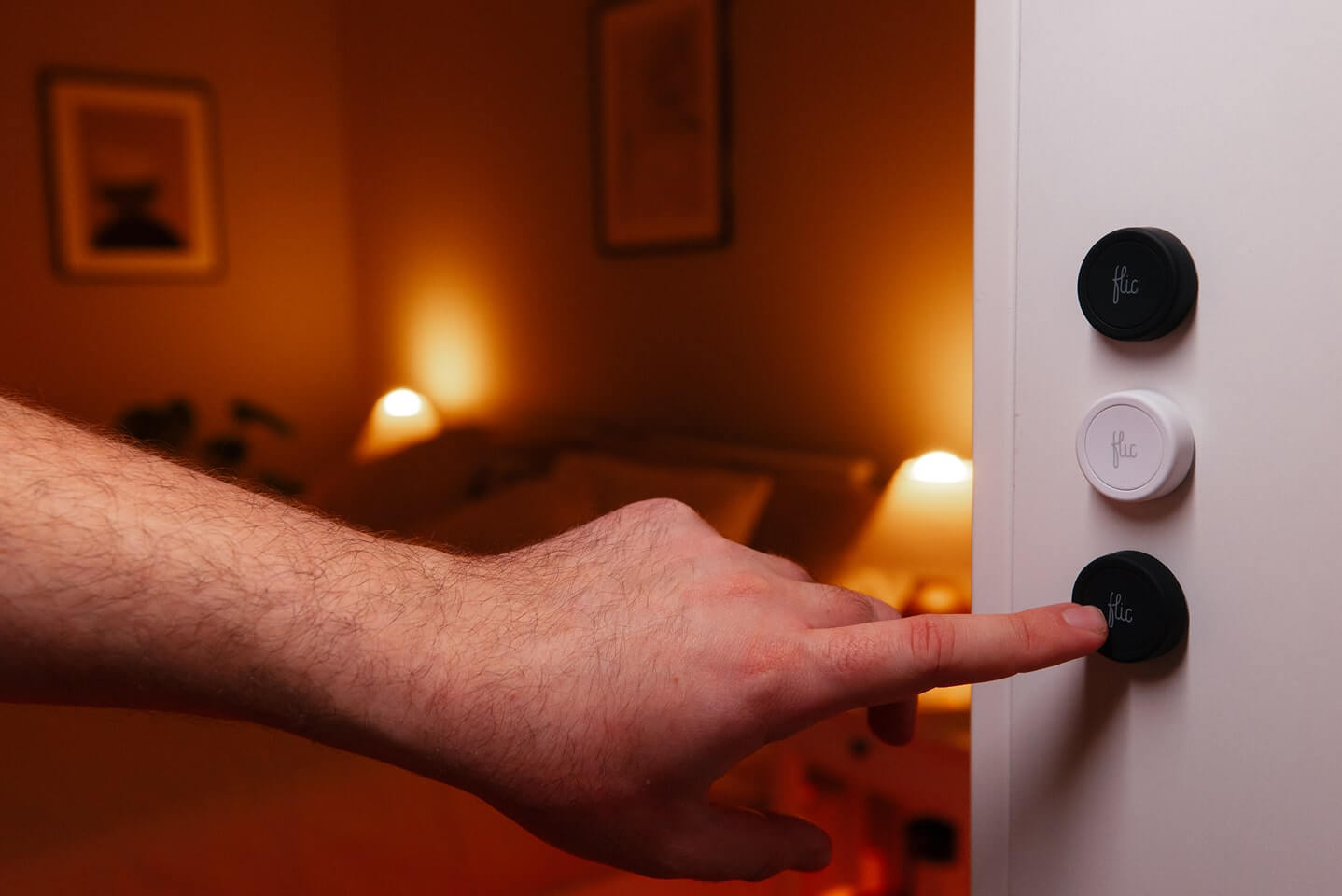
Nighttime Serenity Hold for Ambience
Hold to dim lights in the living room or bedroom to a cozy, relaxing level, ideal for unwinding with a movie or settling down for the evening.

Host & Entertain
Push & Twist to orchestrate multiple dimmers and switches throughout your home. Instantly set mood lighting in the dining room, living area, and hallway, perfect for dinner parties or social gatherings.

“I have to say I like them a lot. If you live in a household where some of you like smart home kit and others are more skeptical, these buttons could be a great way to bridge the gap.”

“There are many possibilities for using but- tons, but you can rarely find such a versatile and universal product as the Flic buttons. [...] It is hard not to recommend this product.”

“Flic is the easiest to use and best performing of the ever-increasing smart button bunch”

“If you have got a smart home setup going, you can use it to dim the lights and launch Netflix with one touch. If you are jogging at night, you can use it as a panic button, configuring it to send your location in the event of trouble. [...] You can probably use Flic to do it without taking your phone out of your pocket."

Haftet auf jeder Oberfläche
Wiederverwendbarer Klebstoff funktioniert wie ein Magnet, jedoch für jede Oberfläche.

Nimm es mit
Einfach an Kleidung, Schlüsselanhängern oder Accessoires befestigen.

Überall platzieren
Für jeden sichtbar oder heimlich versteckt.

Available with all Flic controllers
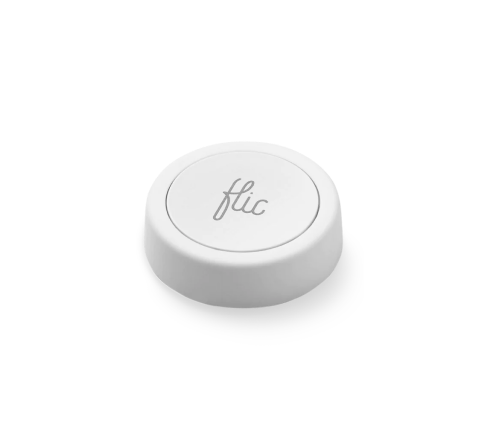
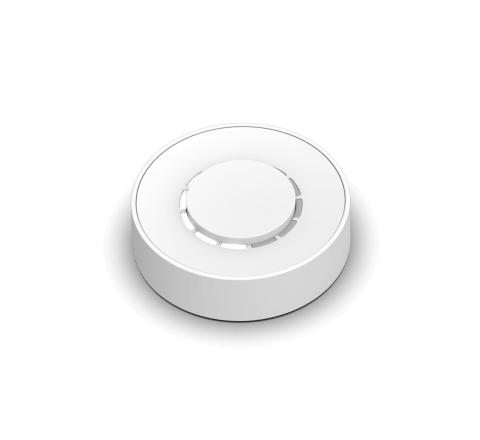
The Leviton Integration seamlessly extends to both Flic 2 and Flic Twist devices, offering versatile control options.
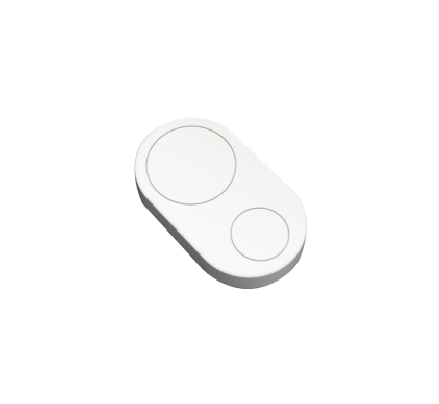
With Flic 2, you have Push, Double Push, and Hold triggers. Flic Twist unlocks more possibilities, including Push, Double Push and Twist, providing multi-dimensional control for your Leviton device. Enhance your smart home effortlessly—combine Flic’s intuitive controls with the power of Leviton’s Matter-supported devices and experience an elevated level of convenience
Get started with Flic and Leviton


More Than Just a Leviton Button
With Flic, the possibilities are endless. Explore a diverse range of integrations accessible through the Flic App or the Flic Hub.
Plus, you can even create your own unique trigger and bring your imagination to life with our Hub SDK.
Plus, you can even create your own unique trigger and bring your imagination to life with our Hub SDK.


